
Items spread across projects and locations
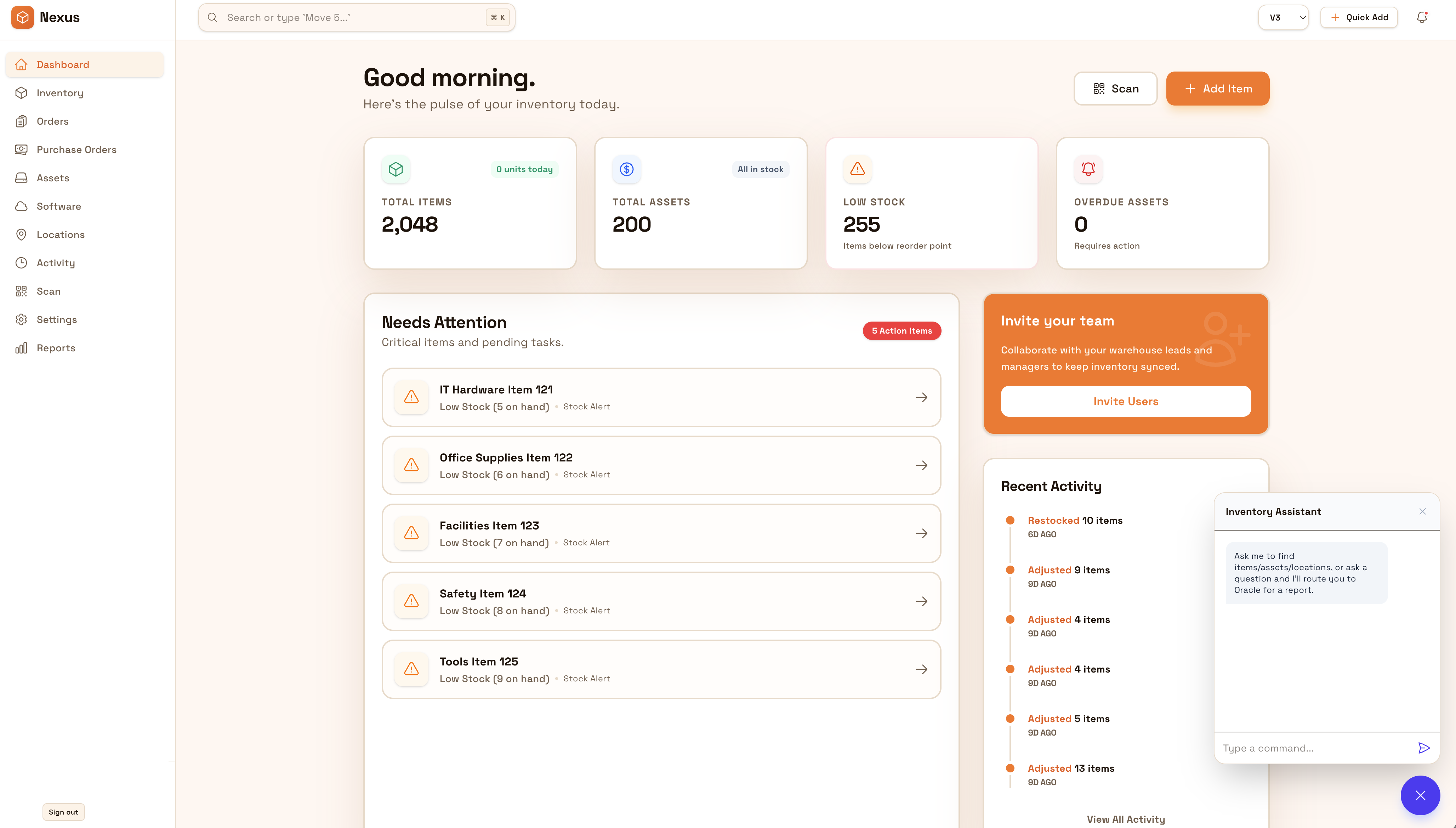
Fixtures and samples move between storage and sites. Organize by project and location so you always know what’s allocated and where it is.
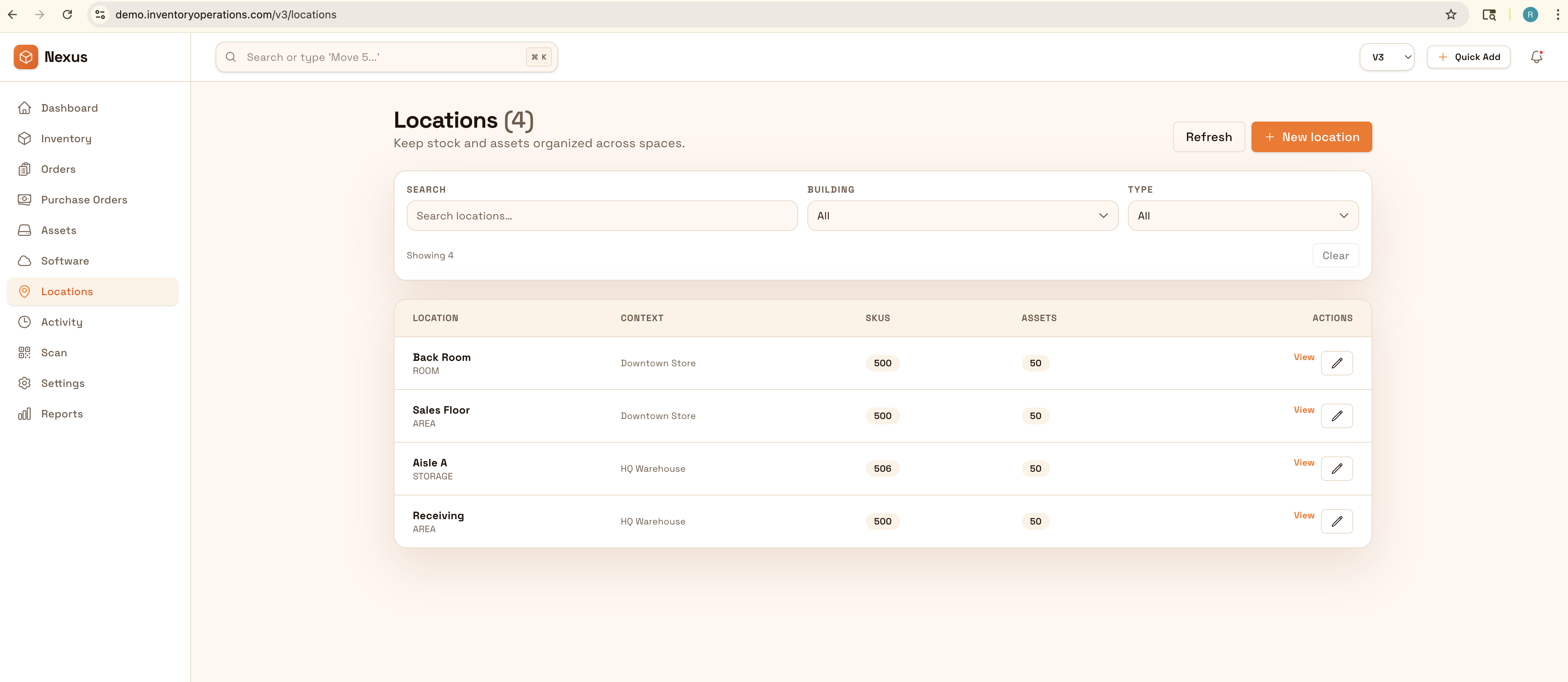
Organiza muestras, accesorios e inventario por cliente, obra y ubicación para instalaciones sin fricción. Rastrea qué está asignado a cada proyecto, qué va en tránsito y qué falta—sin sorpresas de último minuto.
Keep projects organized from studio to warehouse to client site: track fixtures, samples, and project inventory by client and location so installs run smoothly.


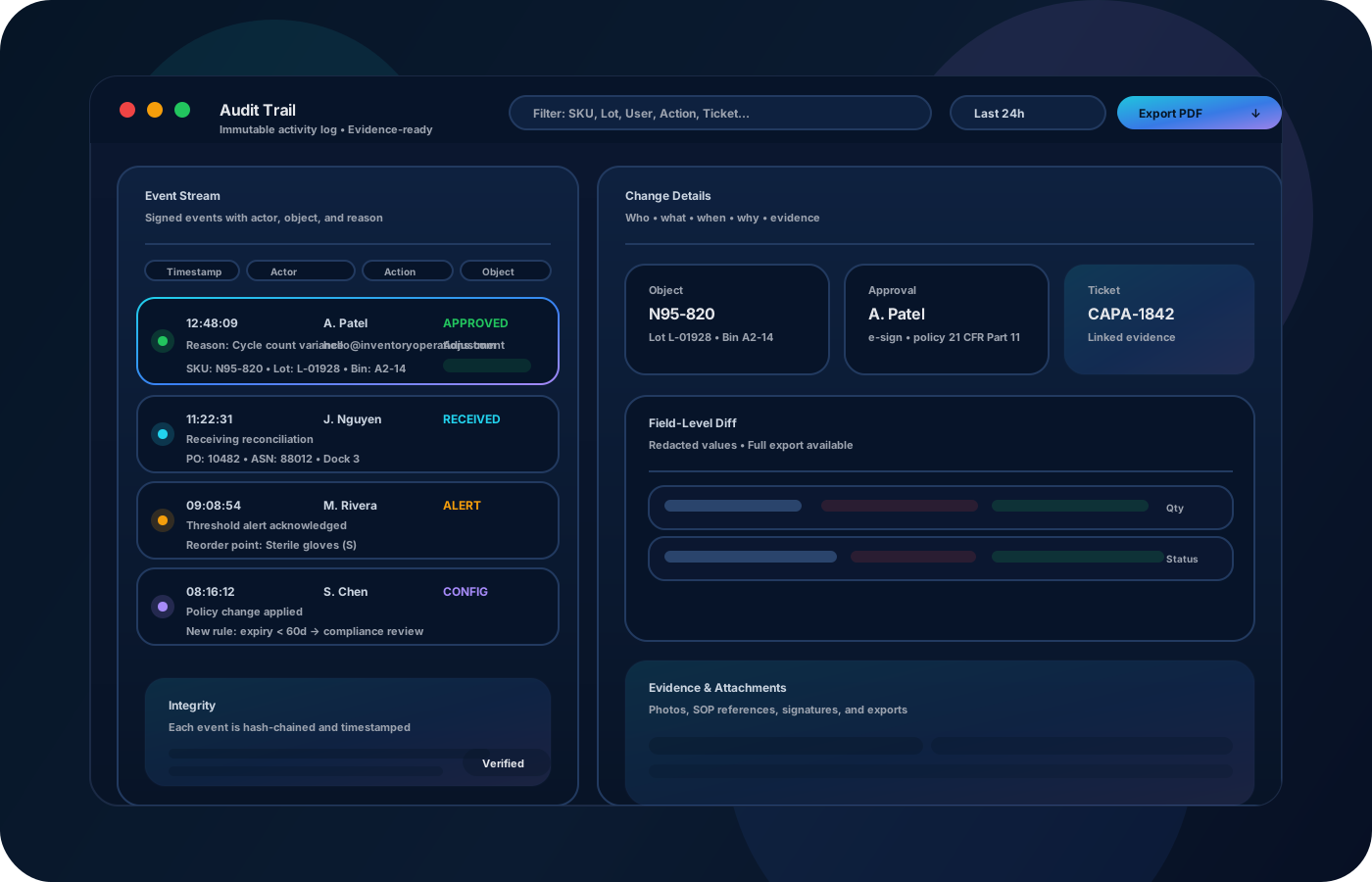
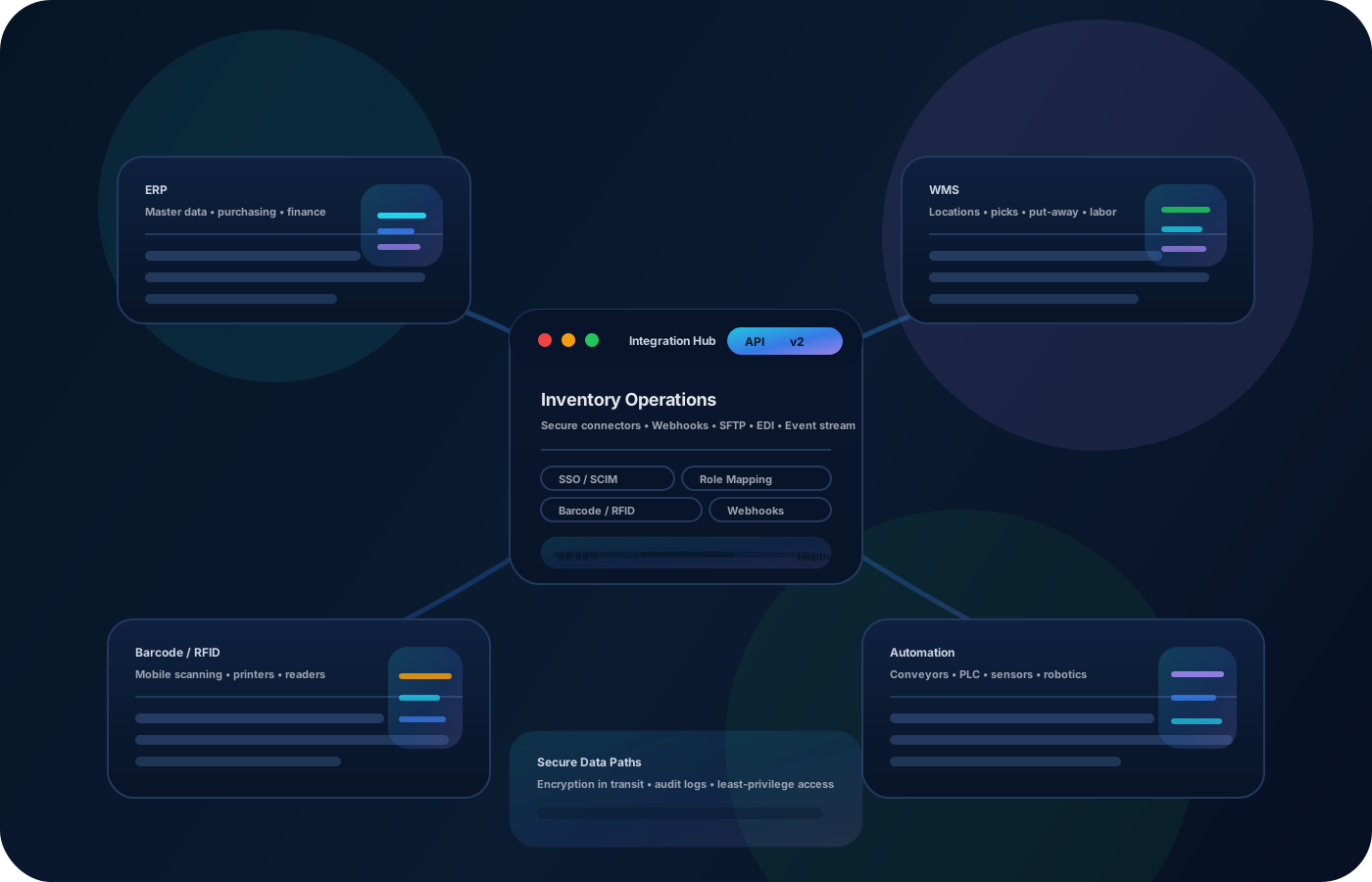
Los proyectos de interiores involucran artículos únicos, accesorios y muestras que se mueven entre estudio, almacén y obra. Las operaciones de inventario organizan por proyecto y ubicación—para que la instalación fluya y nada se pierda en tránsito.
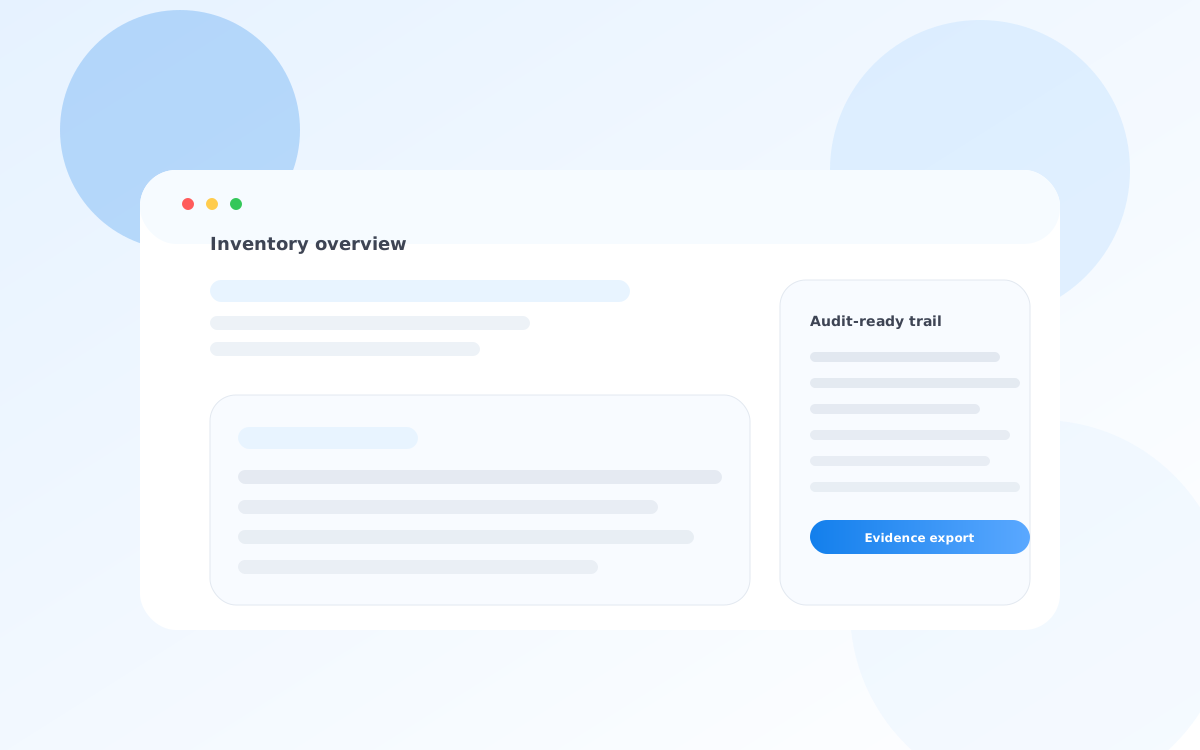
La mayoría empieza aquí. IO ayuda a reducir deriva, mejorar precisión y mantener un rastro confiable.
Fixtures and samples move between storage and sites. Organize by project and location so you always know what’s allocated and where it is.
Missing items show up at the worst time. Transfers and checklists reduce surprises and keep teams prepared.
Without clean records, closeout takes longer and repeat projects start from scratch. Exportable lists improve repeatability.
IO estandariza seguimiento, controles y evidencia—para operar con confianza entre sedes e interesados.
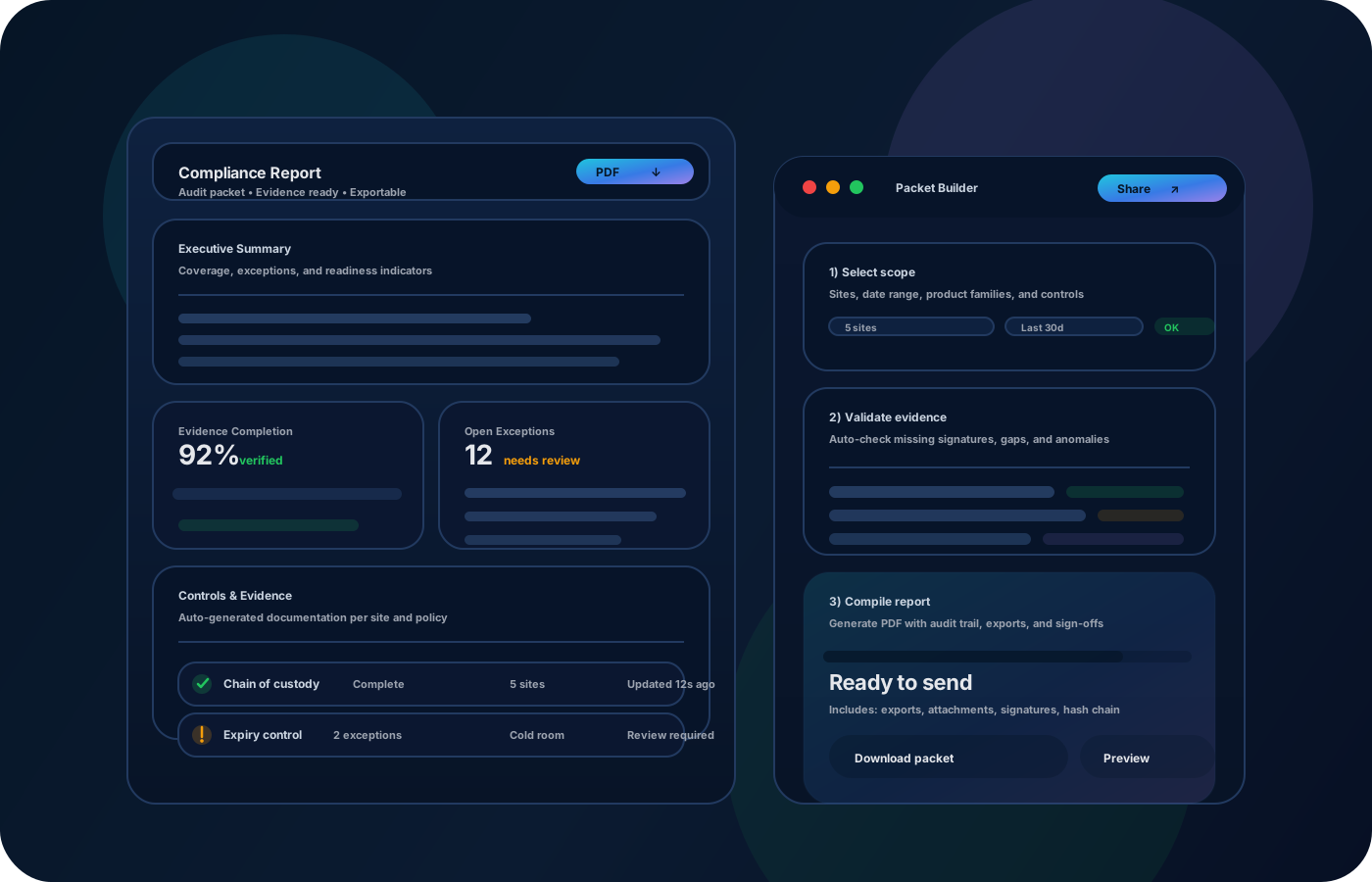
• Project inventory by client and site • Samples, fixtures, and unique items with notes • Transfers (studio ↔ warehouse ↔ client site) • Install kits and checklists • Exportable closeout lists and archives
Tag and group inventory by project so allocation is clear.
Record transfers to client sites so install-day inventory is accurate.
Confirm kits are complete before install to reduce surprises.
Export final lists for client documentation and future reference.
Cuéntanos tus requisitos de cumplimiento y operación. Recomendaremos el despliegue correcto.
Use roles for who can adjust counts or mark items missing. Keep movement history so project closeout is explainable.
Los mayores beneficios suelen ser precisión, velocidad y responsabilidad defendible.
Yes—organize inventory by project so allocation and movement are clear.
Yes—track kits and verify completeness before install.
Yes—photos and notes help capture details for one-off fixtures and samples.
Yes—exports provide clean documentation for clients and internal archives.
Start with active projects and the highest-value fixtures and samples.