
Phantom stock and wrong bin levels
If the system says parts exist but bins are empty, fulfillment and repairs stall. Accurate location structure and repeatable counts fix the root cause.
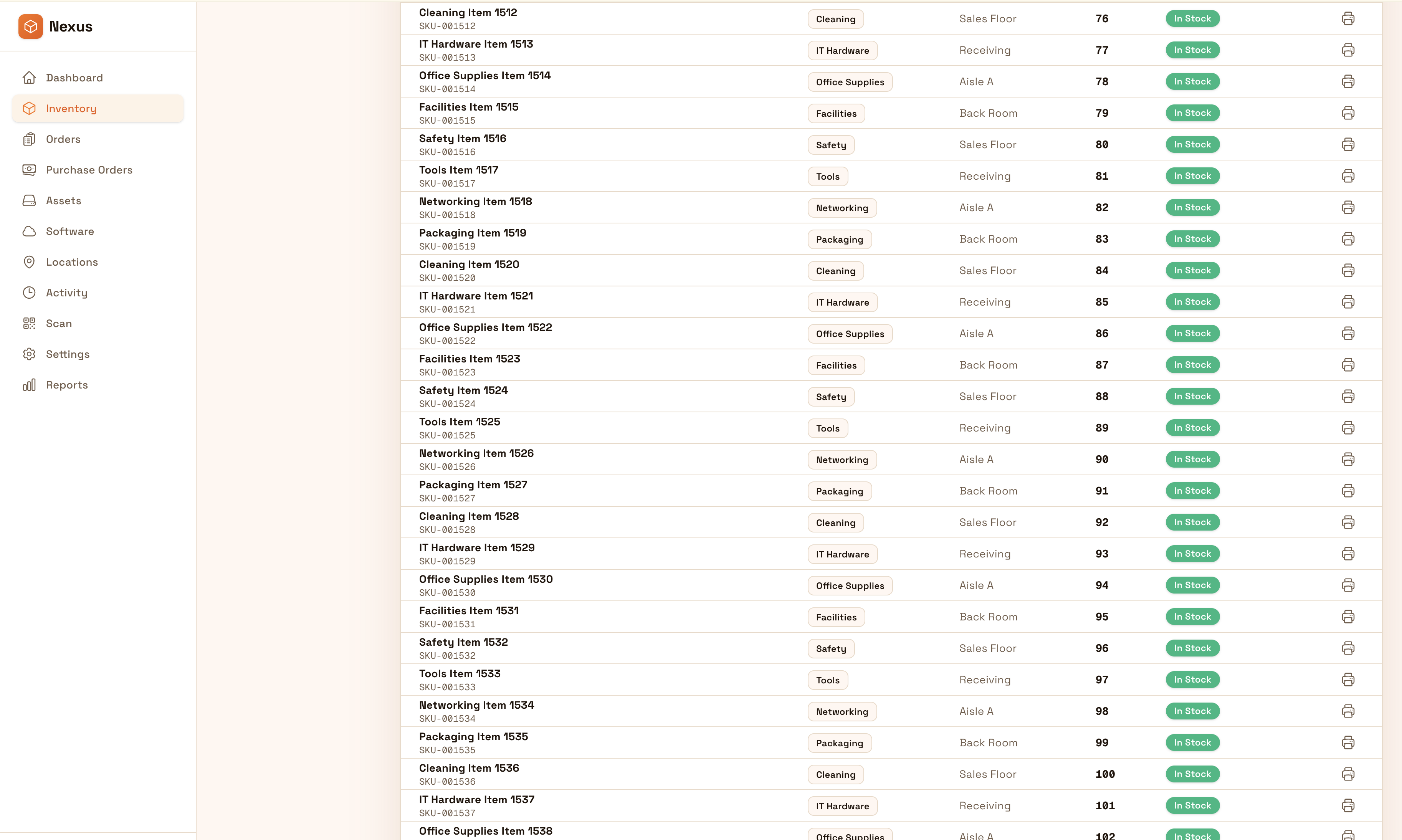
Rastrea repuestos por bin, bahía, vehículo u obra para mantener la operación. Registra uso, transferencias y ajustes con historial trazable para reducir paros por repuestos “perdidos”.
Keep parts availability reliable: track bins, transfers, usage, and adjustments with traceable history so teams reduce downtime and stop hunting for “phantom stock.”


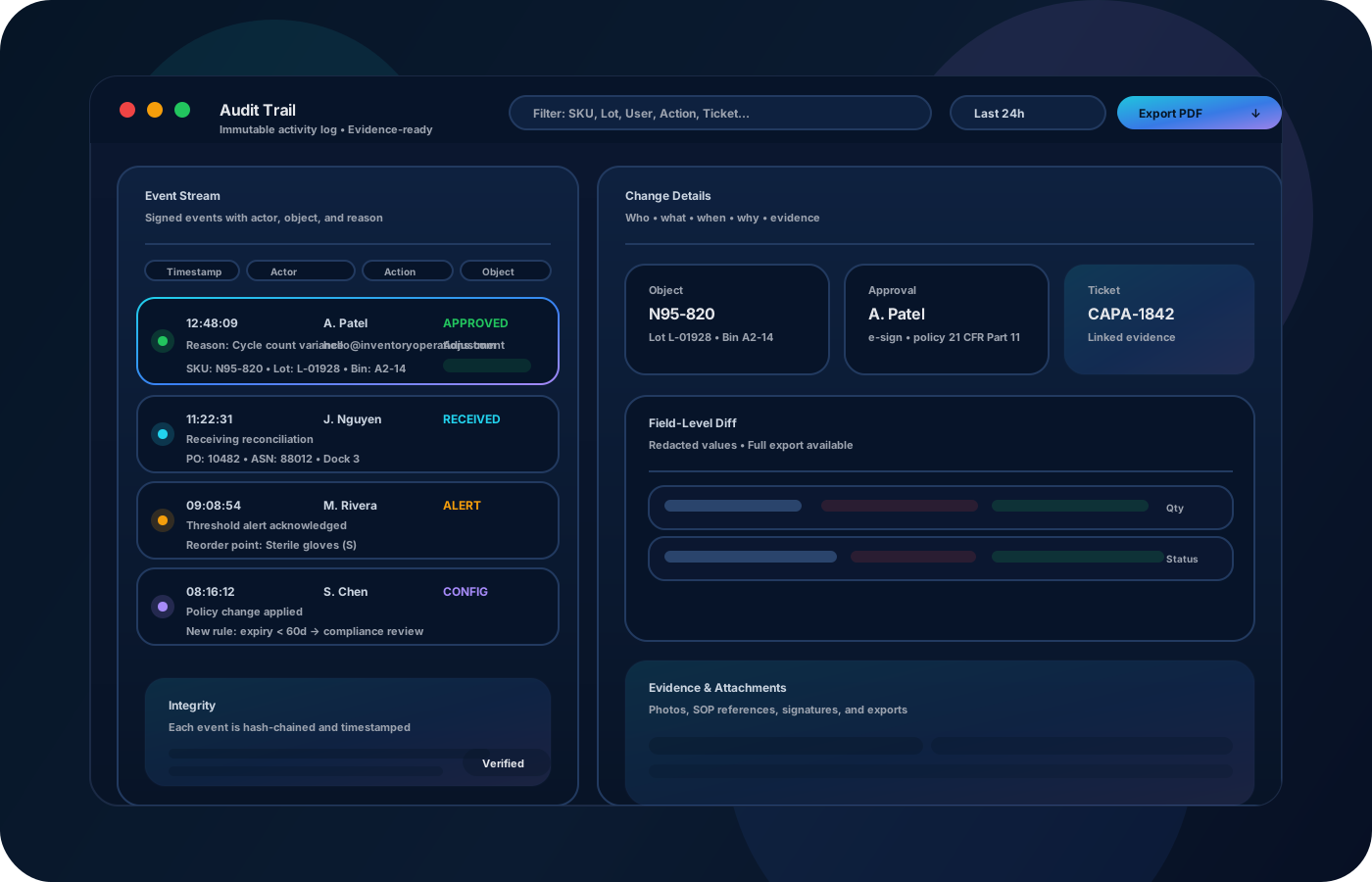
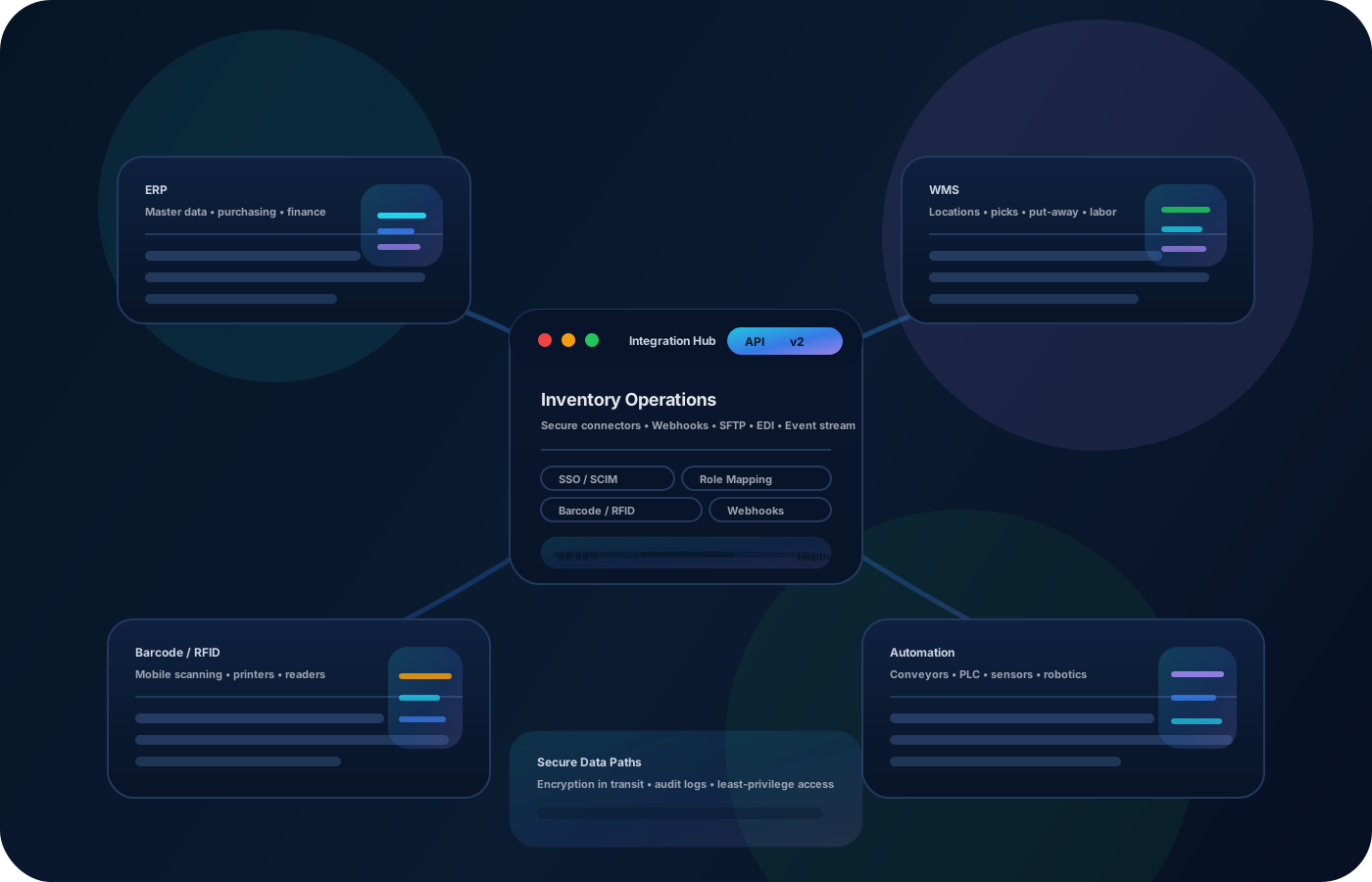
La disponibilidad de repuestos impulsa el uptime. Las operaciones de inventario mantienen repuestos precisos por ubicación, reducen “stock fantasma” y hacen transferencias y ajustes trazables—para que los técnicos pierdan menos tiempo buscando y más tiempo operando.
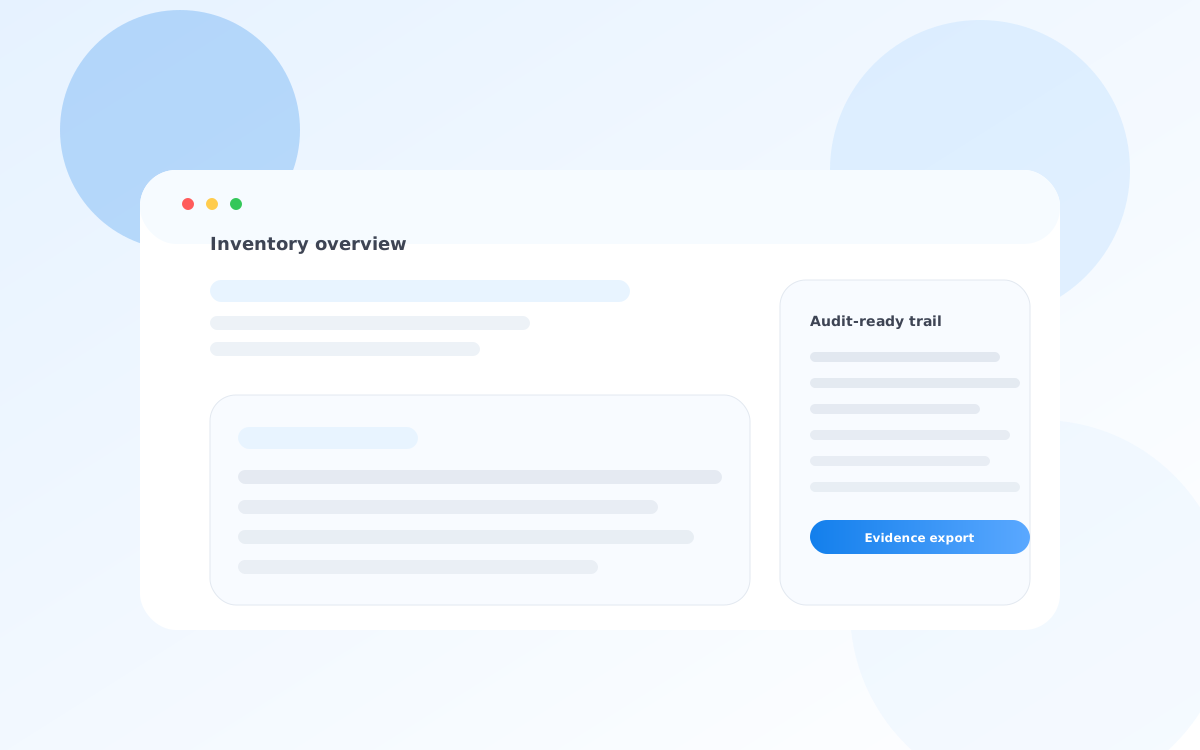
La mayoría empieza aquí. IO ayuda a reducir deriva, mejorar precisión y mantener un rastro confiable.
If the system says parts exist but bins are empty, fulfillment and repairs stall. Accurate location structure and repeatable counts fix the root cause.
Parts move between bays, trucks, and sites. Record transfers so stock stays accurate and accountability is clear.
When adjustments happen without context, reconciliation becomes guesswork. Require reasons and approvals for sensitive changes.
IO conecta ubicaciones, historial de movimientos y controles—para que equipos avancen sin perder trazabilidad.
• Parts by bin/bay/vehicle/job site • Transfers between locations and teams • Usage events and replenishment signals • Adjustments with reasons and approvals • Cycle counts and reconciliation exports
Define bins and bays so the “where” stays consistent across teams.
Capture what arrived and where it was stored so availability stays trustworthy.
Record parts moving to bays, trucks, and sites with clear destination history.
Run targeted cycle counts and document adjustments so variance is explainable and improvable.
Cuéntanos cómo operas este proceso hoy. Recomendaremos configuración y despliegue.
Use permissions for who can adjust counts or move critical parts. Preserve the movement trail so you can explain shortages, shrink, and replenishment decisions.
Export bin-level availability and variance summaries for purchasing and planning, or integrate with ERP/MRO systems to keep ordering and maintenance aligned.
Yes—model each bay, vehicle, and site as a location so availability follows the parts.
Use consistent transfers, cycle counts, and controlled adjustments so the system reflects reality.
Yes—record issues/usage events and transfers to make consumption visible for planning.
Not required, but scanning accelerates receiving, transfers, and counts while reducing errors.
Start with your highest-impact parts and most-used locations, then expand the location map over time.