
Updates happen after the fact
When updates wait for end-of-day, accuracy drops. Mobile workflows keep movements recorded when they occur.
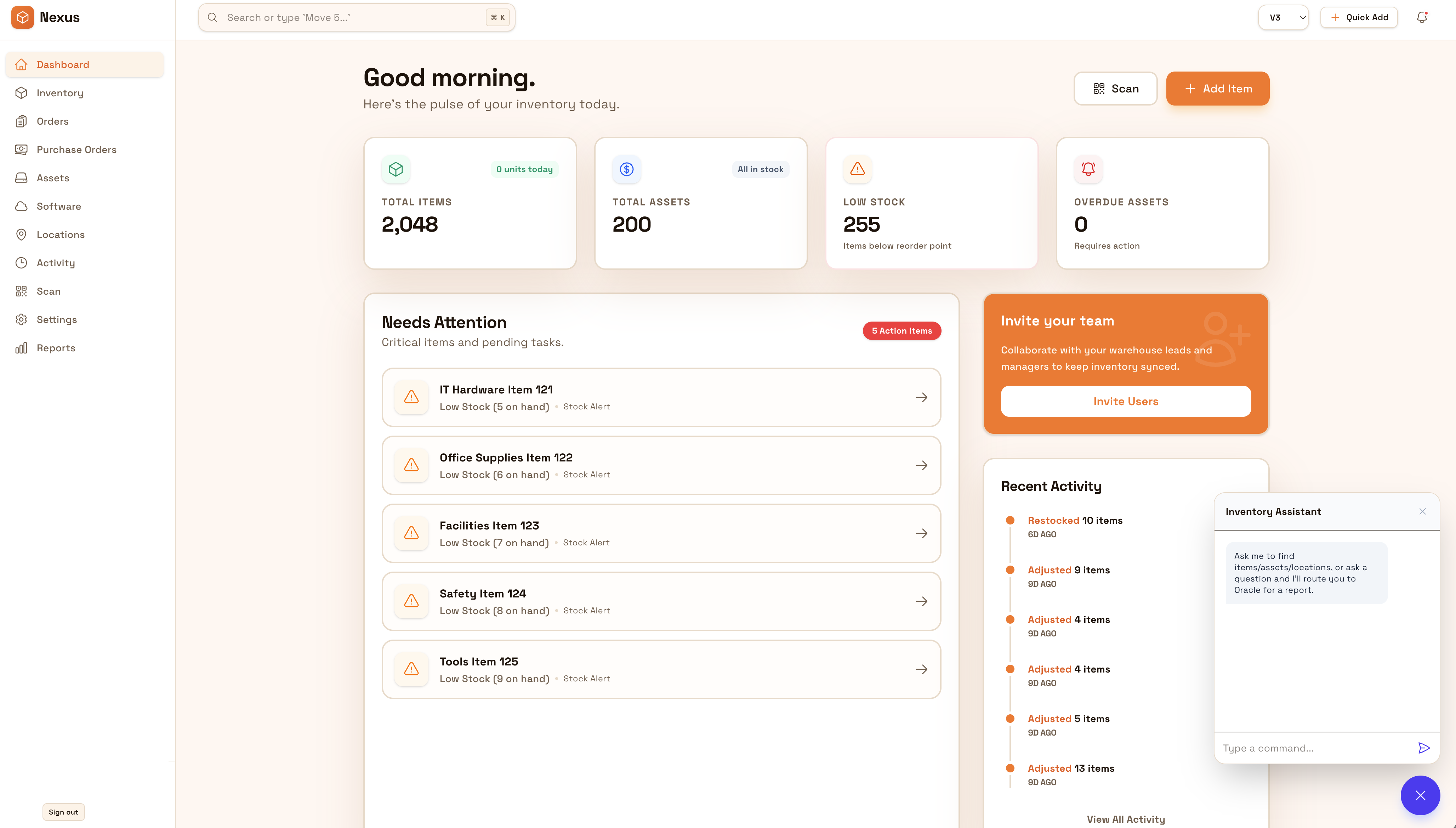
Da a equipos una forma rápida de actualizar inventario donde ocurre el trabajo—en piso, almacenes y obras. Mantén recepción, transferencias y verificaciones consistentes para datos al día sin esperar al fin de jornada.
Keep data current where work happens—on the floor, in warehouses, and on job sites. Mobile-first updates reduce lag and keep teams aligned across locations.


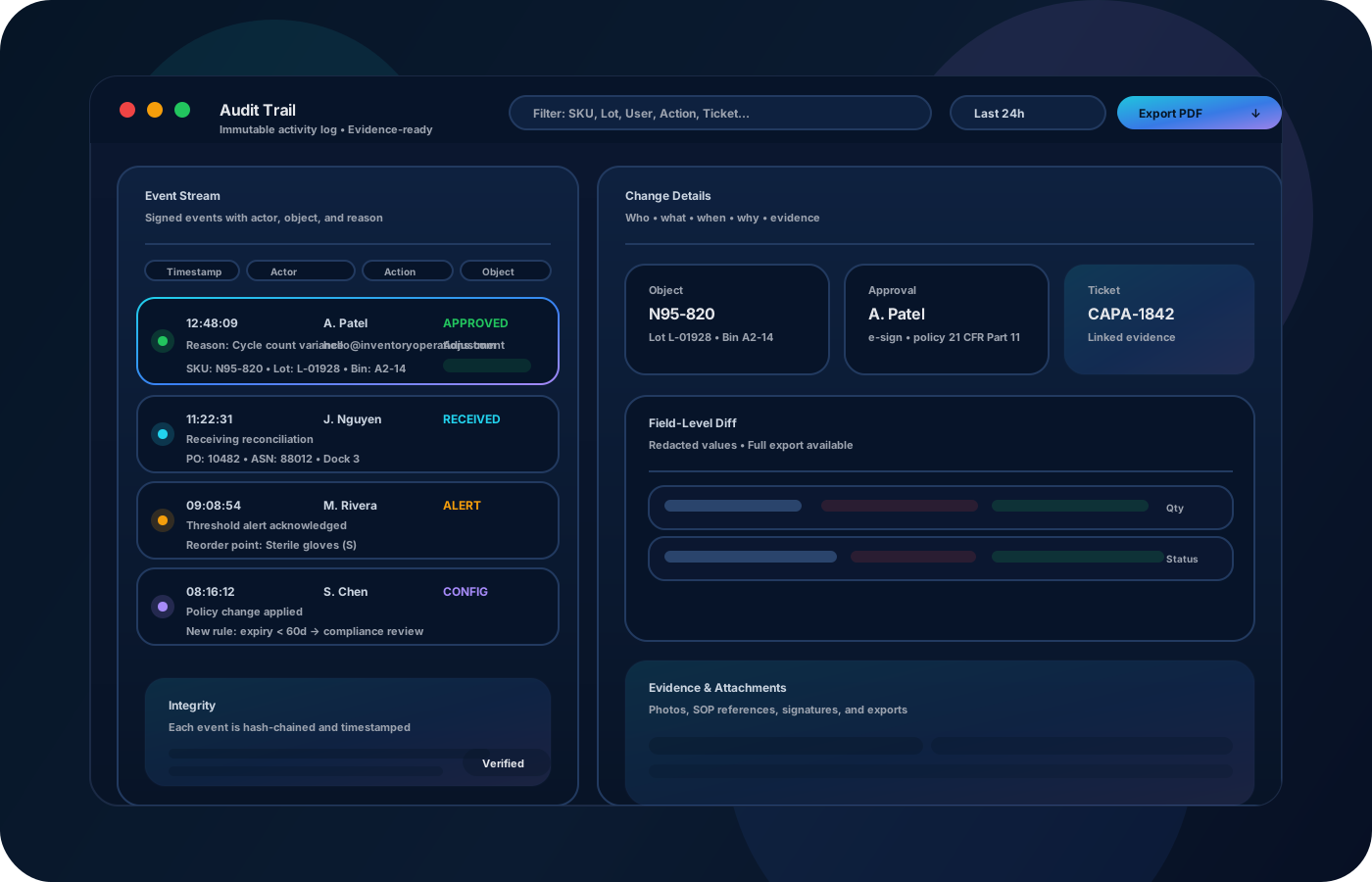
Una app de inventario importa porque el trabajo ocurre lejos del escritorio. Operaciones móviles mantienen datos al día, reducen retraso entre el piso y la oficina y estandarizan equipos entre sedes—especialmente para recepción, transferencias y verificaciones rápidas.
La mayoría empieza aquí. IO ayuda a reducir deriva, mejorar precisión y mantener un rastro confiable.
When updates wait for end-of-day, accuracy drops. Mobile workflows keep movements recorded when they occur.
Different crews do things different ways. A simple mobile workflow standardizes receiving, transfers, and spot checks.
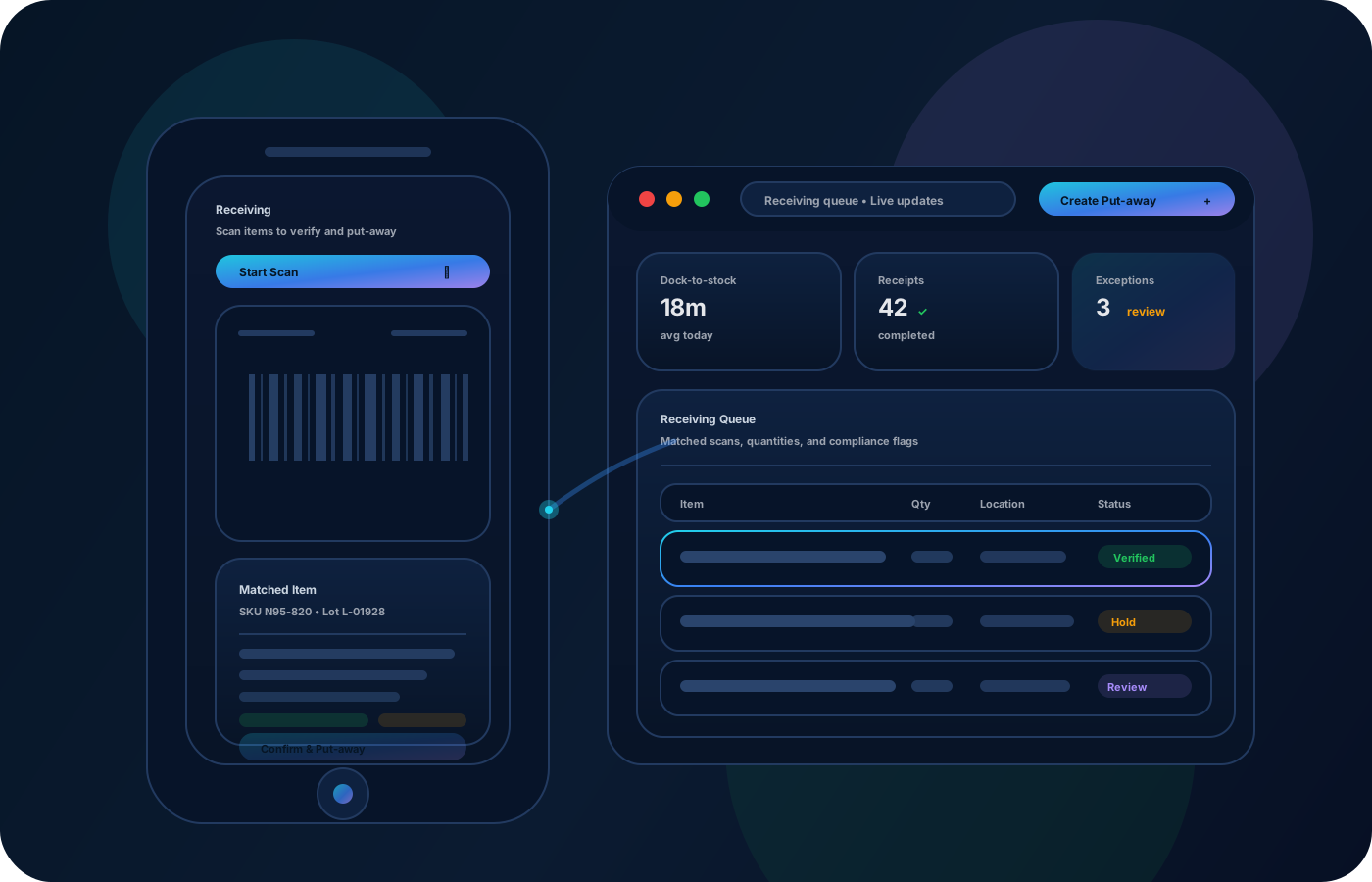
Approvals and reasons must still exist in the field. Keep controls in the workflow so evidence stays clean.
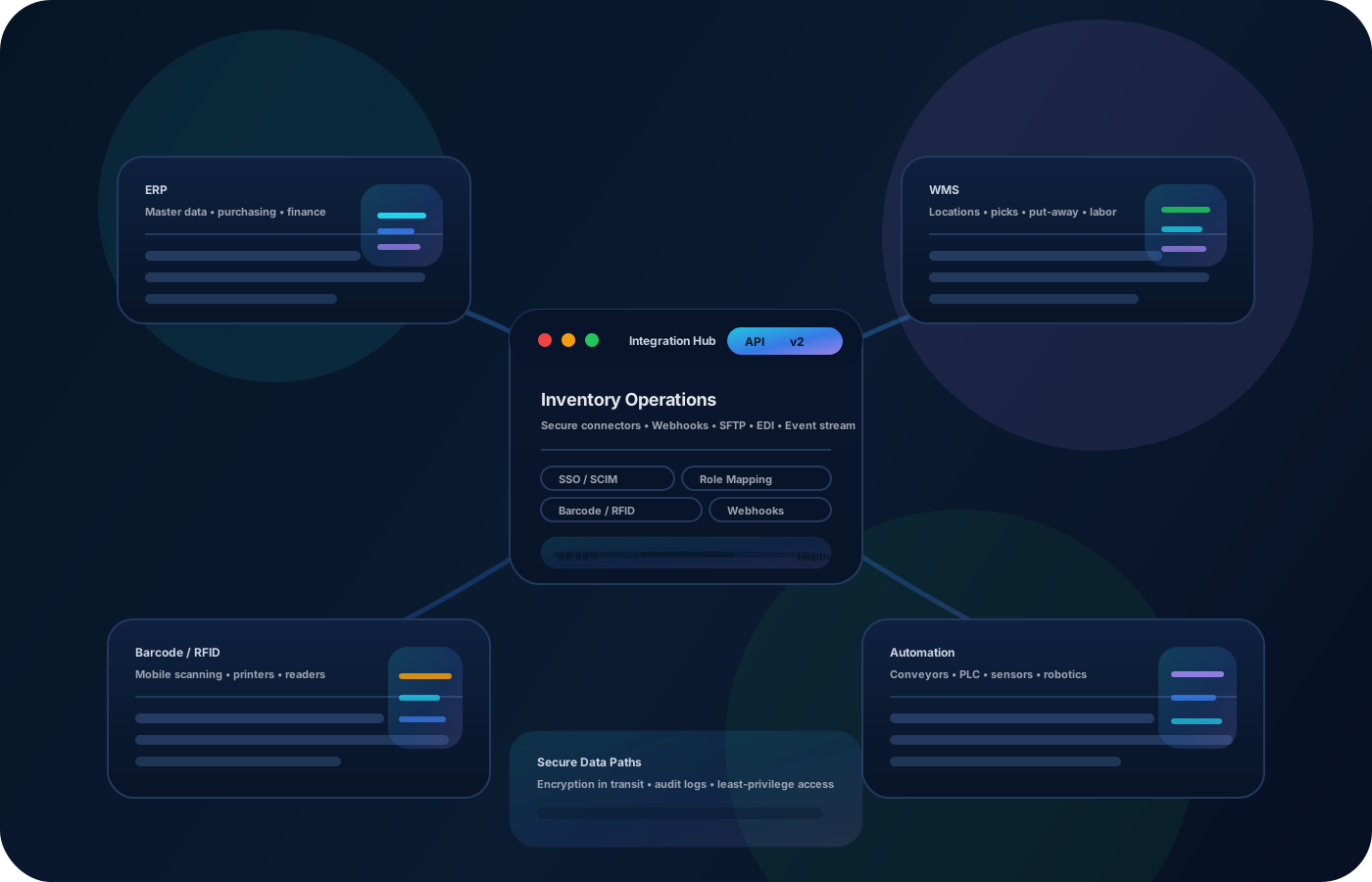
IO conecta ubicaciones, historial de movimientos y controles—para que equipos avancen sin perder trazabilidad.
• Quick updates to locations and quantities • Receiving and transfers with destinations • Spot checks and cycle counts • Photos and notes for exceptions • Exportable history for reviews
Define mobile-friendly workflows for receiving, transfers, and quick checks.
Record changes at the moment they happen to keep data trustworthy.
Capture context for damage, missing items, or unusual adjustments so review is easy.
Export activity and variance summaries so operations can refine process over time.
Cuéntanos cómo operas este proceso hoy. Recomendaremos configuración y despliegue.
Keep permissions, approvals, and required reasons in the workflow so mobile updates remain auditable and defensible.
Export mobile activity history for audits and reporting, or integrate with your operational stack so downstream systems stay aligned.
It complements them—mobile is ideal for receiving, transfers, and quick checks where work happens.
Yes—scan-first workflows reduce errors and speed up movement recording.
Standardize a small set of core actions and require destinations/reasons for key changes.
Yes—use photos and notes to document exceptions so reviews are straightforward.
Start with receiving + transfers on mobile, then add counts, exceptions, and reporting.