
Manual entry creates errors
Typing and spreadsheet workflows introduce mistakes. Scanning reduces friction and keeps history clean.
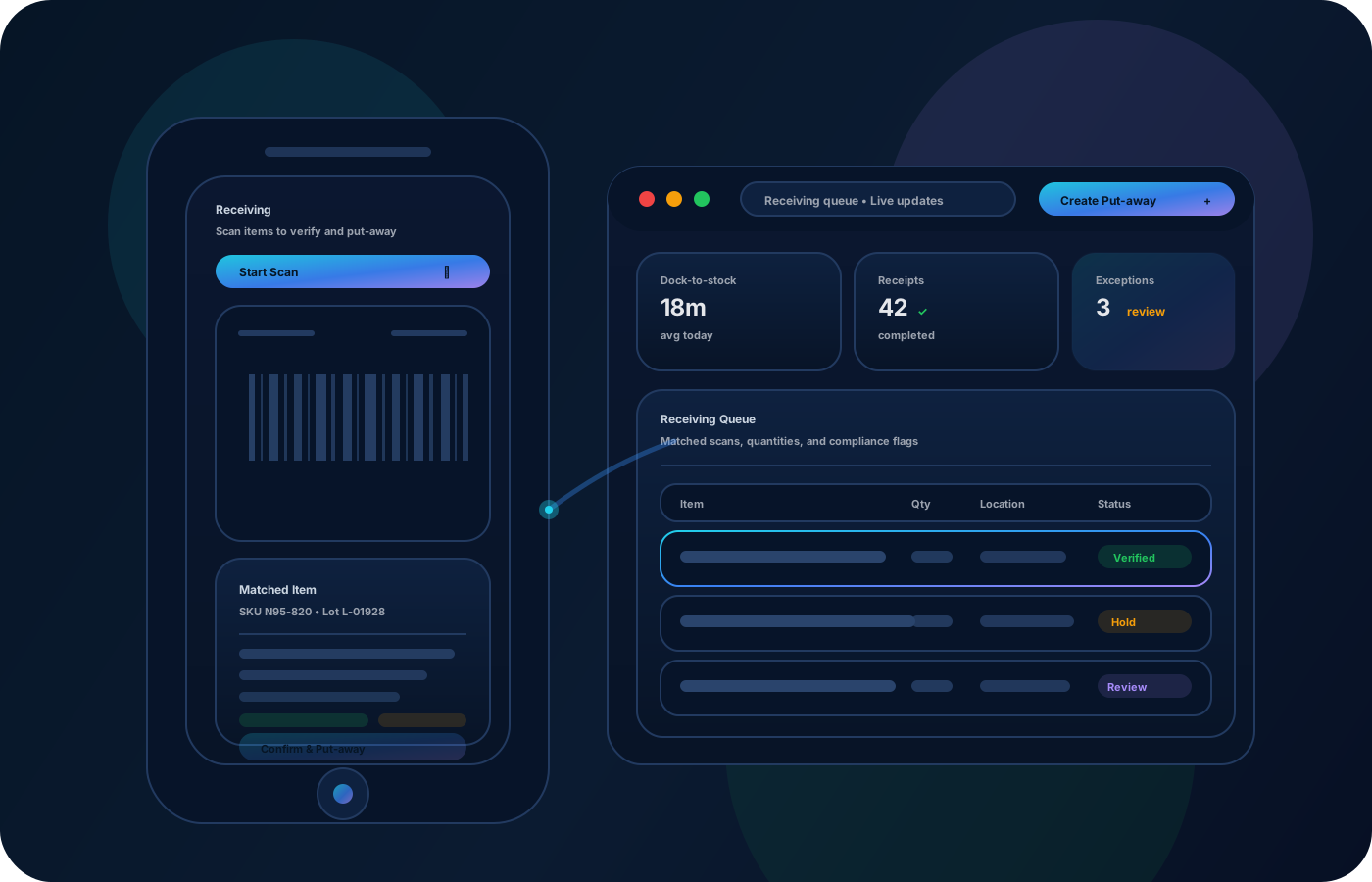
Scannez pour réception, transferts et comptages cycliques afin de réduire la saisie et les erreurs. Allez plus vite tout en gardant un historique propre et auditable pour enquêtes, rapprochements et revues.
Speed up operations without sacrificing accuracy. Scan receiving, transfers, and counts to reduce manual entry and preserve clean, auditable movement history.


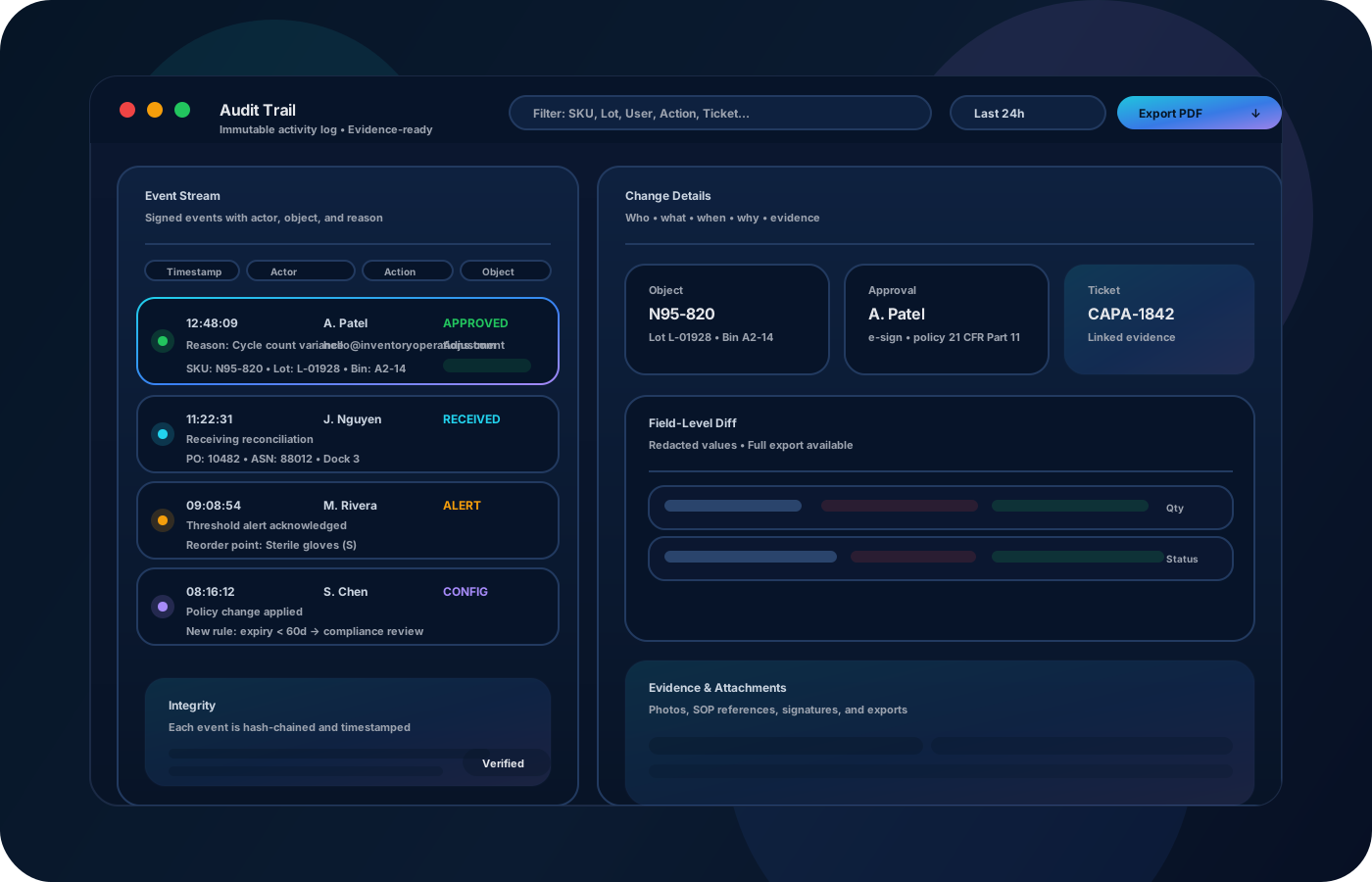
Les workflows code-barres réduisent la saisie manuelle et gardent un historique propre. Les opérations centrées sur le scan accélèrent réception, transferts, comptages cycliques et audits—avec une traçabilité fiable quand des écarts apparaissent.
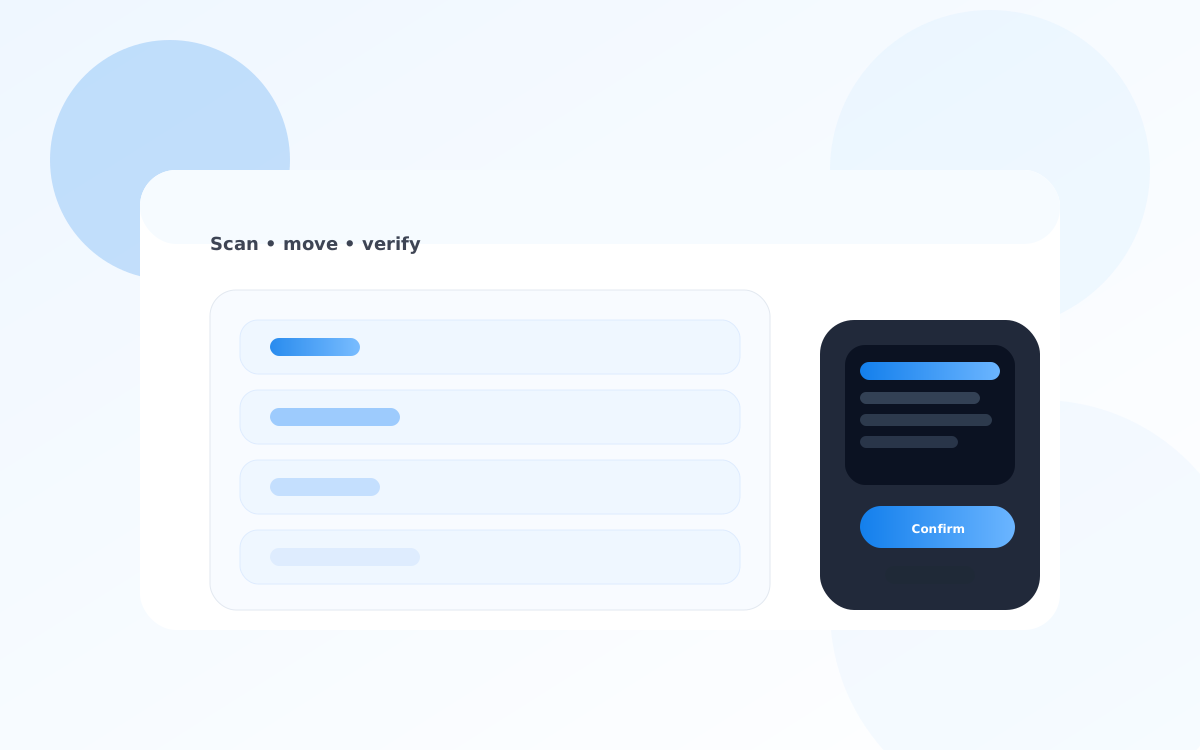
La plupart commencent ici. IO réduit la dérive, améliore la précision et maintient une piste fiable.
Typing and spreadsheet workflows introduce mistakes. Scanning reduces friction and keeps history clean.
If barcodes aren’t standardized, scanning breaks down. Establish simple labeling rules for items and locations.
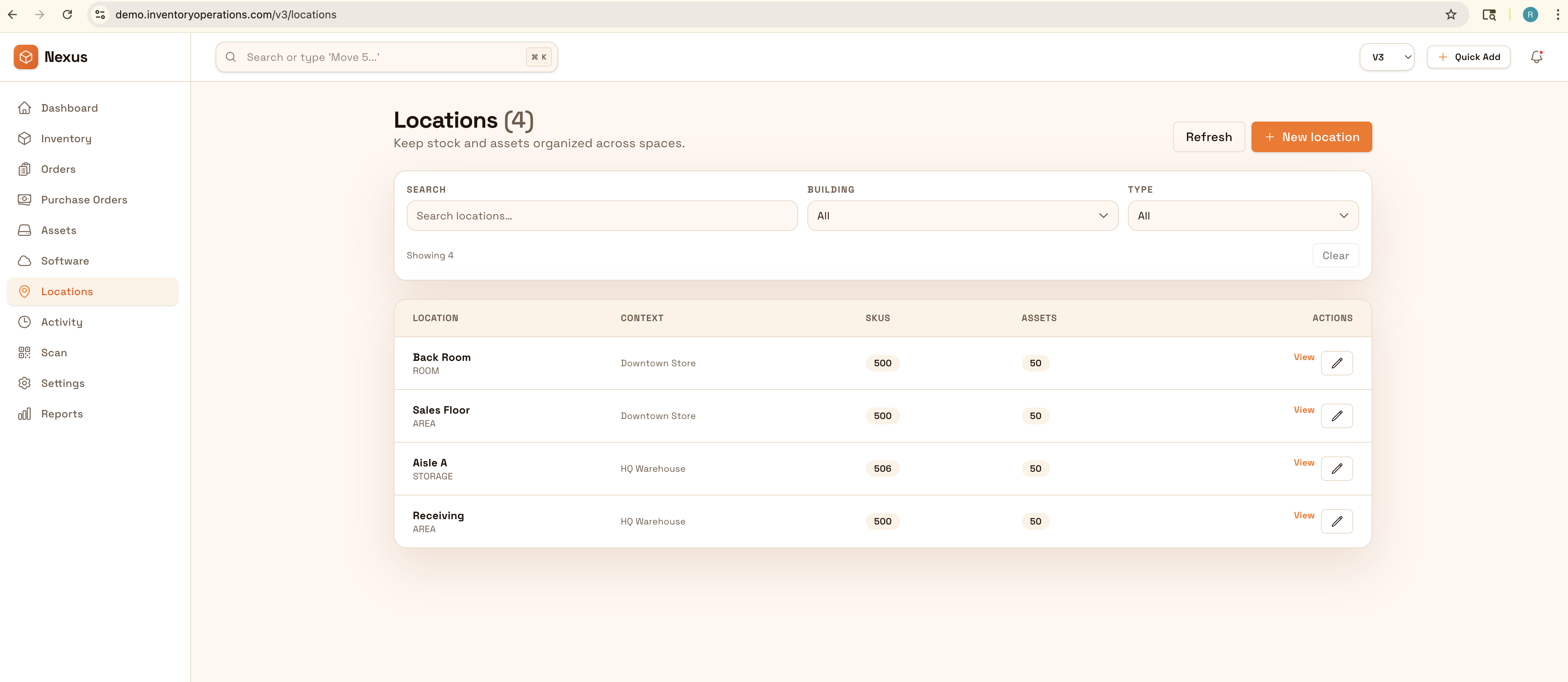
When the workflow isn’t traceable, reviews are slow. Scanning-first workflows produce a reliable trail by default.
IO relie emplacements, historique des mouvements et contrôles—pour aller plus vite sans perdre la traçabilité.
• Item and location scans for receiving and put-away • Transfer scans with source/destination locations • Cycle count scans with reconciliation notes • Exceptions (damage, missing) with reason codes • Exports for reviews and downstream systems
Use consistent labels so scanning works the same across teams and sites.
Scan what arrived and where it was placed to keep availability accurate from day one.
Use scanning for moves and cycle counts to reduce errors and speed up operations.
Use exports and reports to support reviews, reconciliations, and investigations.
Décrivez votre processus actuel. Nous recommanderons la bonne configuration et le déploiement.
Scanning creates structured events. Combine that with permissions and approvals for sensitive changes to keep evidence defensible.
Export scan-based movement history for reporting or integrate with warehouse systems to keep downstream records aligned.
Not necessarily—many workflows work with standard barcode scanners and mobile devices.
Start with locations and your highest-volume items so the workflow stabilizes quickly.
Yes—but scanning reduces errors and creates cleaner history for audits and reconciliation.
Yes—scan-based counts are faster and reduce mismatches caused by manual entry.
Define simple naming and label rules (sites → zones → bins) and apply them everywhere.