
Tools “walk” between jobs
Tools move between crews and sites without a reliable trail. Record handoffs so the last known location and custodian are always visible.
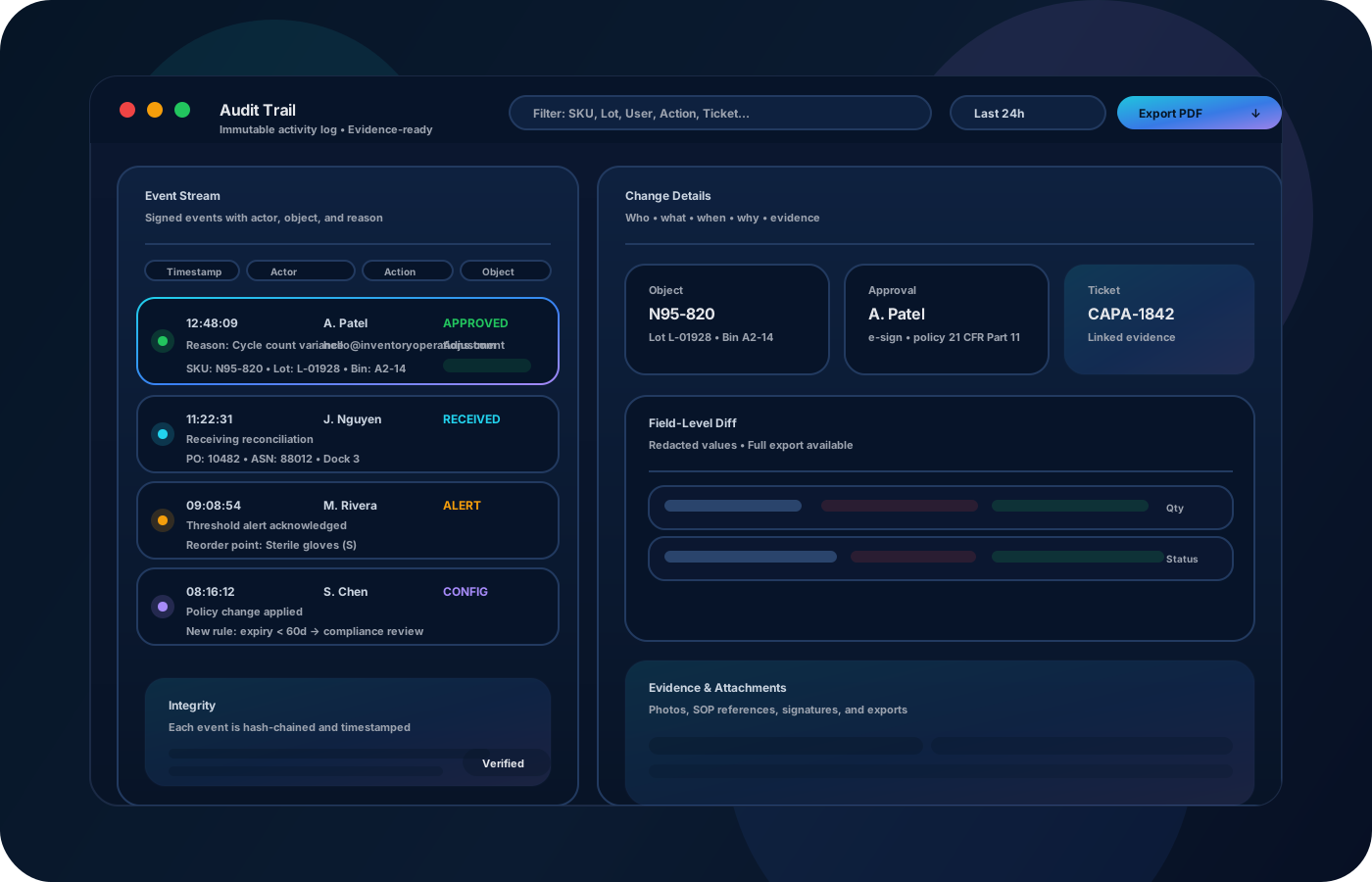
Sachez qui a quel outil, où il est et ce qui a bougé entre équipes et sites—sans tableurs. Standardisez sorties, retours et transferts pour une responsabilité claire et moins de pertes.
Reduce tool loss and “where is it” downtime: standardize check-outs, returns, and transfers across crews so accountability is clear and handoffs are fast.


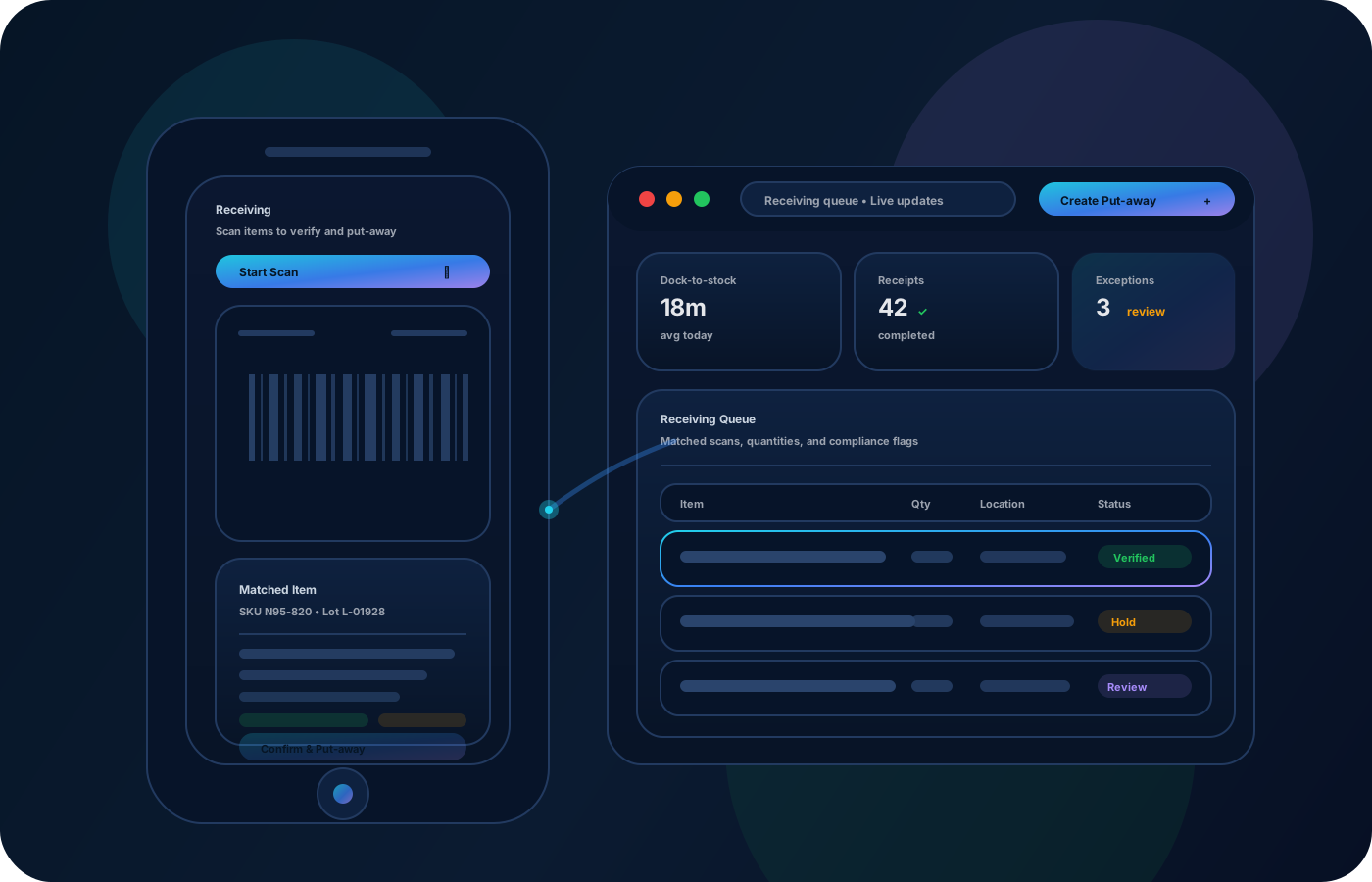
Le suivi des outils réduit les pertes entre équipes et sites. Les opérations d’inventaire standardisent sorties, retours et transferts pour enregistrer chaque passation, clarifier la responsabilité et répondre “qui l’avait” en quelques secondes.
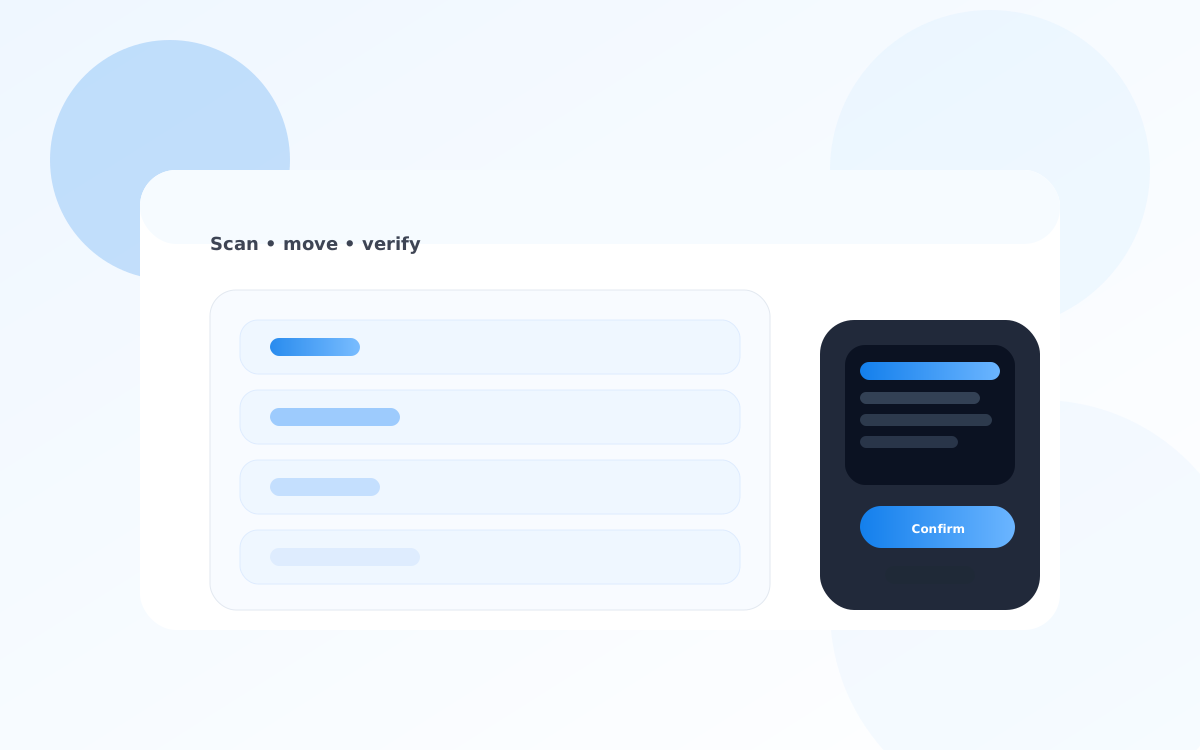
La plupart commencent ici. IO réduit la dérive, améliore la précision et maintient une piste fiable.
Tools move between crews and sites without a reliable trail. Record handoffs so the last known location and custodian are always visible.
When kits aren’t tracked, teams scramble. Track kits and assignments so jobs start with the right gear.
Replacing tools gets expensive when losses aren’t explainable. Use approvals and reports to reduce repeat loss patterns.
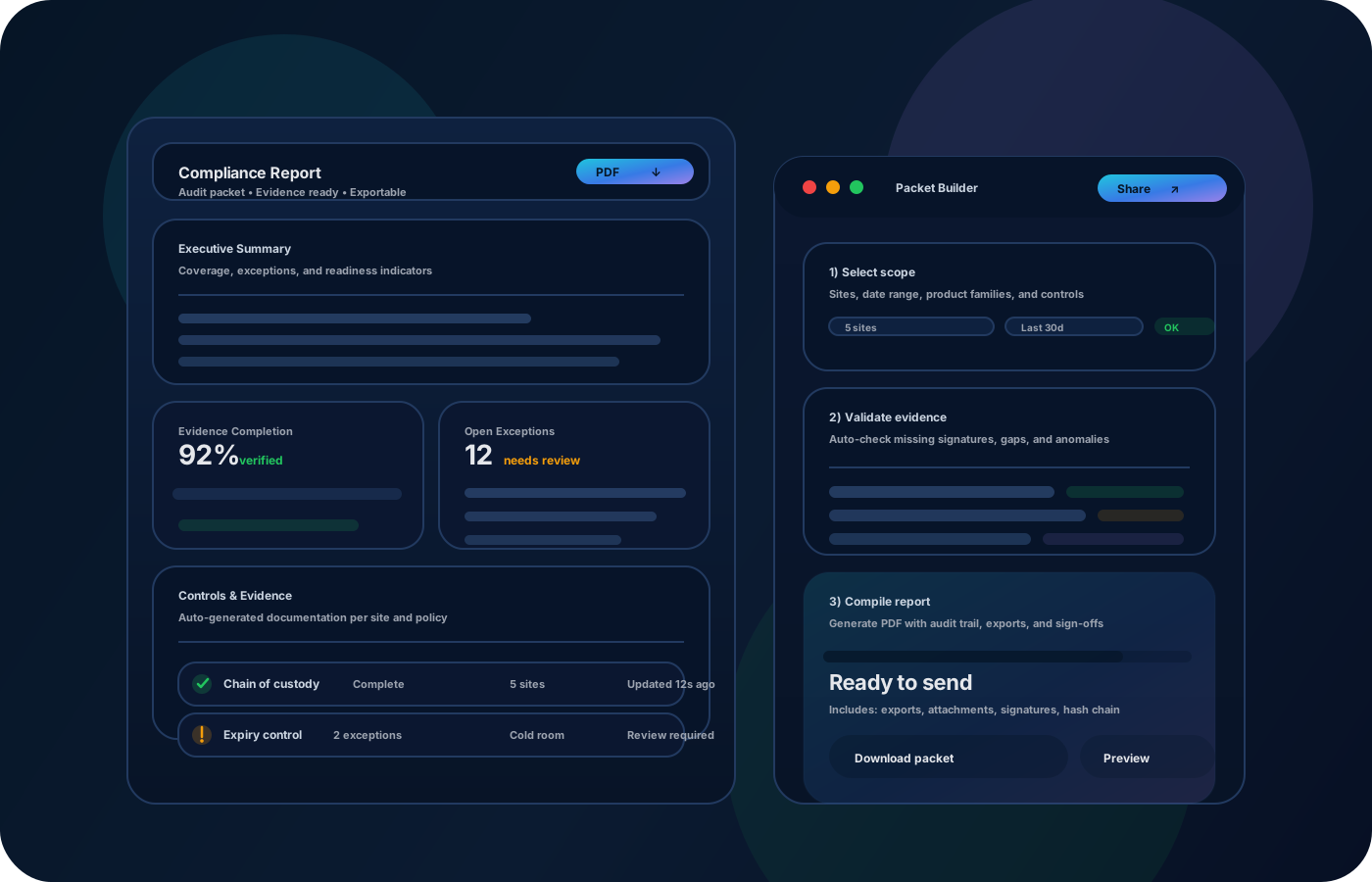
IO relie emplacements, historique des mouvements et contrôles—pour aller plus vite sans perdre la traçabilité.
• Tools by crew, truck, job site, or warehouse • Check-outs/returns with custodian history • Kit composition and component tools • Exceptions (lost, damaged) with notes • Exports for replacement planning and reviews
Model trucks, cages, and sites so tools always have a “home” and a current location.
Record custody events so accountability is automatic and handoffs stay fast.
Capture transfers with source/destination so you can trace movement across projects.
Export reports to spot recurring loss points and tighten process where needed.
Décrivez votre processus actuel. Nous recommanderons la bonne configuration et le déploiement.
Limit who can mark tools lost or retired, and require notes for exceptions. Keep a full custody and movement history to support accountability.
Export tool assignments, custody history, and loss summaries for operations reviews. Integrate with purchasing workflows to streamline replacement when needed.
Yes—treat each truck/crew/site as a location so tool availability is always visible.
Yes—custody events record who took a tool, when, and when it returned.
Track kits and components so you can verify that full kits are ready before jobs.
Accountability plus repeatable handoffs is the biggest driver. Reporting helps find where drift happens.
Start with your highest-value tools and the main truck/site locations, then expand to full inventory.