
You can’t find items when you need them
Items spread across rooms and storage areas. A simple location structure makes retrieval fast.
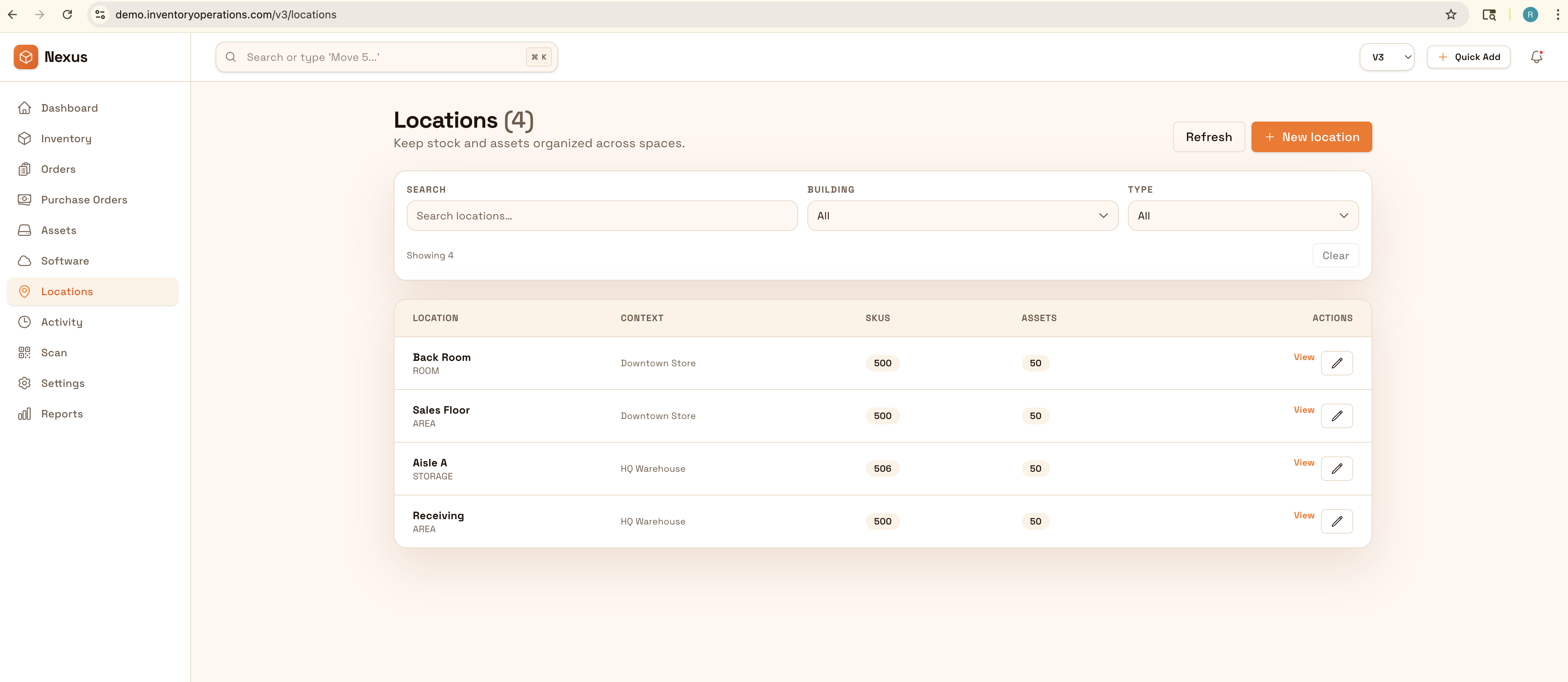
Organisez les articles par pièce et emplacement de stockage avec photos, notes et reçus. Exportez des listes propres pour déménagement, assurance, ou pour retrouver vite ce dont vous avez besoin—sans fouiller.
Know what you own and where it lives: organize by room and storage location, attach photos and receipts, and export clean lists for moves or insurance.


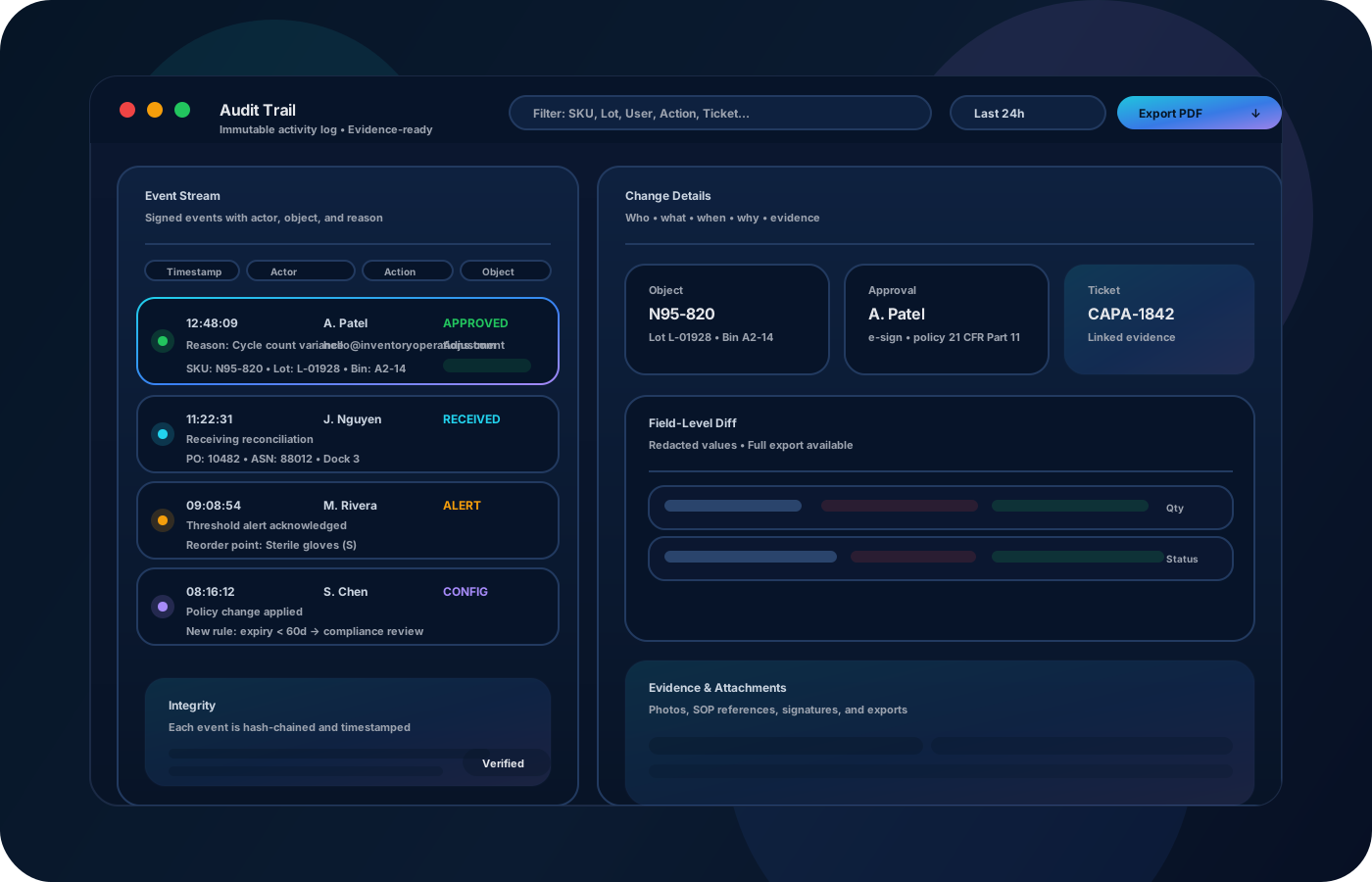
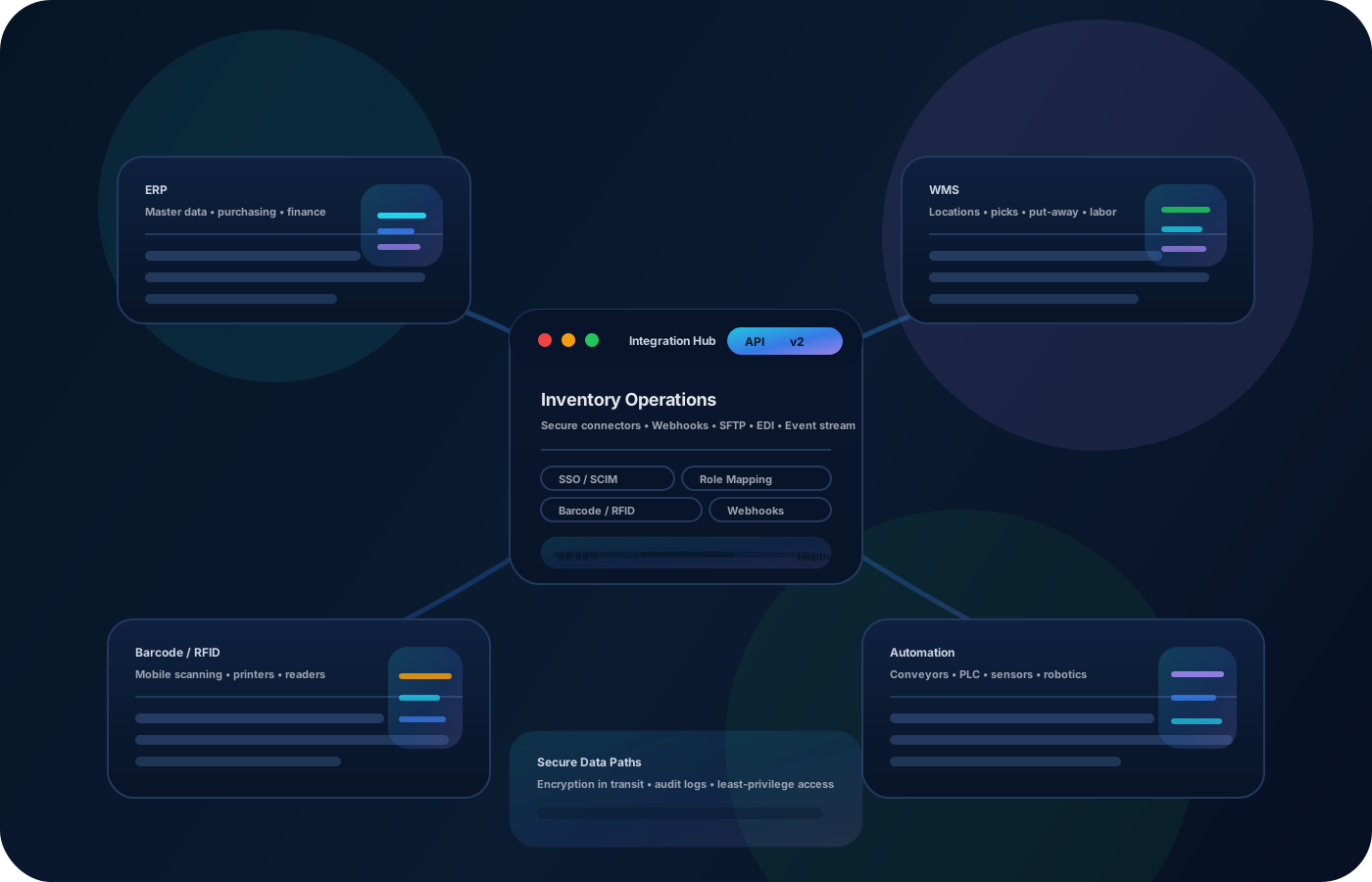
L’inventaire à domicile devient utile quand on retrouve vite les objets, qu’on sait où ils sont, et qu’on exporte des listes propres (déménagement, assurance). Les opérations à la maison reposent sur une structure d’emplacements simple, de bonnes photos/notes et une précision qui tient dans le temps.
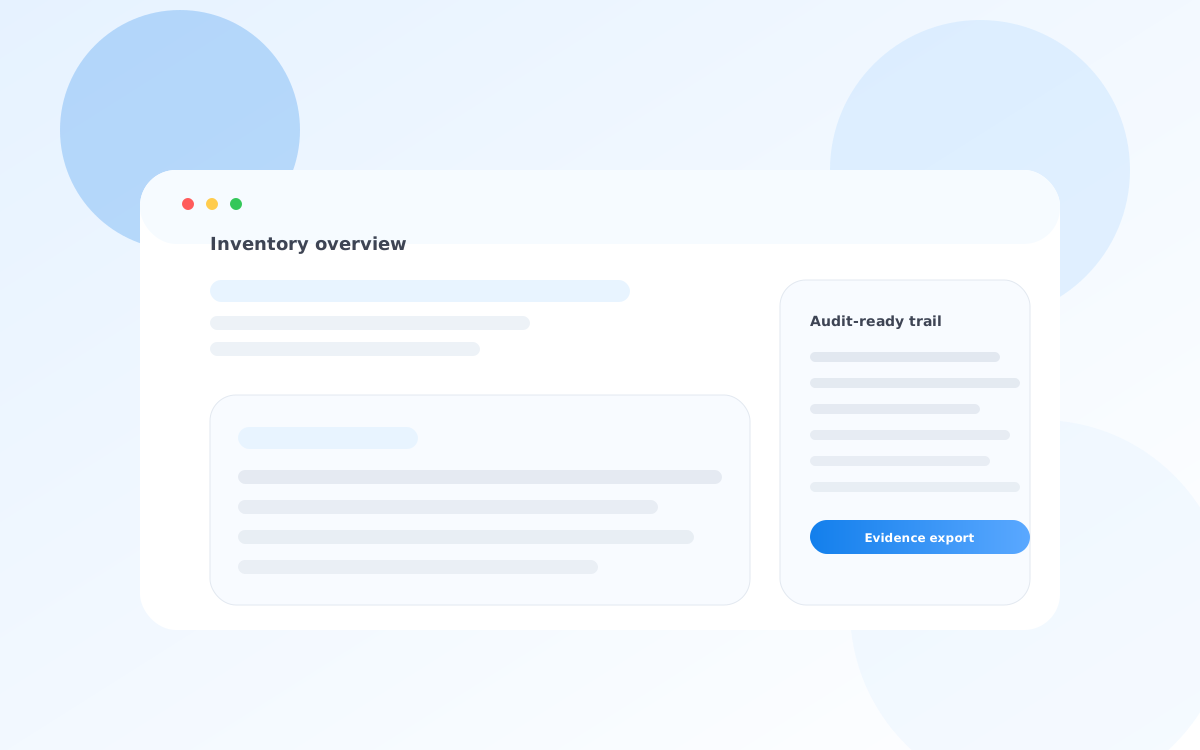
La plupart commencent ici. IO réduit la dérive, améliore la précision et maintient une piste fiable.
Items spread across rooms and storage areas. A simple location structure makes retrieval fast.
Receipts, serial numbers, and notes are hard to keep together. Attach photos/notes so information stays connected.
Moves and insurance claims require clean lists. Keep exports ready so you can produce a list quickly.
IO relie emplacements, historique des mouvements et contrôles—pour aller plus vite sans perdre la traçabilité.
• Items by room, closet, bin, or storage unit • Photos, receipts, serial numbers, and notes • Condition and replacement value (optional) • Move lists by location or category • Exportable inventory for insurance
Create rooms and storage locations so every item can be found quickly.
Capture photos and notes for unique items so details aren’t lost.
Update locations when items move so the list remains accurate over time.
Export clean lists for moves, insurance, or organizing projects.
Décrivez votre processus actuel. Nous recommanderons la bonne configuration et le déploiement.
Home inventory is about clarity. Keep consistent locations and notes so you can prove what you own and where it’s stored when it matters.
Export your inventory as clean lists for insurance, moving checklists, or personal records.
Yes—start with a few locations and key items, then expand over time.
Yes—attach notes and details to items so everything stays together.
Yes—exports help create claim-ready or move-ready lists quickly.
No—photos and simple location structure are usually enough for home use.
Start with one room or closet, add your highest-value items, and iterate.