
Oversells and stockouts
When availability is wrong, orders fail and customer support spikes. Improve accuracy with consistent receiving, transfers, and counts.
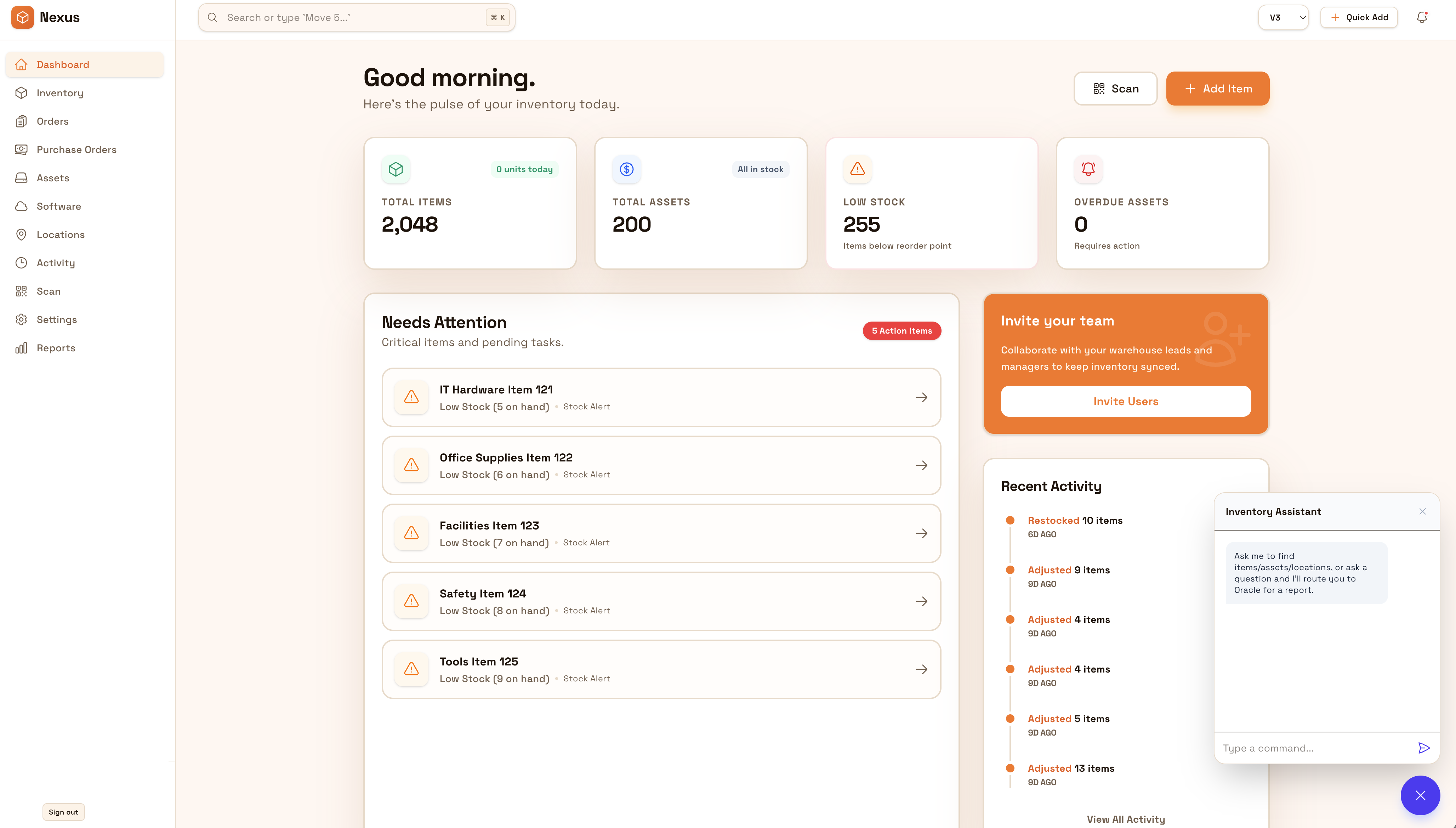
Gardez un stock exact entre entrepôts, magasins et réserves pour une disponibilité fiable. Réduisez les écarts qui causent ruptures et surventes en standardisant réception, transferts, comptages et rapprochements.
Keep availability trustworthy across warehouses, stores, and backrooms. Standardize transfers and cycle counts so you reduce oversells, stockouts, and customer support churn.


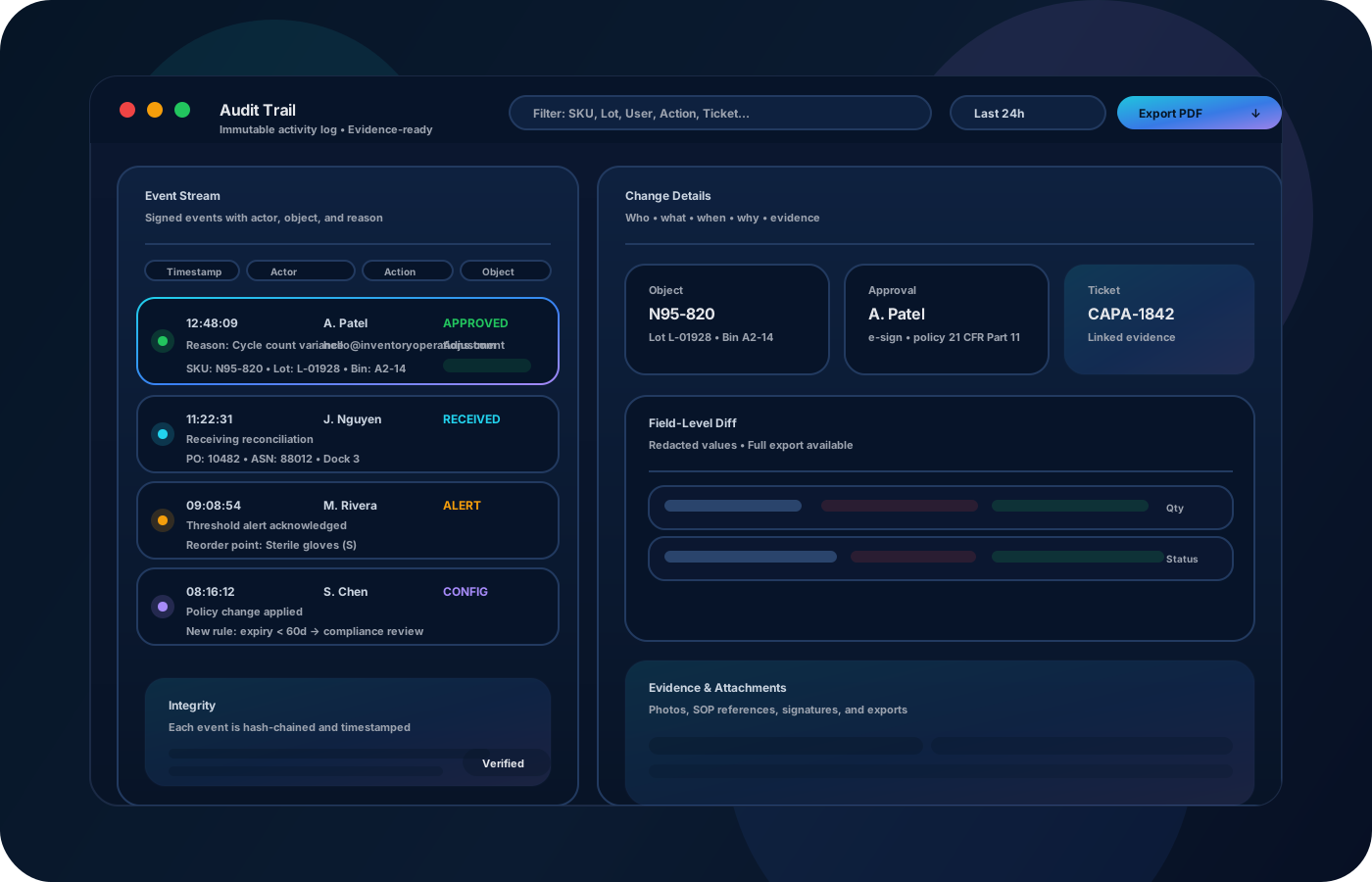
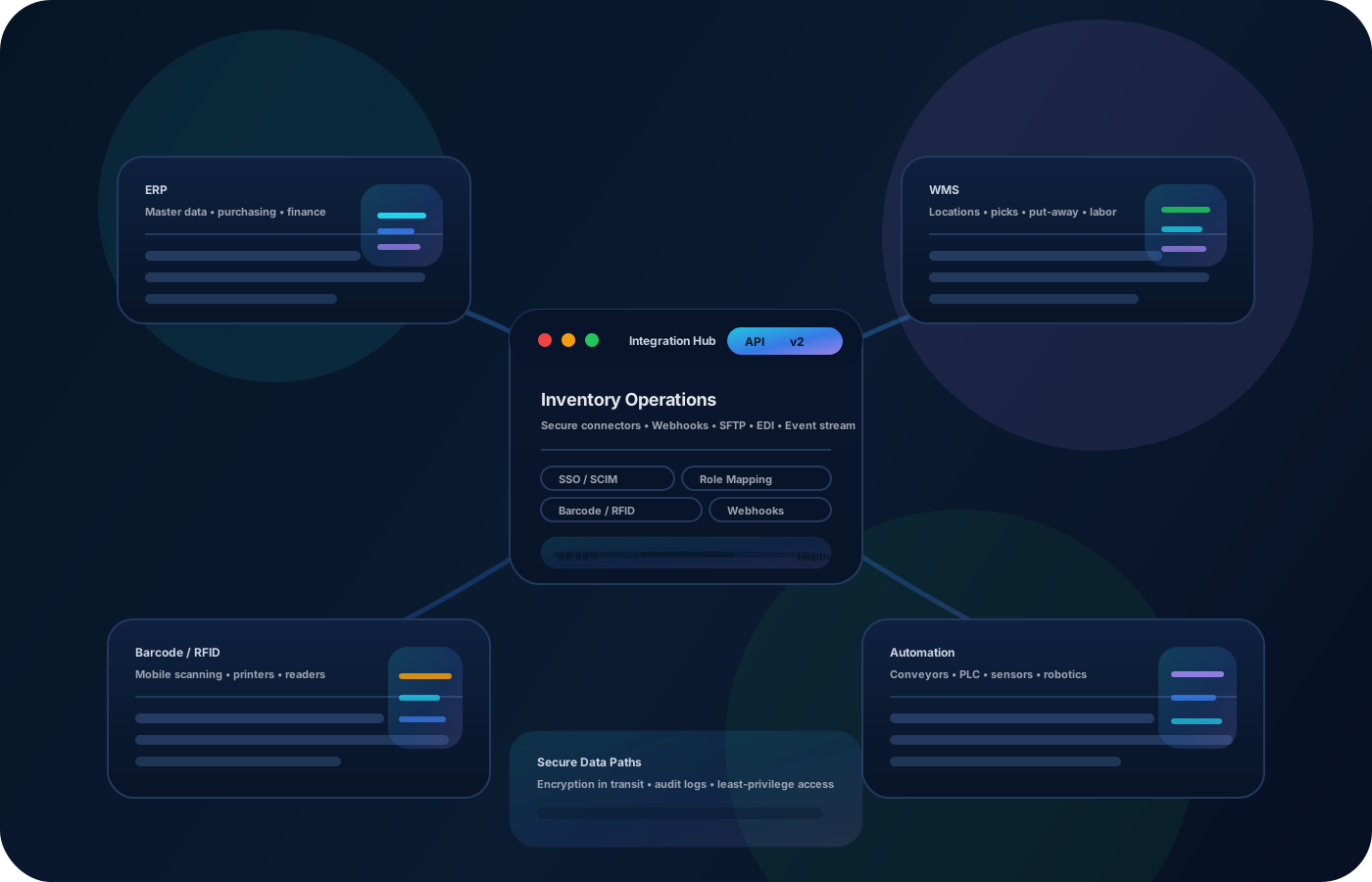
Les erreurs d’inventaire e-commerce causent ruptures, surventes et support coûteux. Les opérations d’inventaire réduisent les écarts entre emplacements, suivent les changements de façon fiable et gardent une disponibilité exacte pour une exécution rapide.
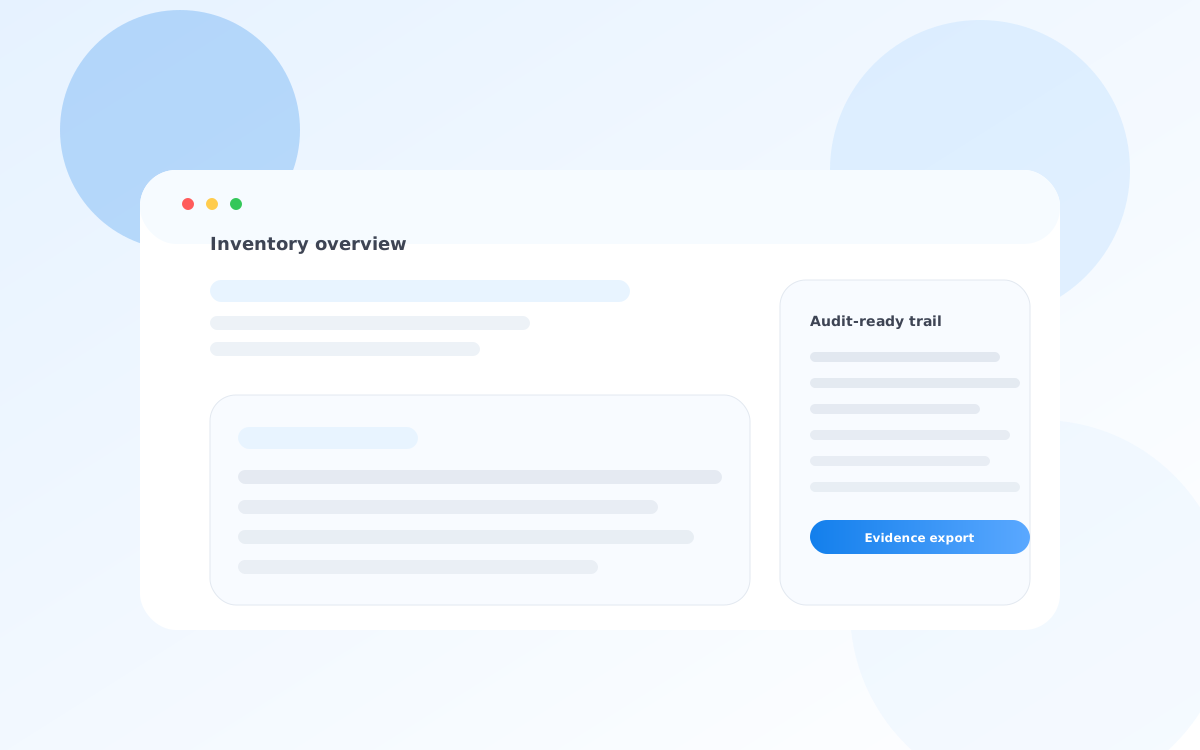
La plupart commencent ici. IO réduit la dérive, améliore la précision et maintient une piste fiable.
When availability is wrong, orders fail and customer support spikes. Improve accuracy with consistent receiving, transfers, and counts.
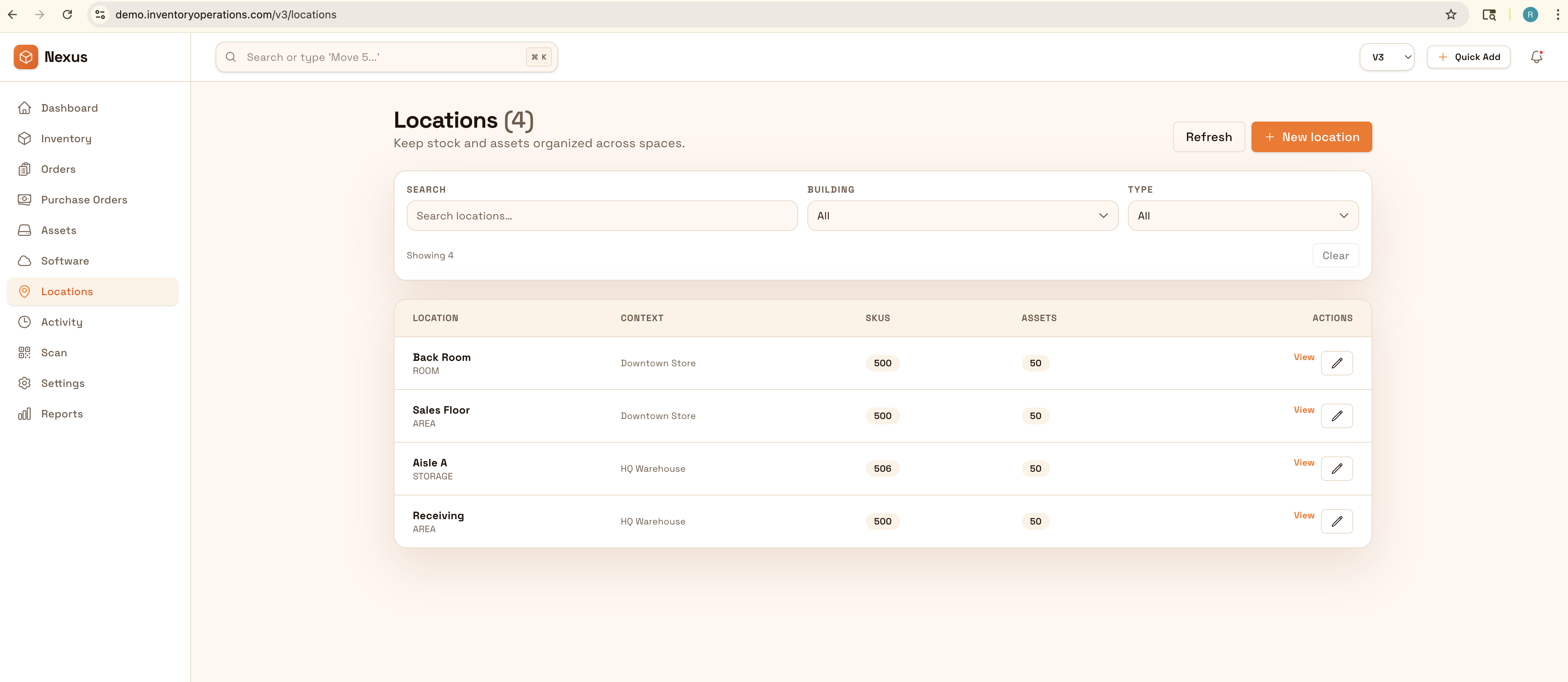
Inventory spread across sites drifts quickly. Record transfers as traceable events so each location stays accurate.
When the numbers are suspect, teams spend time debugging. Keep a clean history so variance is explainable and fixes stick.
IO relie emplacements, historique des mouvements et contrôles—pour aller plus vite sans perdre la traçabilité.
• Stock by warehouse, store, and backroom locations • Transfers and movements with clear destinations • Cycle counts and reconciliation outcomes • Adjustments with reasons and approvals • Exports for operations and reporting
Capture receiving details and put-away locations so availability starts accurate.
Record transfers with source/destination so stock follows reality.
Count high-velocity SKUs frequently and reconcile variance with reasons.
Export variance and movement summaries to tighten process and reduce repeat issues.
Décrivez votre processus actuel. Nous recommanderons la bonne configuration et le déploiement.
Use permissions and approvals for adjustments and write-offs. Keep a defensible movement history so discrepancies can be explained and fixed at the process level.
Export inventory snapshots and movement history for planning and reporting, or integrate with order/warehouse systems to keep availability aligned.
Yes—model each warehouse and sub-location, then standardize transfers and counts across all sites.
Better location accuracy plus cycle counts keeps availability trustworthy, reducing oversells and cancellations.
Yes—movement history and reason codes shorten investigations so fixes are repeatable.
Not required, but scanning improves speed and reduces errors in receiving and transfers.
Start with your highest-velocity SKUs and key locations, then expand coverage over time.