
Unique items require detail
Without consistent notes and photos, identification takes time. Keep details attached to each item record.
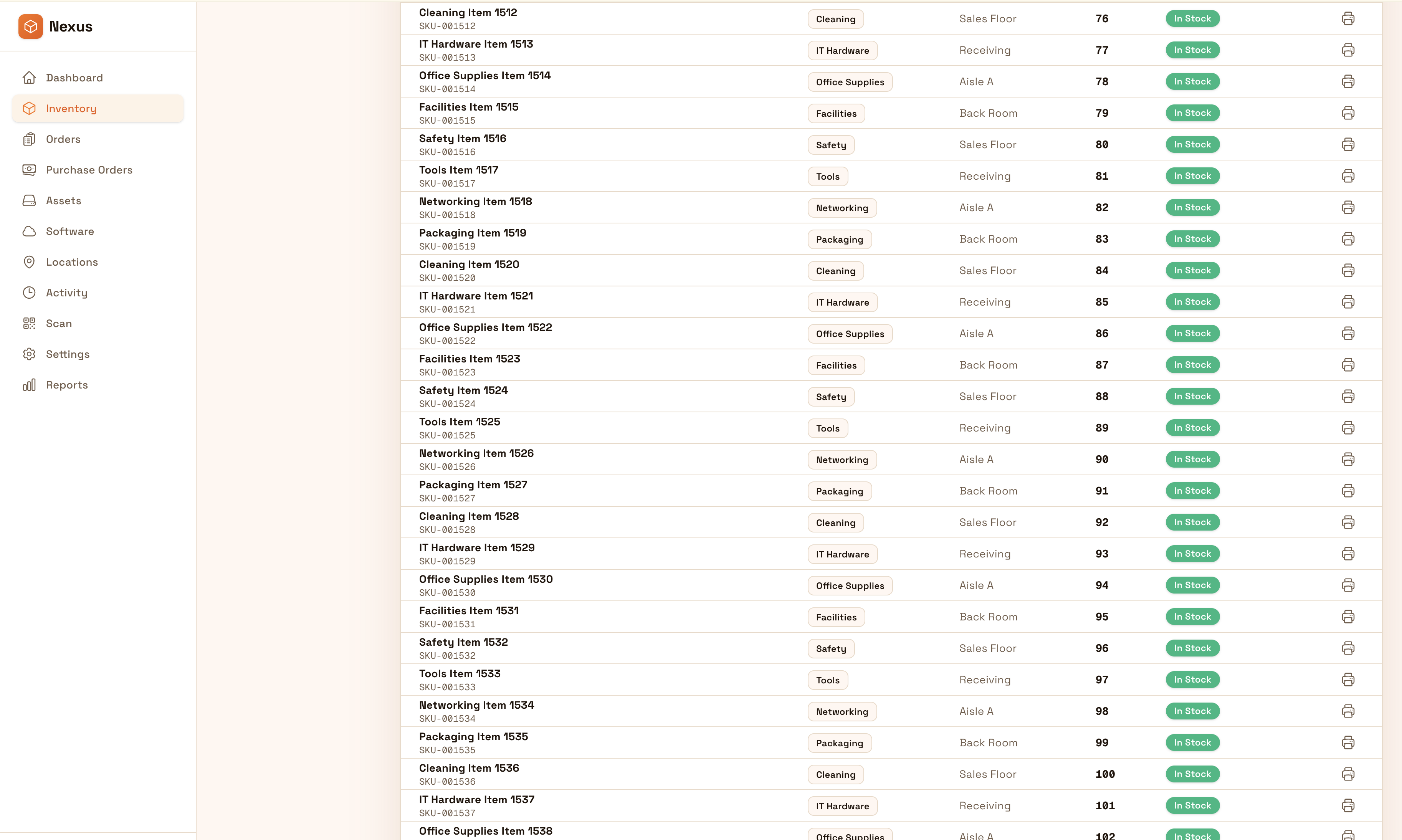
Organize unique items with photos, notes, and location structure for fast lookup and clean exports. Track provenance details, condition notes, and where each item lives so you can manage collections confidently.
Organize unique items with photos, notes, and location structure so you can find pieces quickly, document details confidently, and export clean lists when needed.


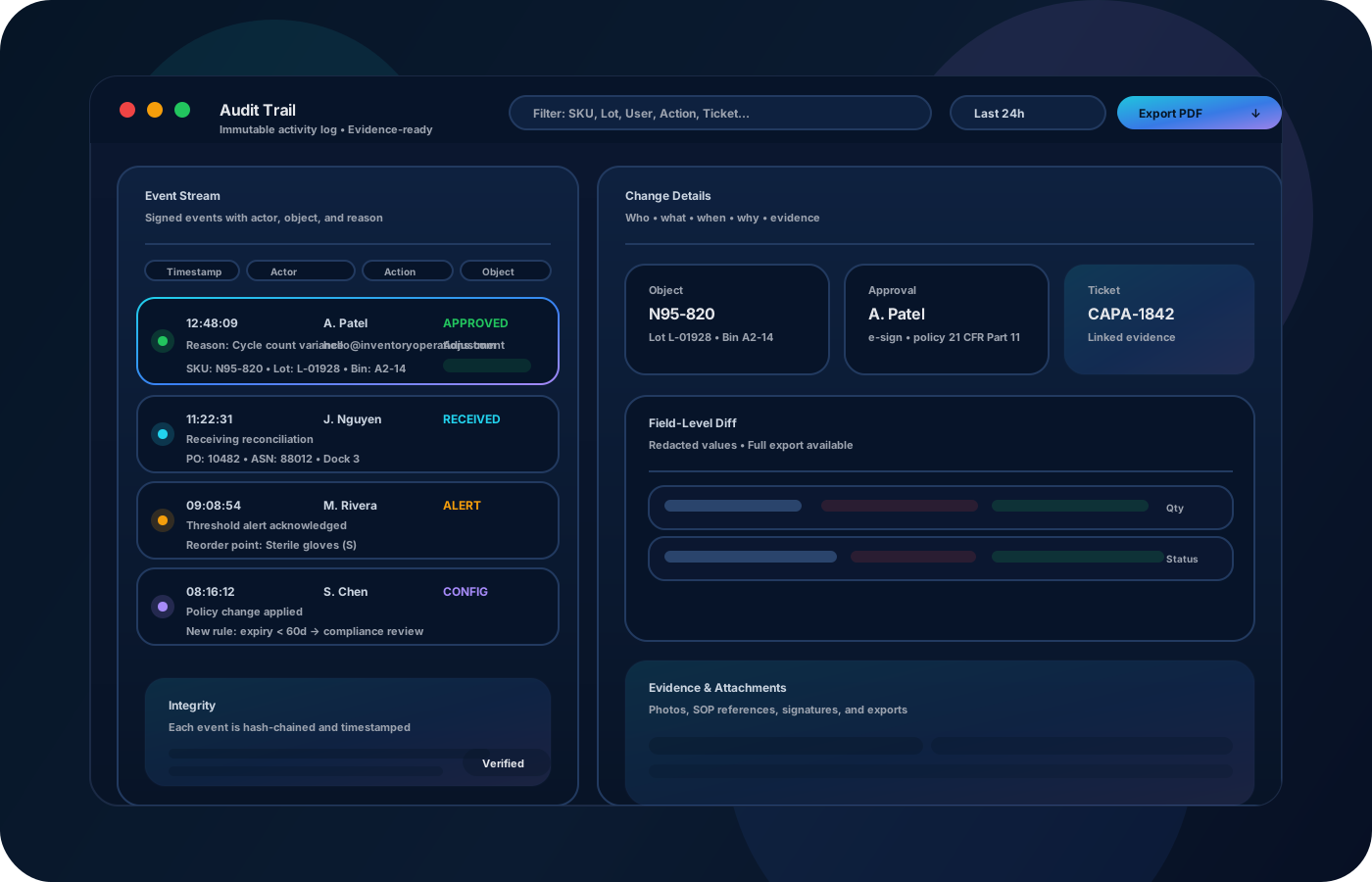
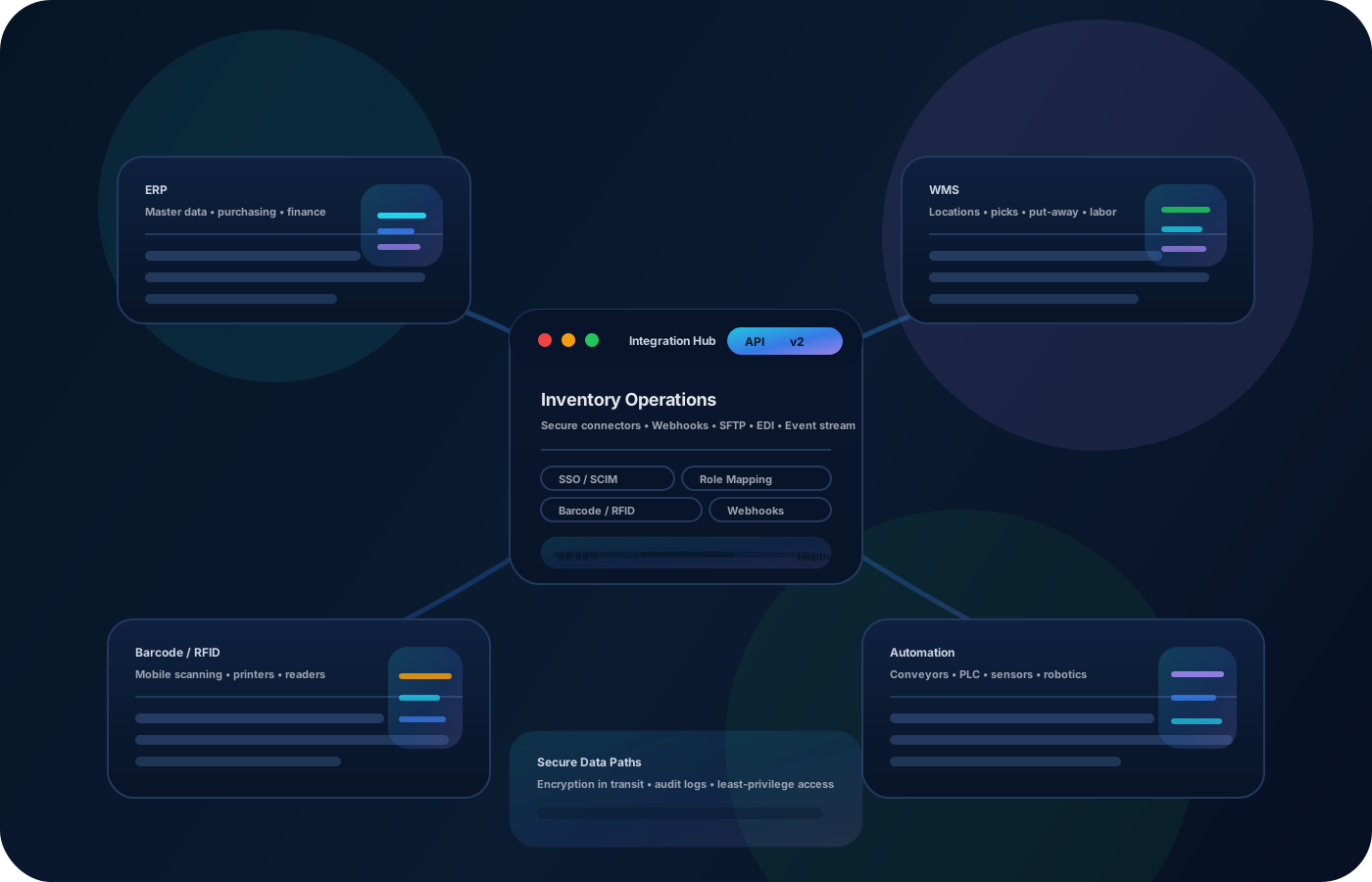
Antiques and collectibles are unique—location, condition, and provenance matter. Inventory operations help you organize items with notes and photos, keep placement accurate, and export clean lists when you need them.
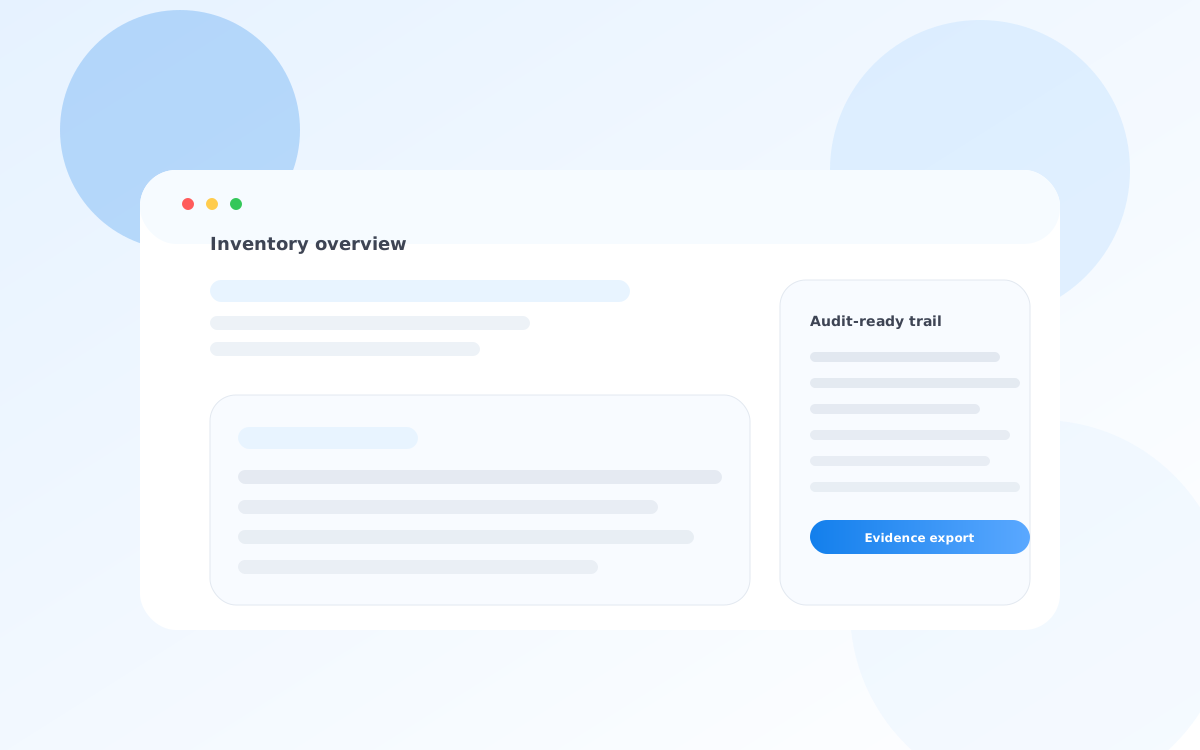
Most teams start here. IO helps you reduce drift, keep accuracy high, and maintain a trail you can trust.
Without consistent notes and photos, identification takes time. Keep details attached to each item record.
Movement without history leads to lost time. Location structure and traceable transfers keep items findable.
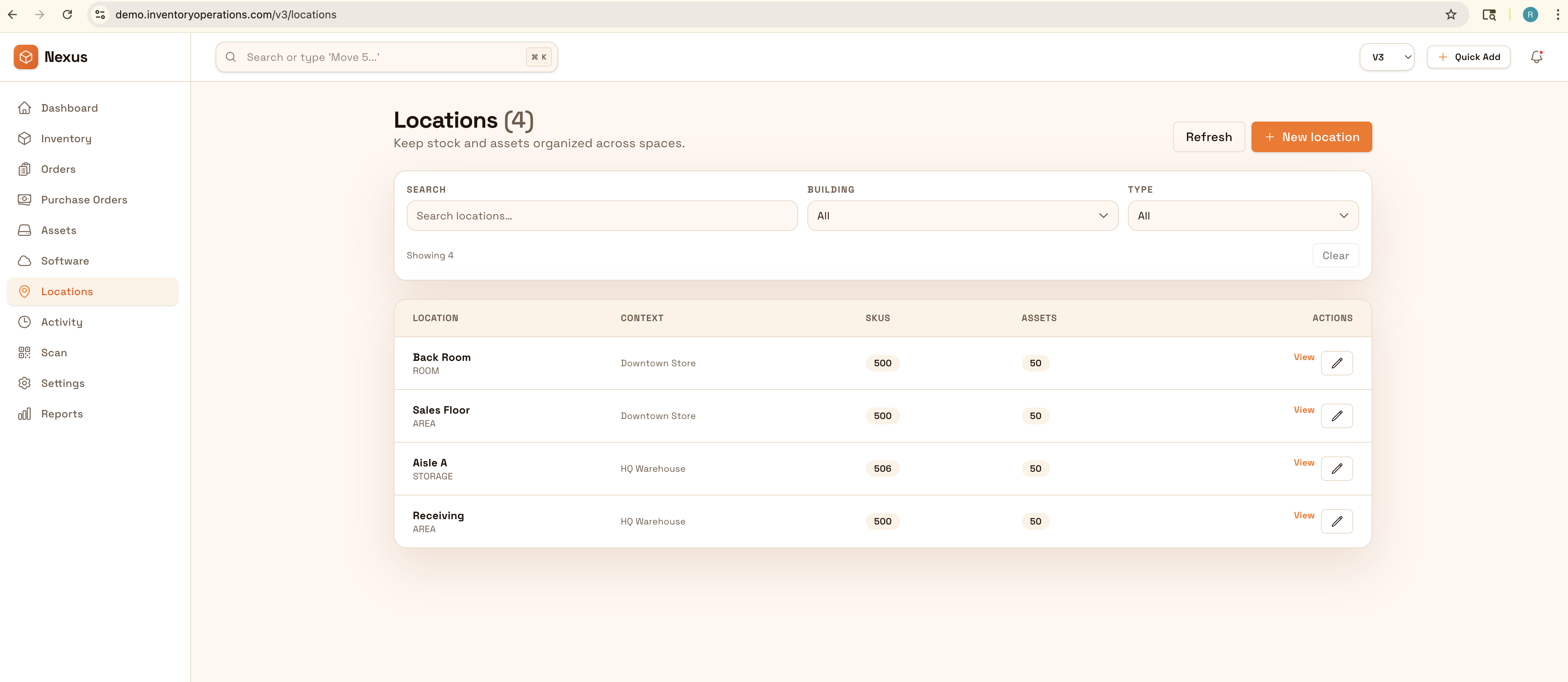
For insurance, sales, or audits, you need clean lists. Keep exports ready so you can produce them quickly.
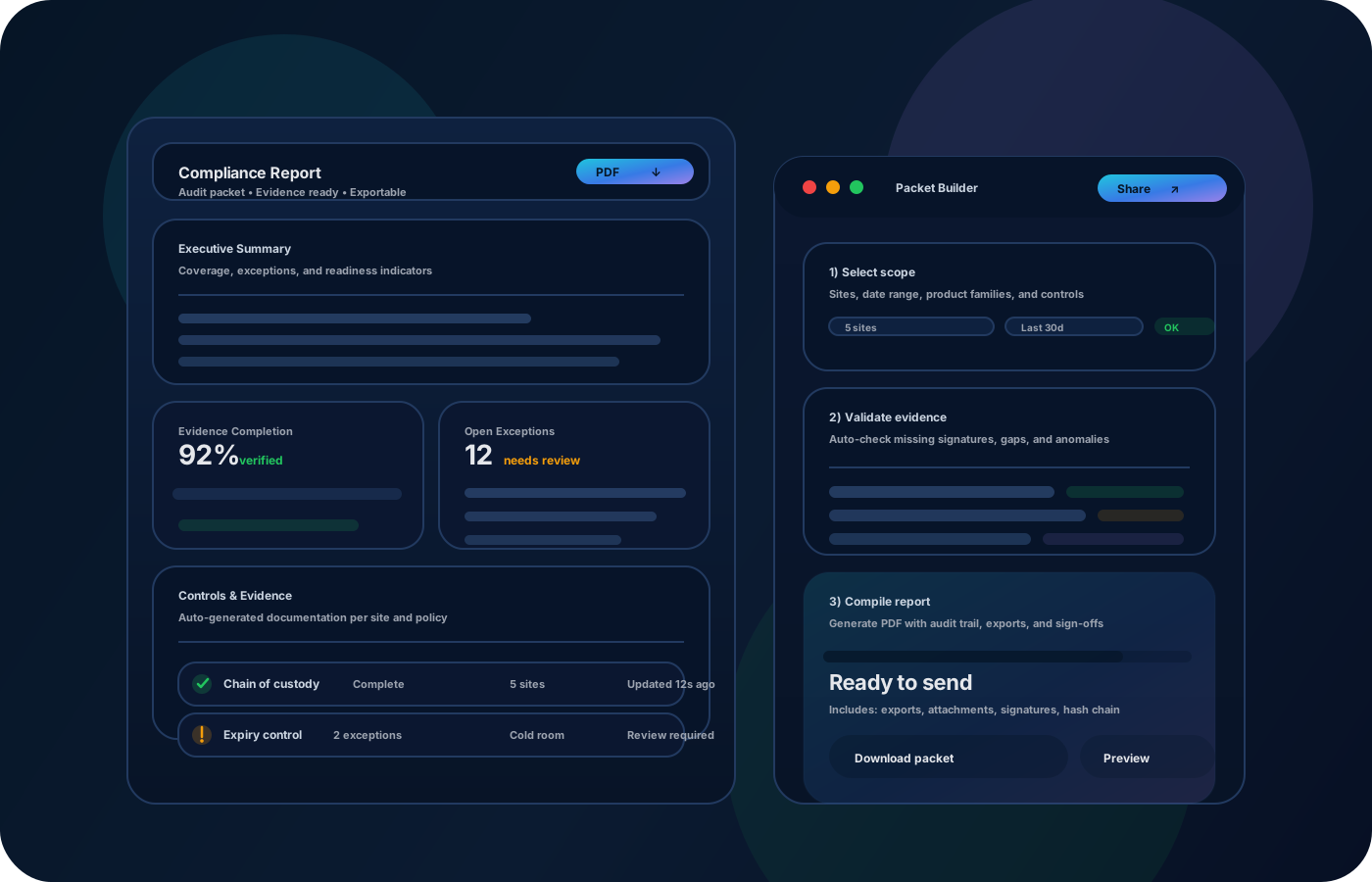
IO standardizes tracking, controls, and evidence—so teams can operate confidently across sites and stakeholders.
• Unique items with photos and condition notes • Storage, display, and vault locations • Transfers between locations • Provenance and descriptive metadata (optional) • Exportable lists for insurance and sales
Capture photos and notes so identification is fast.
Model storage and display locations so items are always findable.
Record transfers as items move between storage, display, and shipping.
Export clean lists for insurance, sales, and internal review.
Tell us your compliance and operational requirements. We’ll recommend the right rollout.
Maintain a clean movement history and notes so item provenance and location history are defensible when needed.
The biggest wins are usually accuracy, speed, and defensible accountability.
Yes—photos and notes keep identification and details easy.
Yes—location structure makes lookup and organization fast.
Yes—exports create clean inventory lists when needed.
Yes—model both as locations and track transfers as items move.
Start with high-value items and the main storage/display locations.