
Stockouts disrupt schedules
When supplies are missing, appointments slow down. Visibility and replenishment routines prevent last-minute runs.
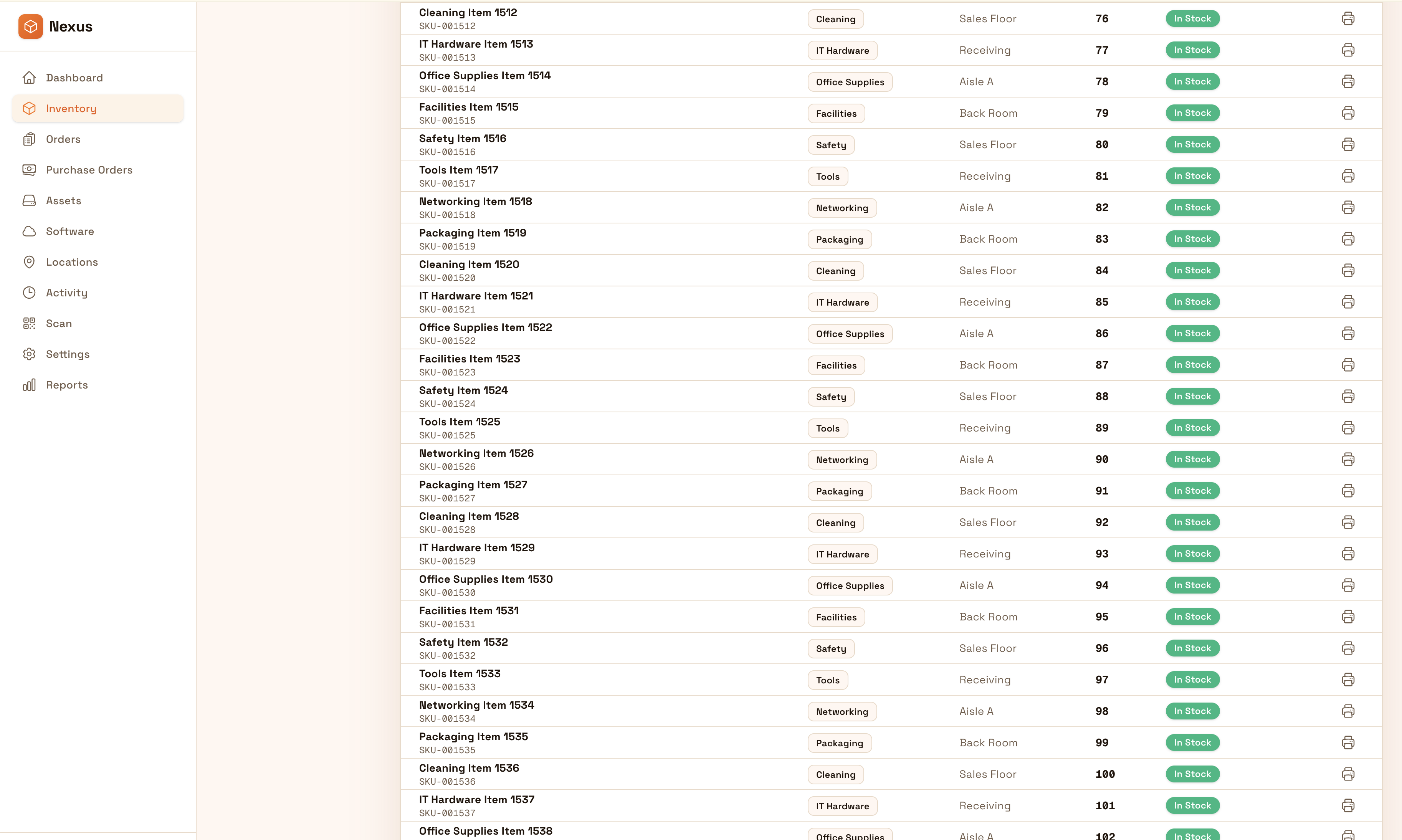
Maintain supplies and equipment visibility at the point of use with traceability and audit-ready accountability. Standardize ordering, receiving, and counts so clinics avoid stockouts and reduce waste.
Keep clinics stocked and accountable: track supplies and equipment by room, standardize ordering and counts, and export audit-ready history when reviews happen.


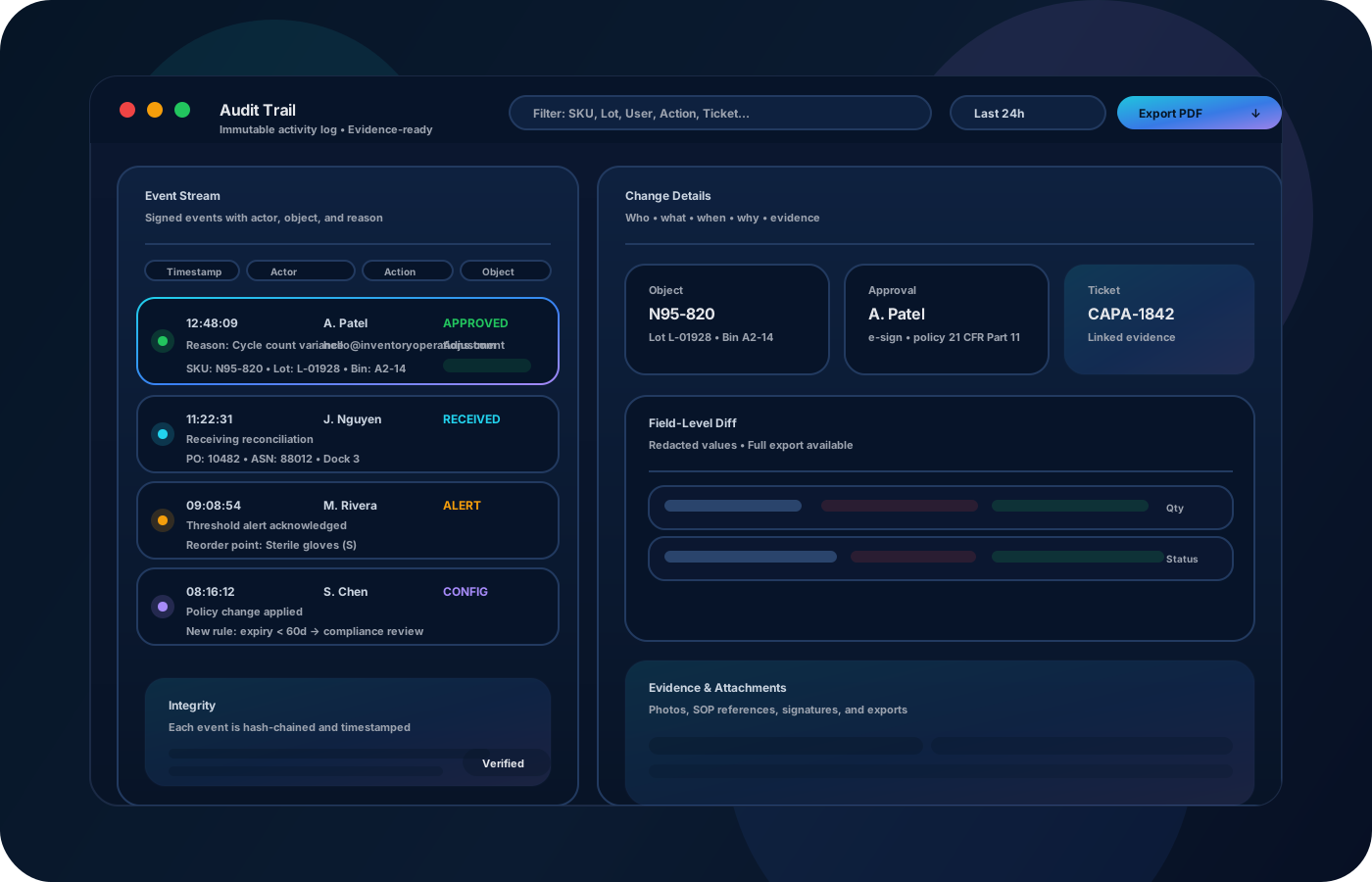
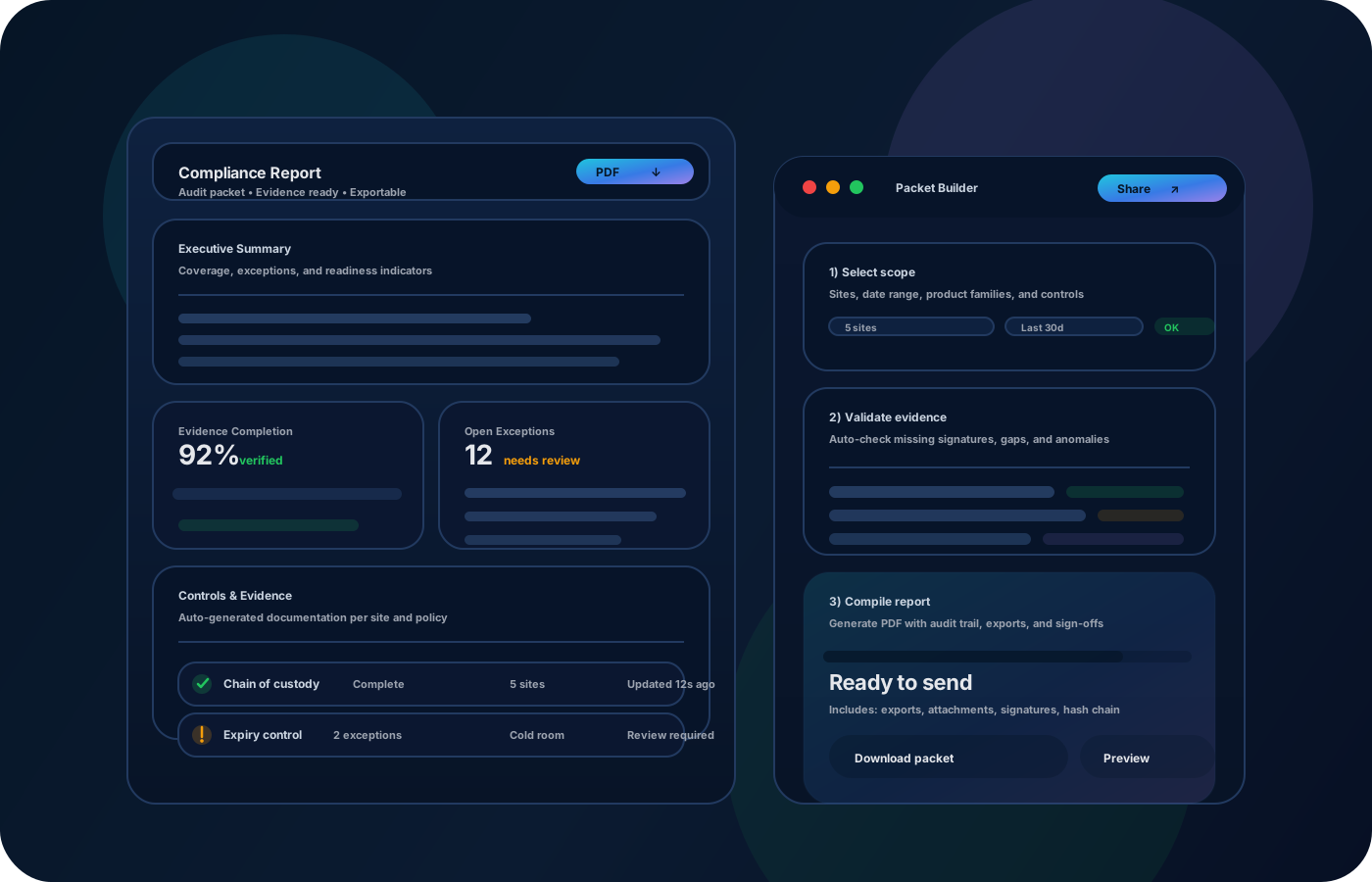
Dental practices need predictable supplies and equipment readiness. Inventory operations help prevent stockouts, track usage, and keep a defensible history for adjustments and audits—without adding administrative overhead.

Most teams start here. IO helps you reduce drift, keep accuracy high, and maintain a trail you can trust.
When supplies are missing, appointments slow down. Visibility and replenishment routines prevent last-minute runs.
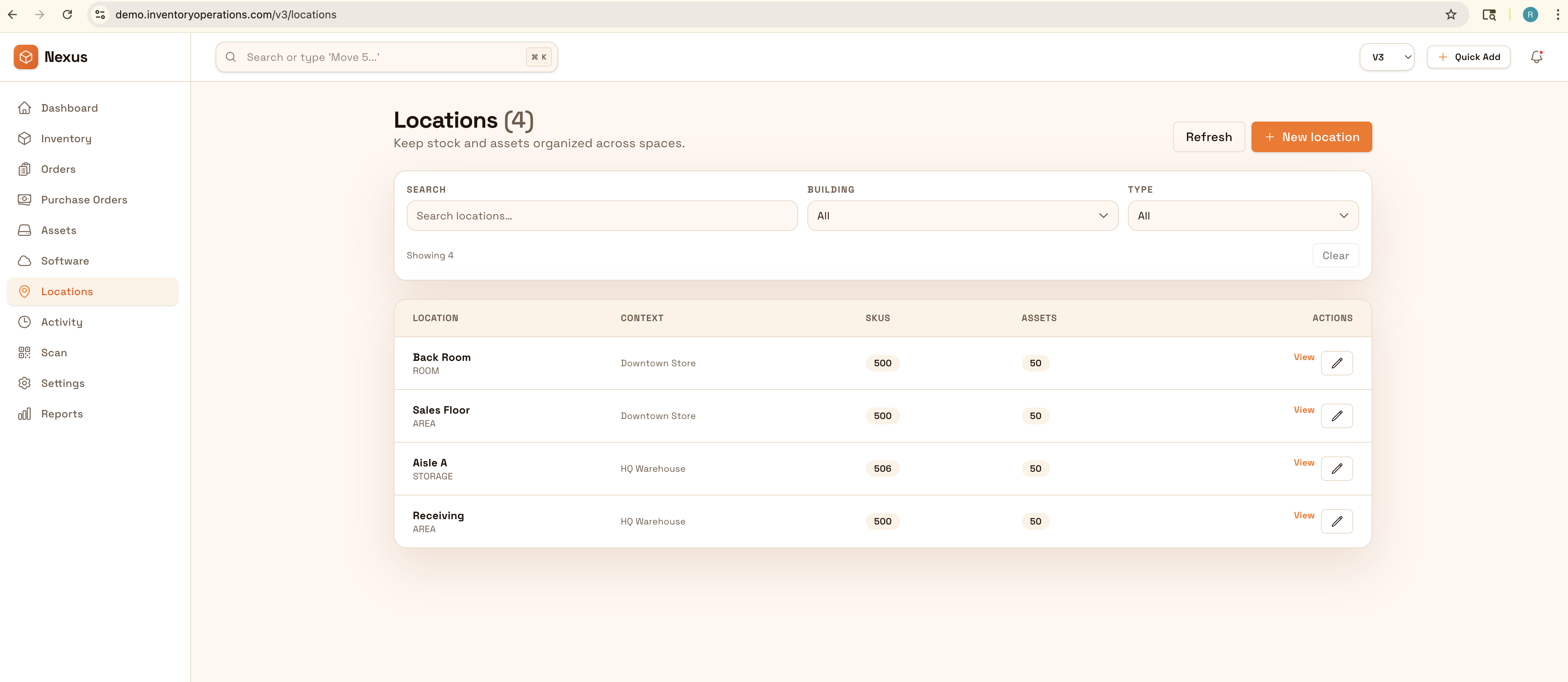
If rooms aren’t modeled, counts and replenishment are inconsistent. Location structure keeps visibility reliable.
Without clean records, waste and over-ordering are hidden. Track usage and exceptions to tune par levels.
IO standardizes tracking, controls, and evidence—so teams can operate confidently across sites and stakeholders.
• Supplies by room, cabinet, and storage location • Distribution and transfers between locations • Exceptions (expired, damaged) with notes • Replenishment levels and reorder lists • Exportable summaries for review and audits
Create room-level locations so replenishment stays consistent.
Record movements to keep stock accurate at the point of use.
Use routine restock checks and reorder lists to avoid stockouts.
Export usage and variance summaries to reduce waste over time.
Tell us your compliance and operational requirements. We’ll recommend the right rollout.
Use permissions for adjustments and preserve movement history so reviews and audits are straightforward.
The biggest wins are usually accuracy, speed, and defensible accountability.
Yes—room/cabinet location structure makes counts and restocking consistent.
Yes—replenishment routines and reorder lists keep key items available.
Yes—record exceptions and notes so teams can tune stocking levels.
Yes—exports support purchasing, budgets, and audits.
Start with top supplies and the rooms where they’re used most often.