
Stockouts that stop work
Consumables disappear quietly until a drawer is empty at the worst moment. Visibility and simple reorder signals keep teams ahead of shortages.
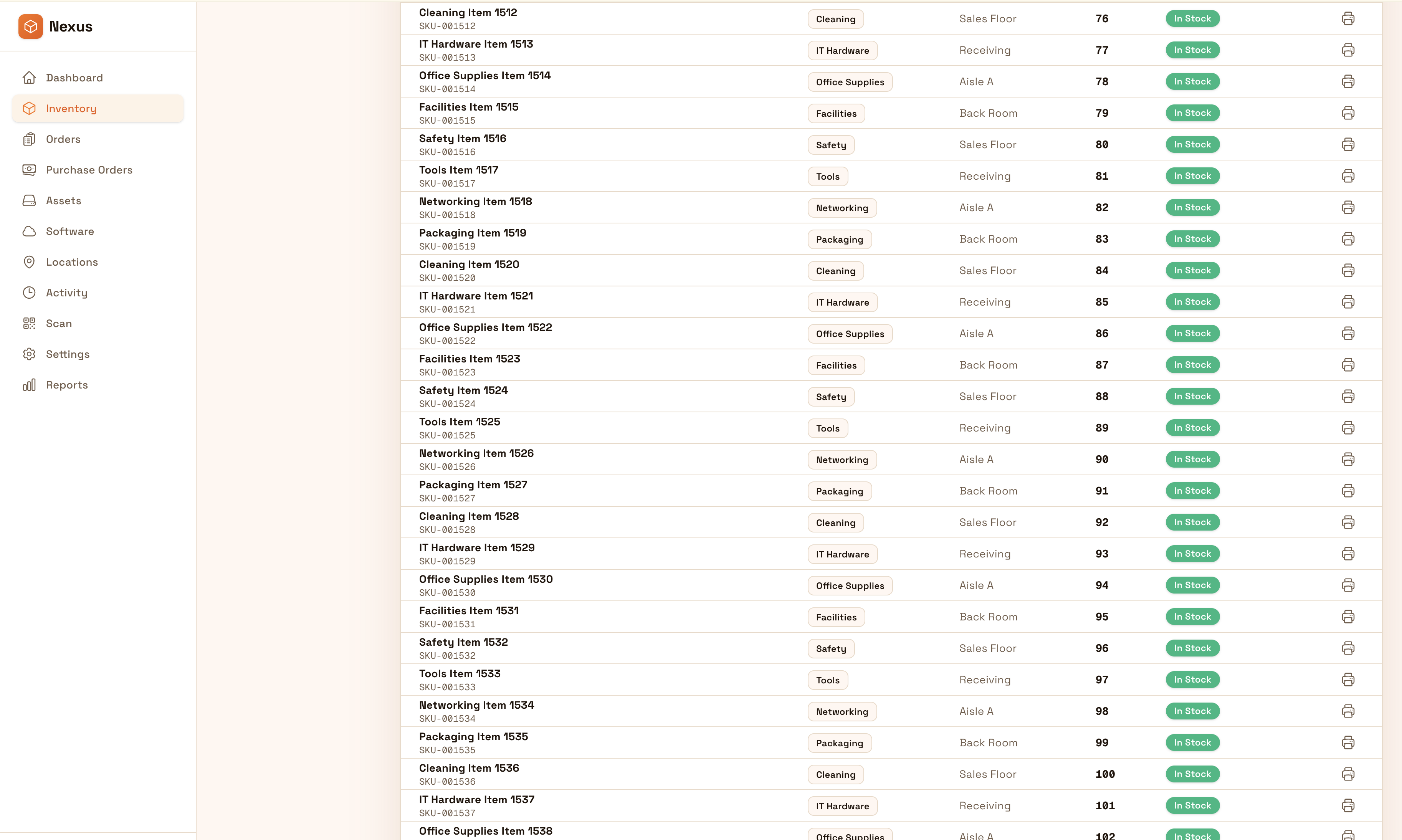
Stay ahead of stockouts with clear usage, replenishment visibility, and consistent transfers between locations. Reduce shrink with accountability and make it easy to answer what was used, where, and when.
Keep supplies available without overbuying: make usage visible, standardize replenishment, and keep transfers traceable across cabinets, rooms, and sites.


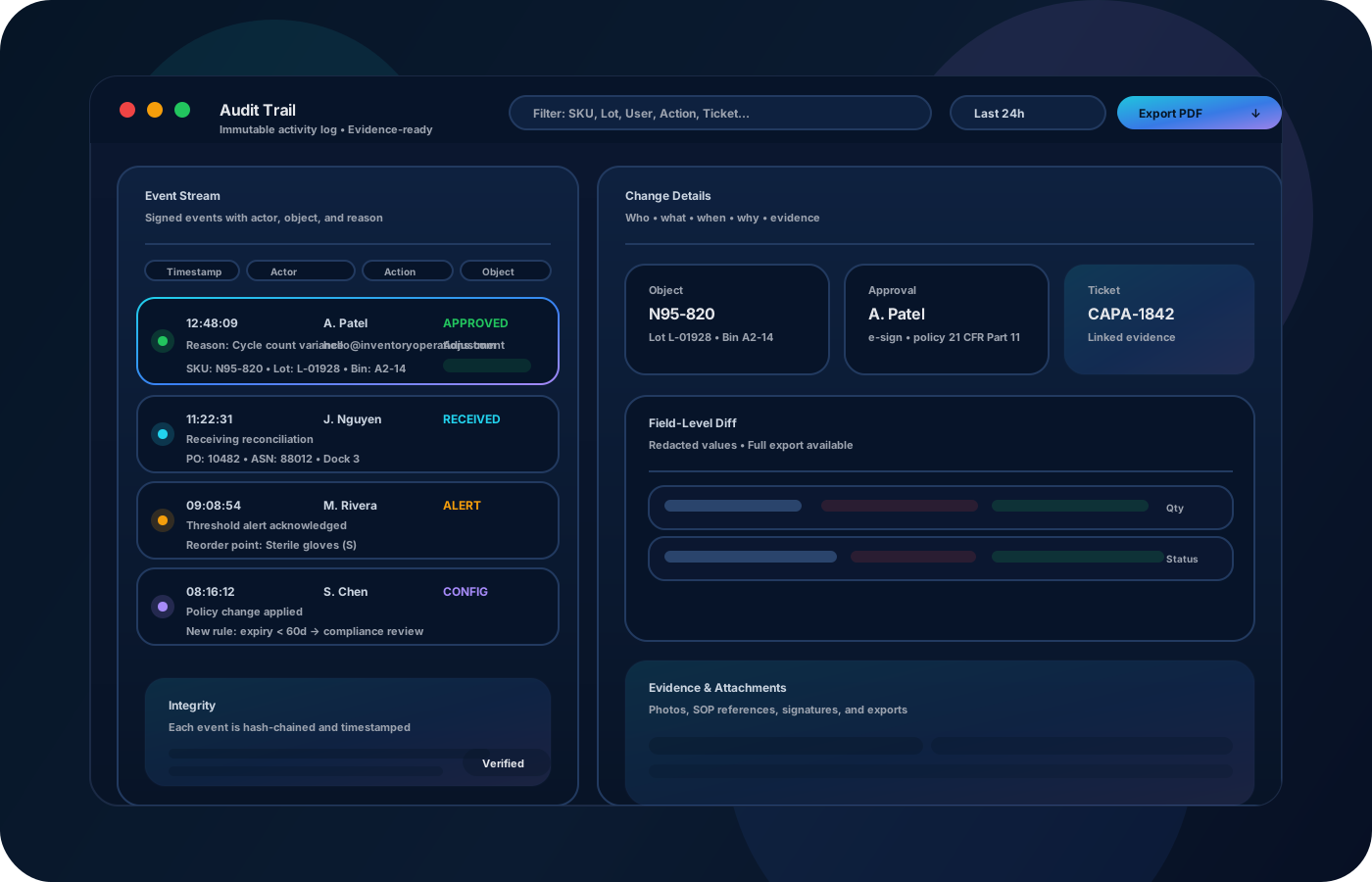
Supplies and consumables disappear quietly—until a stockout stops work or a job site runs “just in time” a little too often. Inventory operations make usage visible, set repeatable replenishment, and keep transfers and counts consistent across locations so teams don’t overbuy to avoid risk.
Most teams start here. IO helps you reduce drift, keep accuracy high, and maintain a trail you can trust.
Consumables disappear quietly until a drawer is empty at the worst moment. Visibility and simple reorder signals keep teams ahead of shortages.
When many teams pull from the same stock, accountability fades. Track who moved what, and where it went, to reduce loss.
If each site has its own process, purchasing becomes reactive. Standardize min/max levels and replenishment routines.
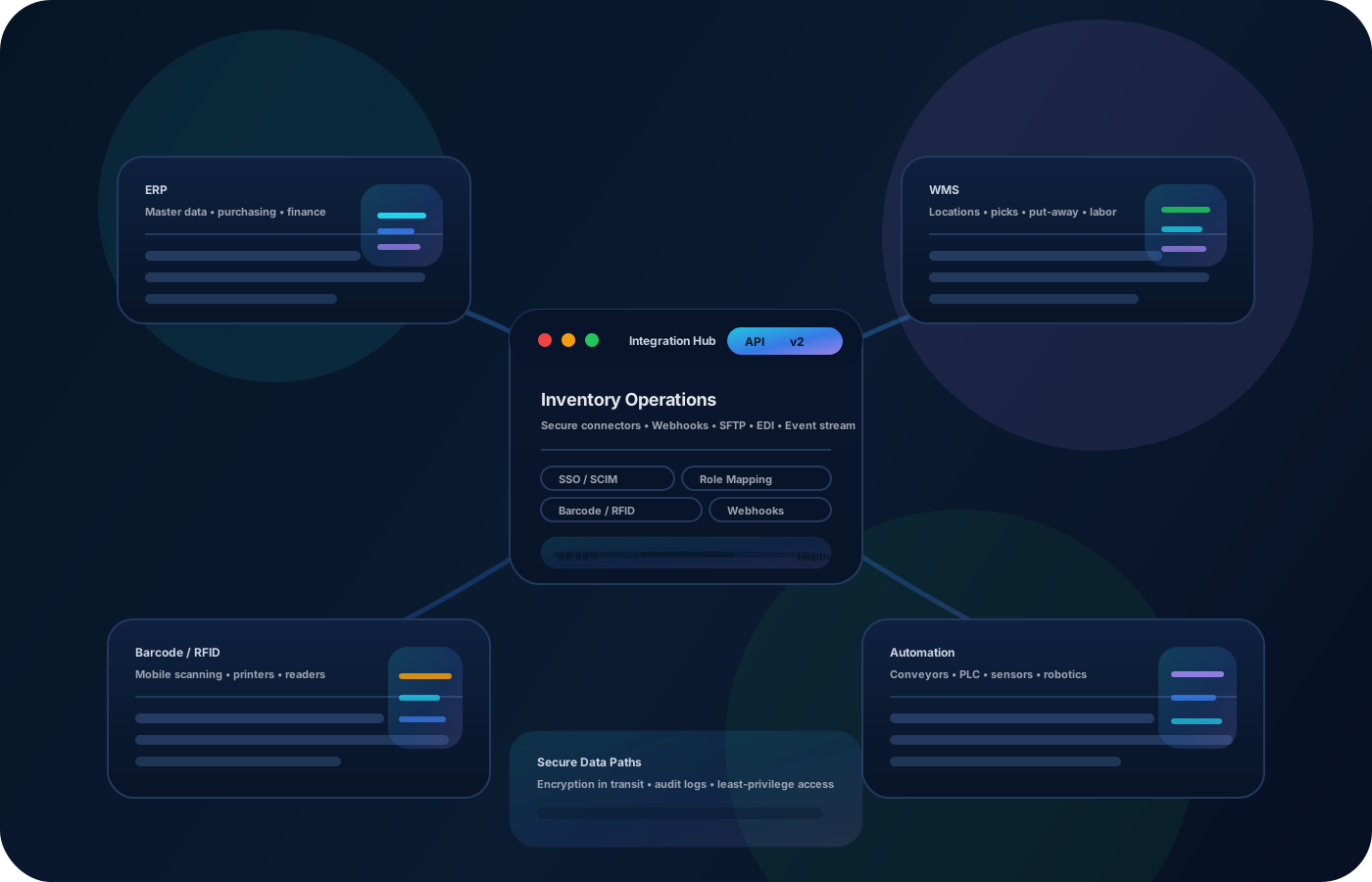
IO keeps locations, movement history, and controls connected—so teams can move faster without losing traceability.
• Supplies by storage location (cabinets, carts, rooms, sites) • Usage events (issue, consumption, transfers between teams) • Replenishment levels (min/max, reorder points) • Exceptions (damaged, expired, missing) • Exports for purchasing and budget review
Model where supplies live so teams can find them and counts stay consistent.
Capture basic usage and transfers to keep stock levels honest and shrink visible.
Use repeatable replenishment routines (weekly checks, min/max) instead of reactive ordering.
Export usage and variance trends to tune par levels and reduce waste over time.
Share how you run this process today. We’ll recommend the right setup and rollout.
Set permissions for who can adjust counts or write off stock. Keep a clear history so teams can explain variance, losses, and replenishment decisions.
Export reorder lists and usage summaries for purchasing, or connect to procurement workflows so replenishment is predictable and auditable.
No—IO works for everything from one cabinet to multi-site supply operations.
Track usage and set replenishment levels. Visibility replaces guesswork and panic ordering.
You can record exceptions like damaged/expired stock and include notes for reporting and review.
Yes—transfers record source and destination so stock stays accurate as it moves.
Start with top 50 items + key locations, then expand as the process becomes routine.