
Stockouts at the point of care
When critical supplies run short, teams lose time and care is disrupted. Visibility and replenishment routines keep the right items available.
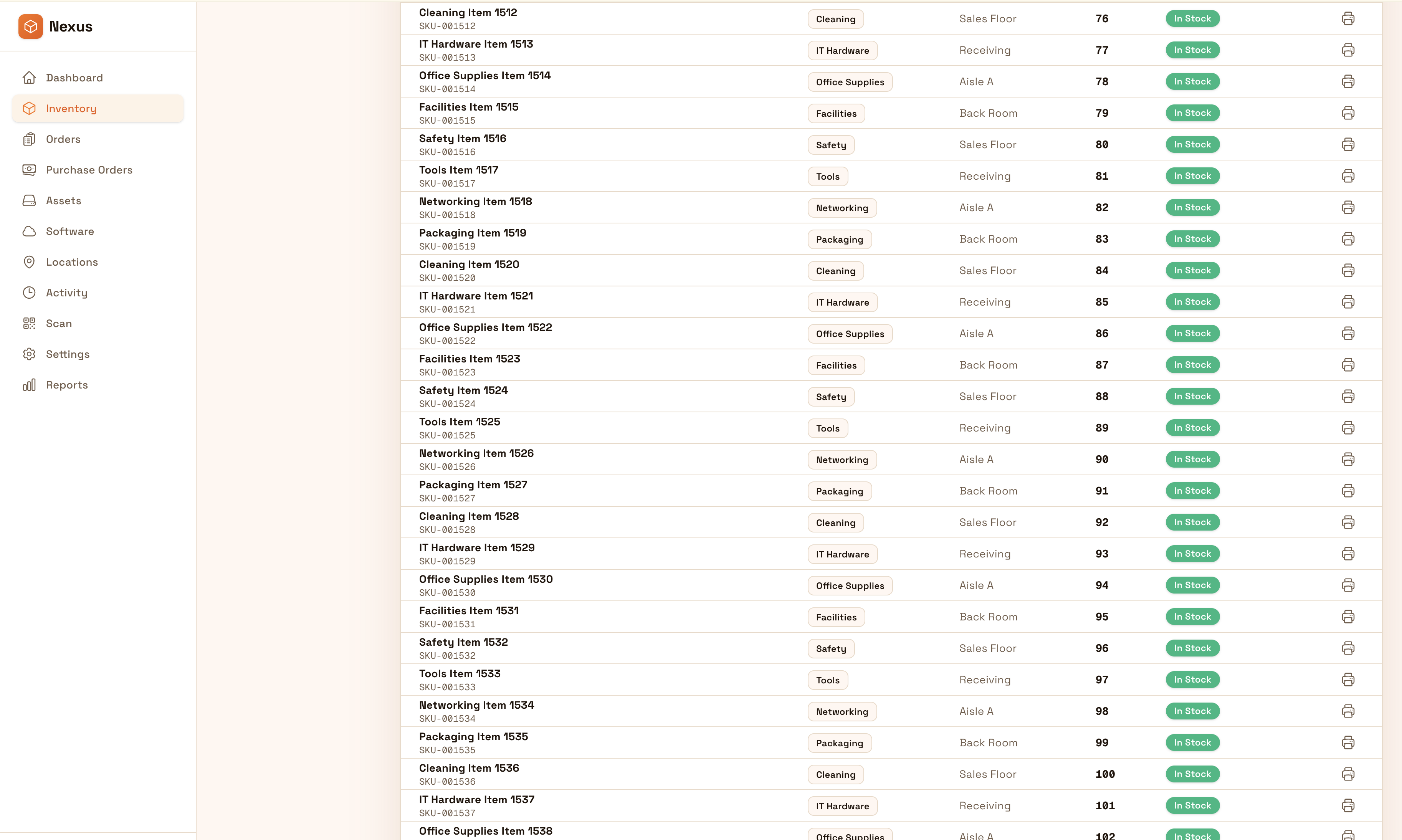
Control supplies, equipment, and movements at the point of use with audit-ready accountability. Standardize receiving, distribution, and counts across rooms and sites so teams reduce stockouts, shrink, and last-minute purchasing.
Keep supplies and equipment accurate at the point of use: standardize distribution, transfers, and counts across rooms and sites with audit-ready accountability.


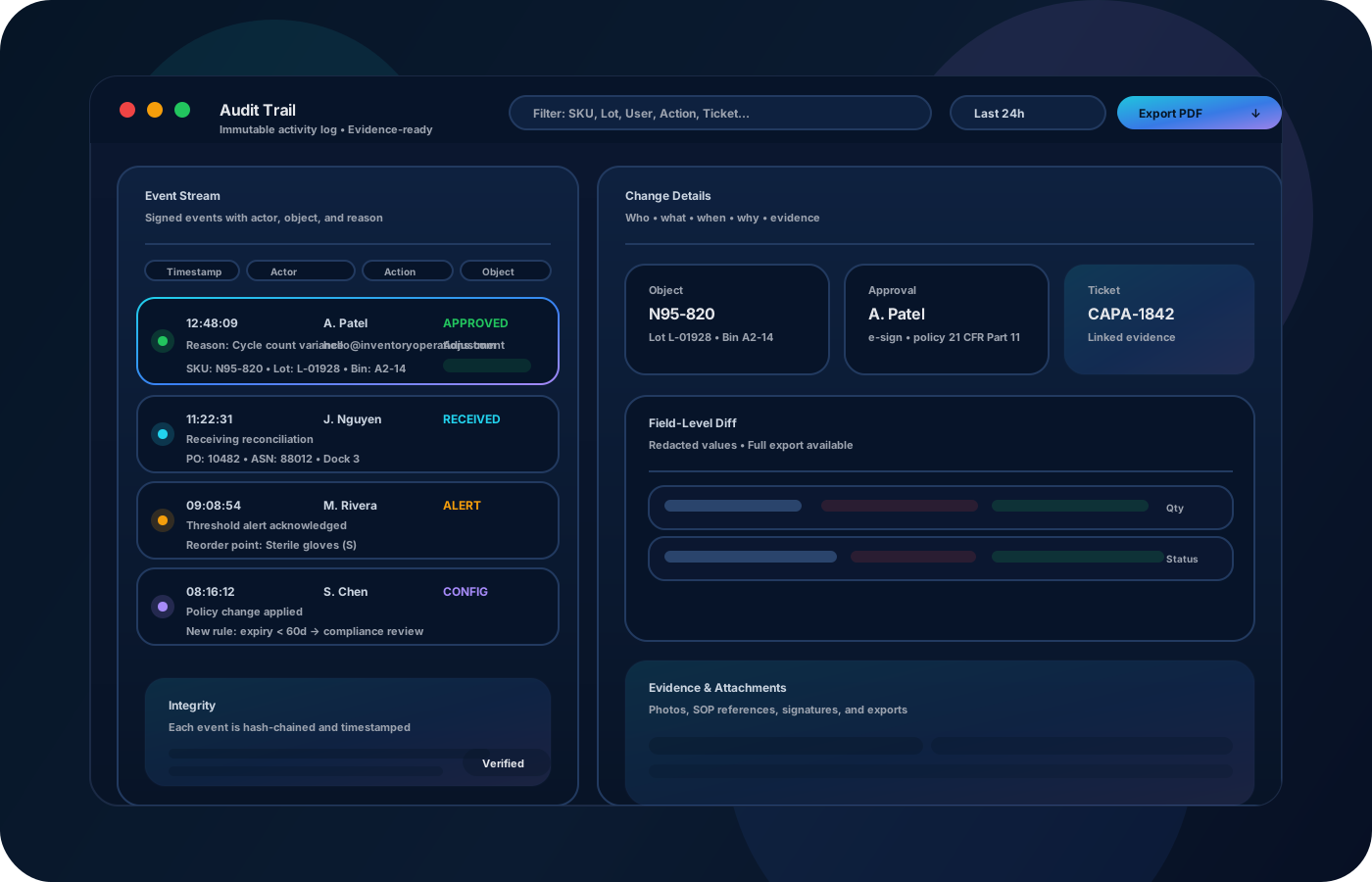
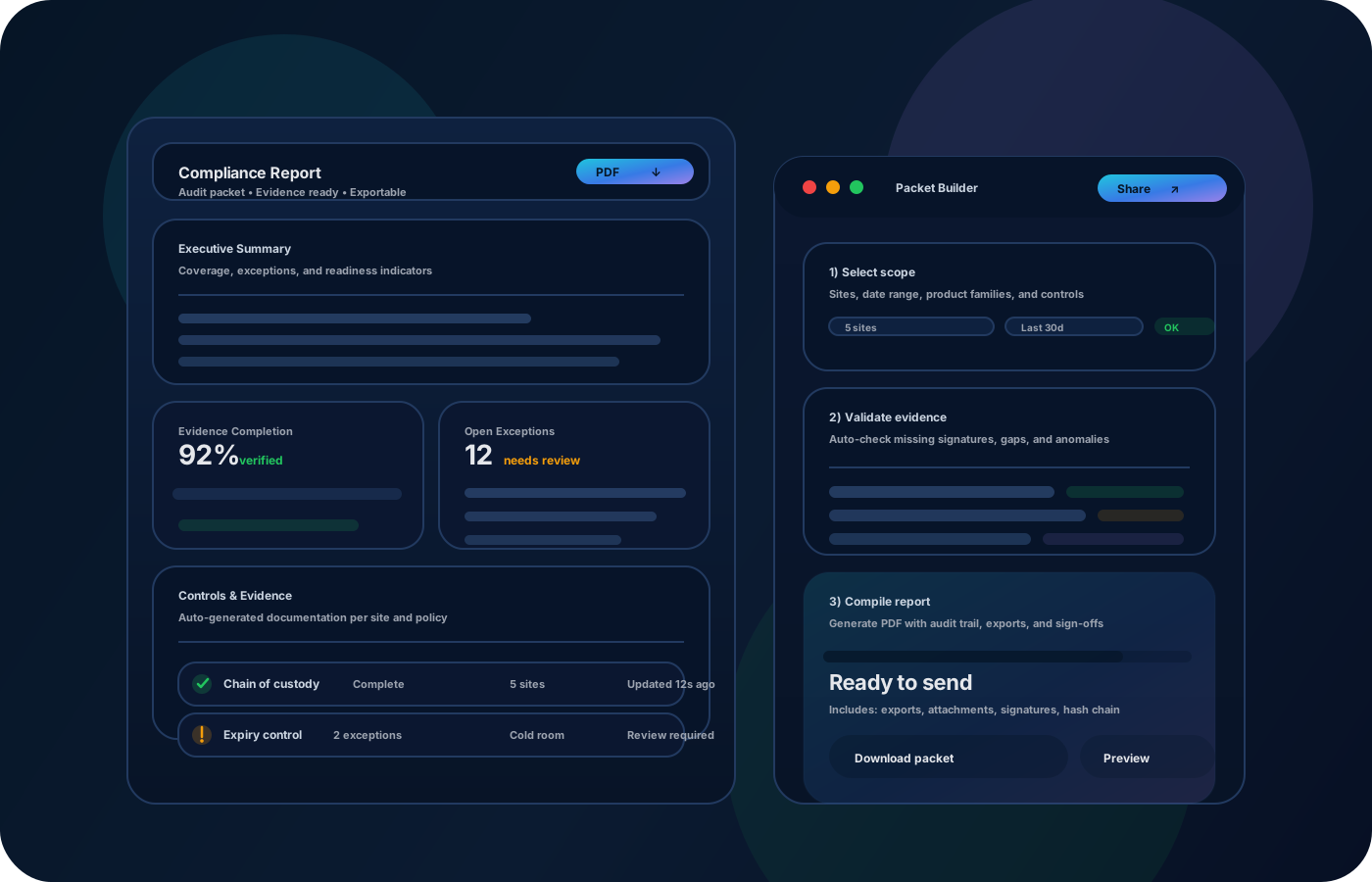
In healthcare, inventory accuracy impacts both cost and care. Inventory operations help clinics maintain the right supplies and equipment at the right point of use—with accountability, traceability, and evidence for audits and reviews.

Most teams start here. IO helps you reduce drift, keep accuracy high, and maintain a trail you can trust.
When critical supplies run short, teams lose time and care is disrupted. Visibility and replenishment routines keep the right items available.
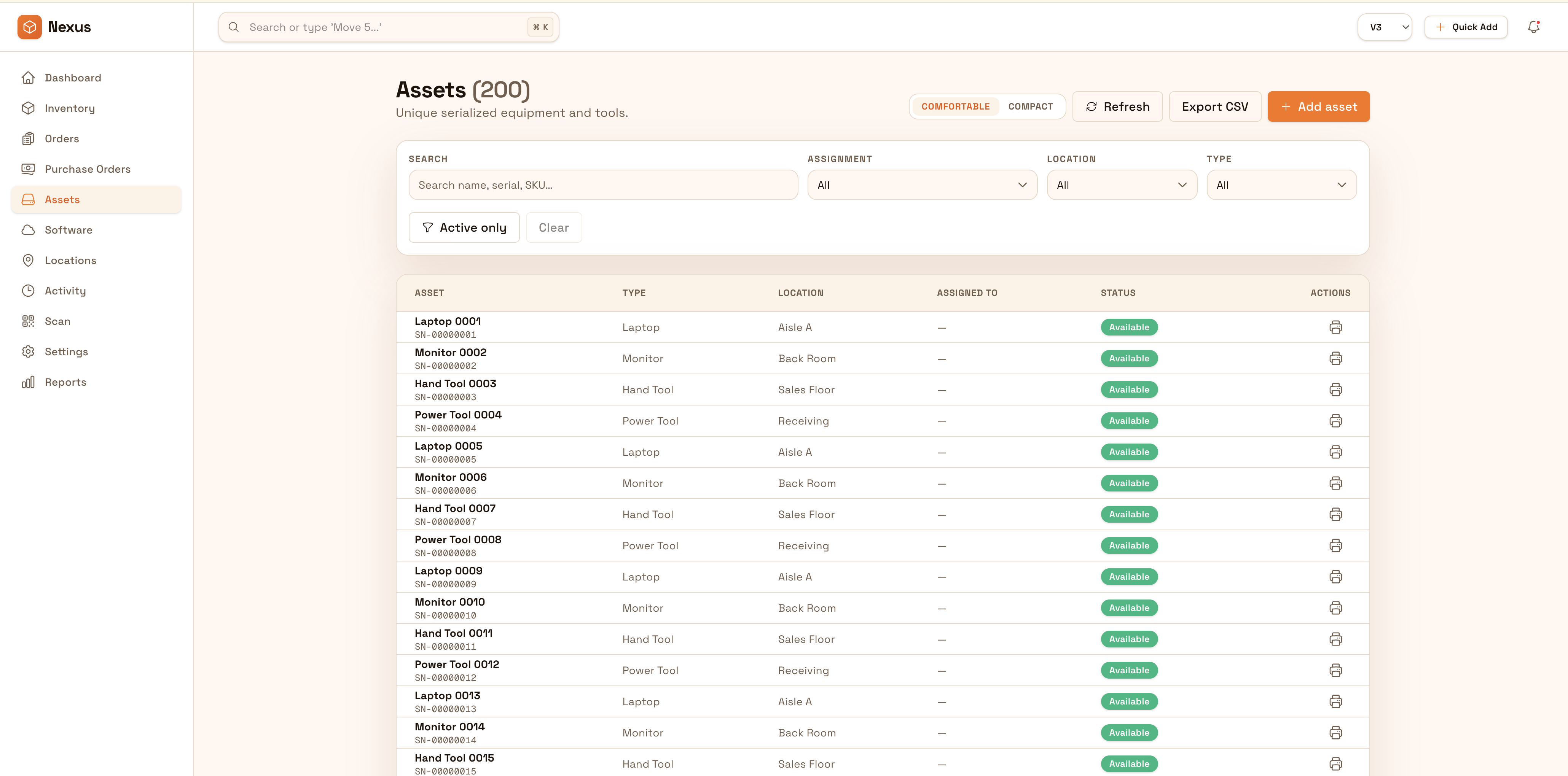
Equipment moves between rooms and teams. Track custody and location history so accountability is clear.
Reviews require defensible evidence. Preserve movement and adjustment history so audits don’t become manual reconstruction exercises.
IO standardizes tracking, controls, and evidence—so teams can operate confidently across sites and stakeholders.
• Supplies by rooms, carts, cabinets, and sites • Distribution events and transfers between locations • Shared equipment custody and lifecycle notes • Exceptions (expired, damaged) with documentation • Exportable reporting for audits and reviews
Create room/cabinet location structure so counts and replenishment remain consistent.
Record movements between supply rooms and points of care to keep stock accurate.
Use cycle counts to keep accuracy high without disruptive full counts.
Export movement history and summaries for audits, inspections, and internal reviews.
Tell us your compliance and operational requirements. We’ll recommend the right rollout.
Use role-based access and approvals where needed, and preserve who/when/why for movements and adjustments so evidence is defensible.
The biggest wins are usually accuracy, speed, and defensible accountability.
Yes—use room/cabinet/cart location structure so distribution is traceable.
Yes—visibility and replenishment routines keep critical supplies available.
Yes—track custody and lifecycle notes so equipment stays accountable.
Yes—exports provide summaries and movement history for reviews.
Start with the main supply areas and the highest-impact point-of-use locations.