
Parts availability drives throughput
Missing parts stall jobs. Keep accurate bin and bay levels so teams can plan work confidently.
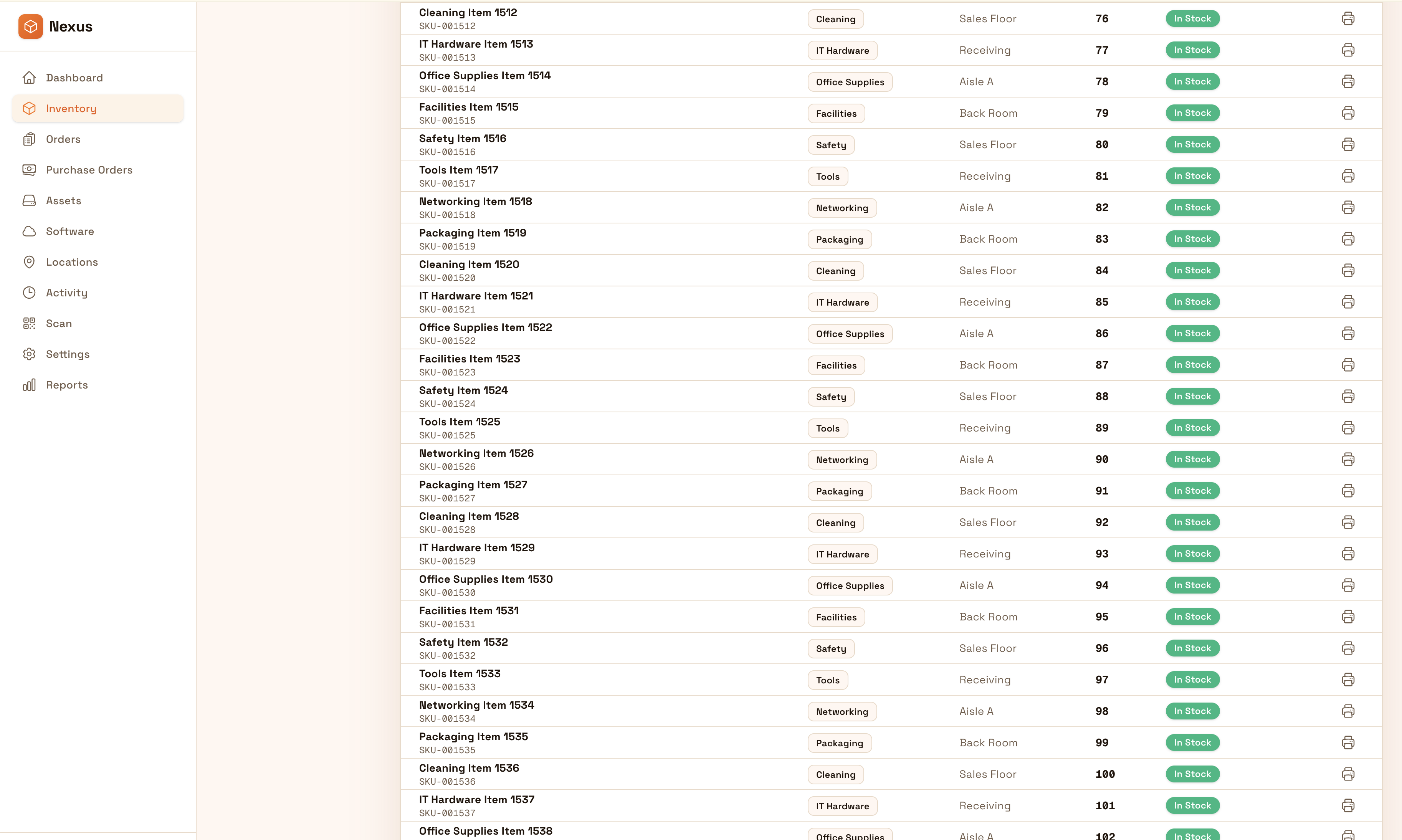
Track parts and tools across bays and locations with controlled adjustments and clean reporting. Keep inventory accurate so teams spend less time searching and more time turning vehicles around.
Keep bays moving: track parts and tools by location with controlled adjustments and clean reporting so teams spend less time searching and more time turning vehicles around.


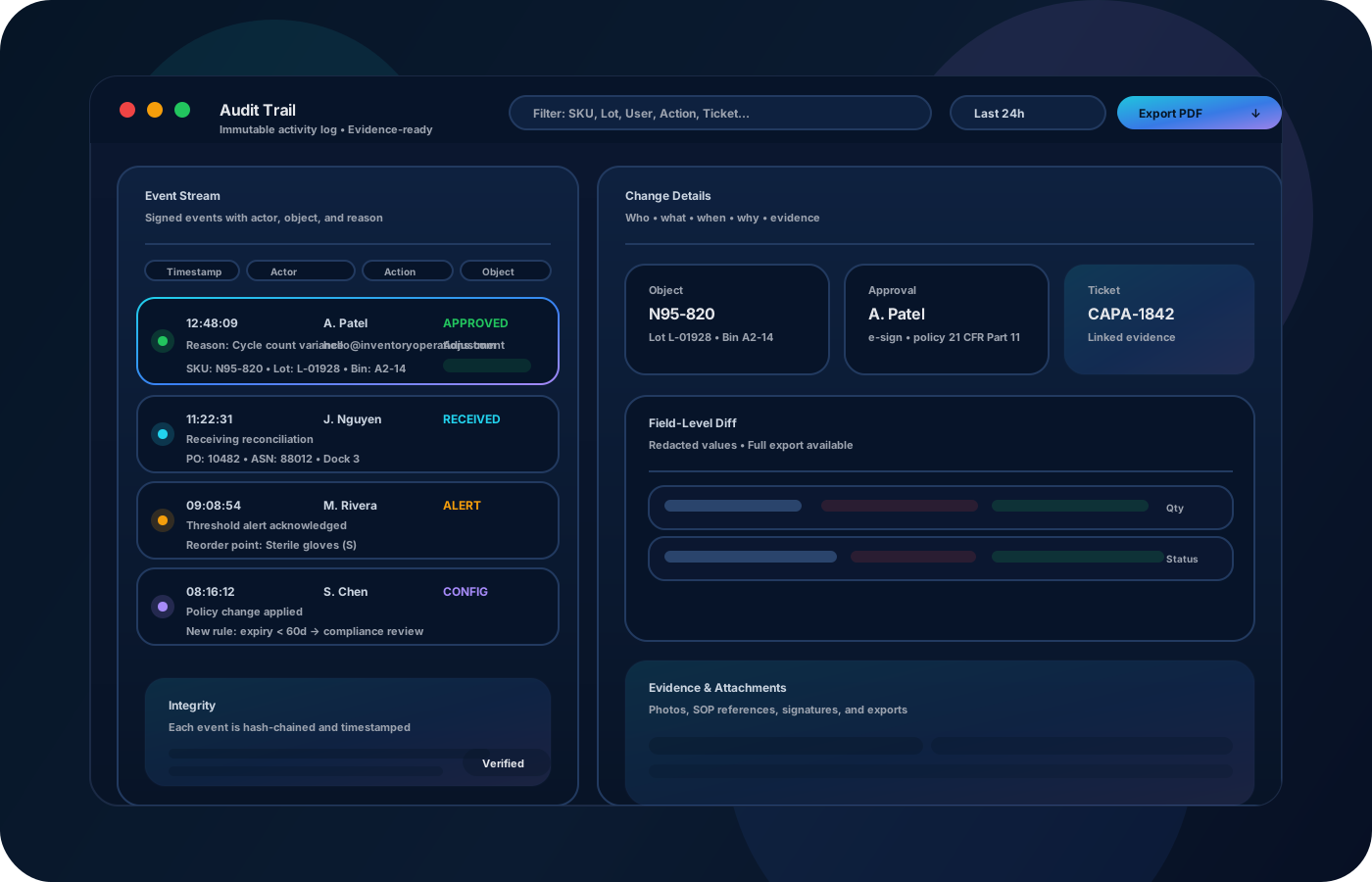
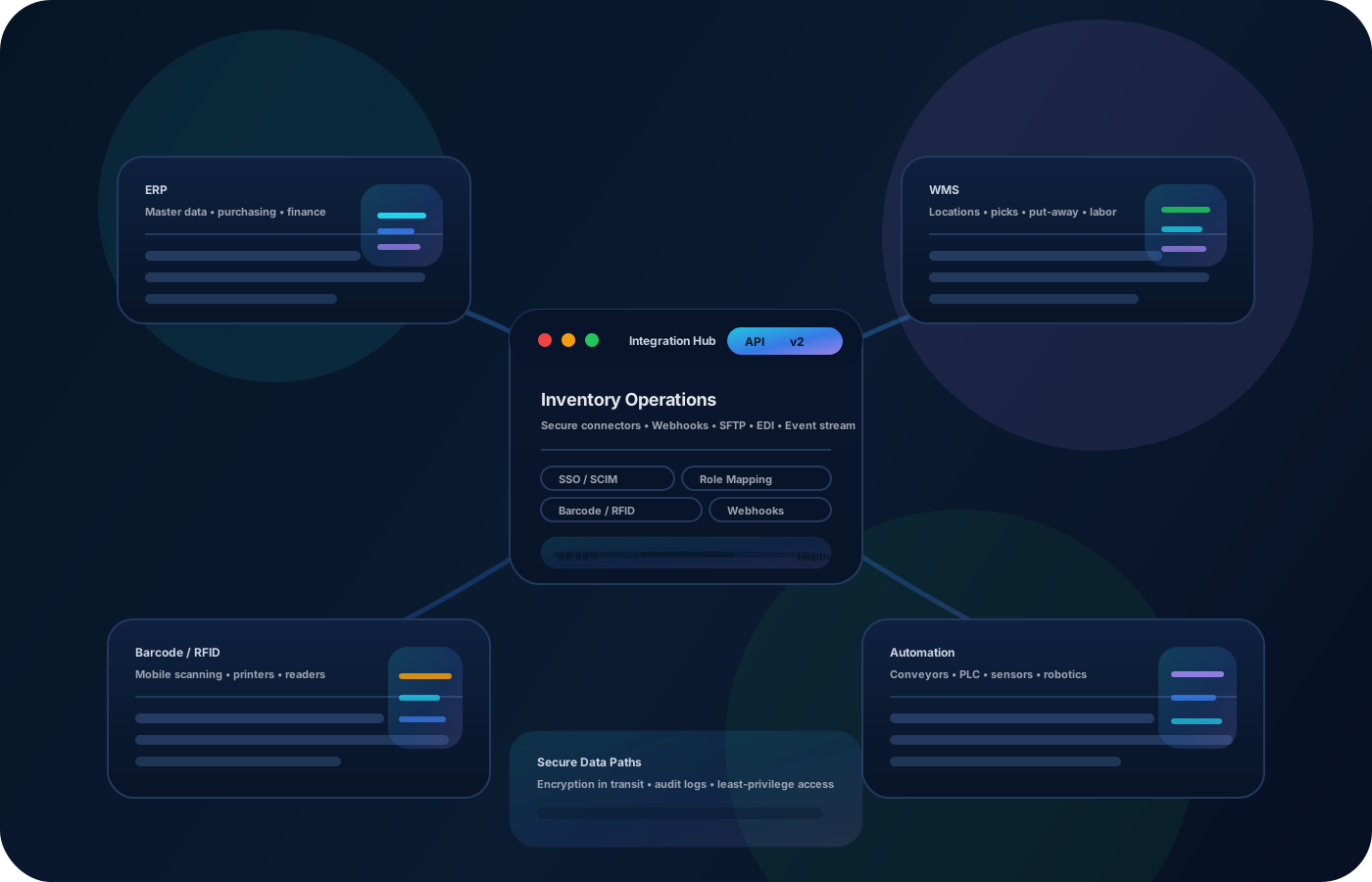
Automotive operations rely on parts availability and clear accountability across bays and locations. Inventory operations reduce downtime by keeping parts accurate, adjustments controlled, and reconciliations fast when variance appears.
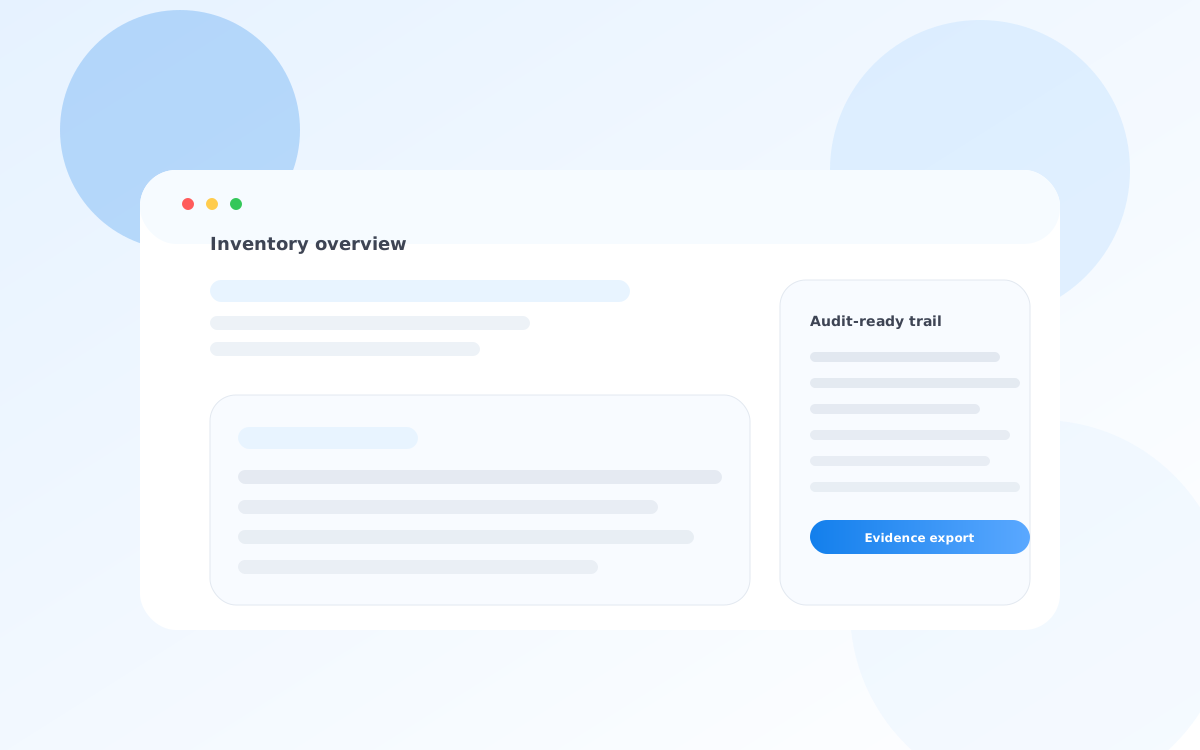
Most teams start here. IO helps you reduce drift, keep accuracy high, and maintain a trail you can trust.
Missing parts stall jobs. Keep accurate bin and bay levels so teams can plan work confidently.
Tools move between bays and technicians. Record custody so accountability is clear and loss drops.
If adjustments aren’t controlled, variance becomes guesswork. Reason codes and approvals make review faster.
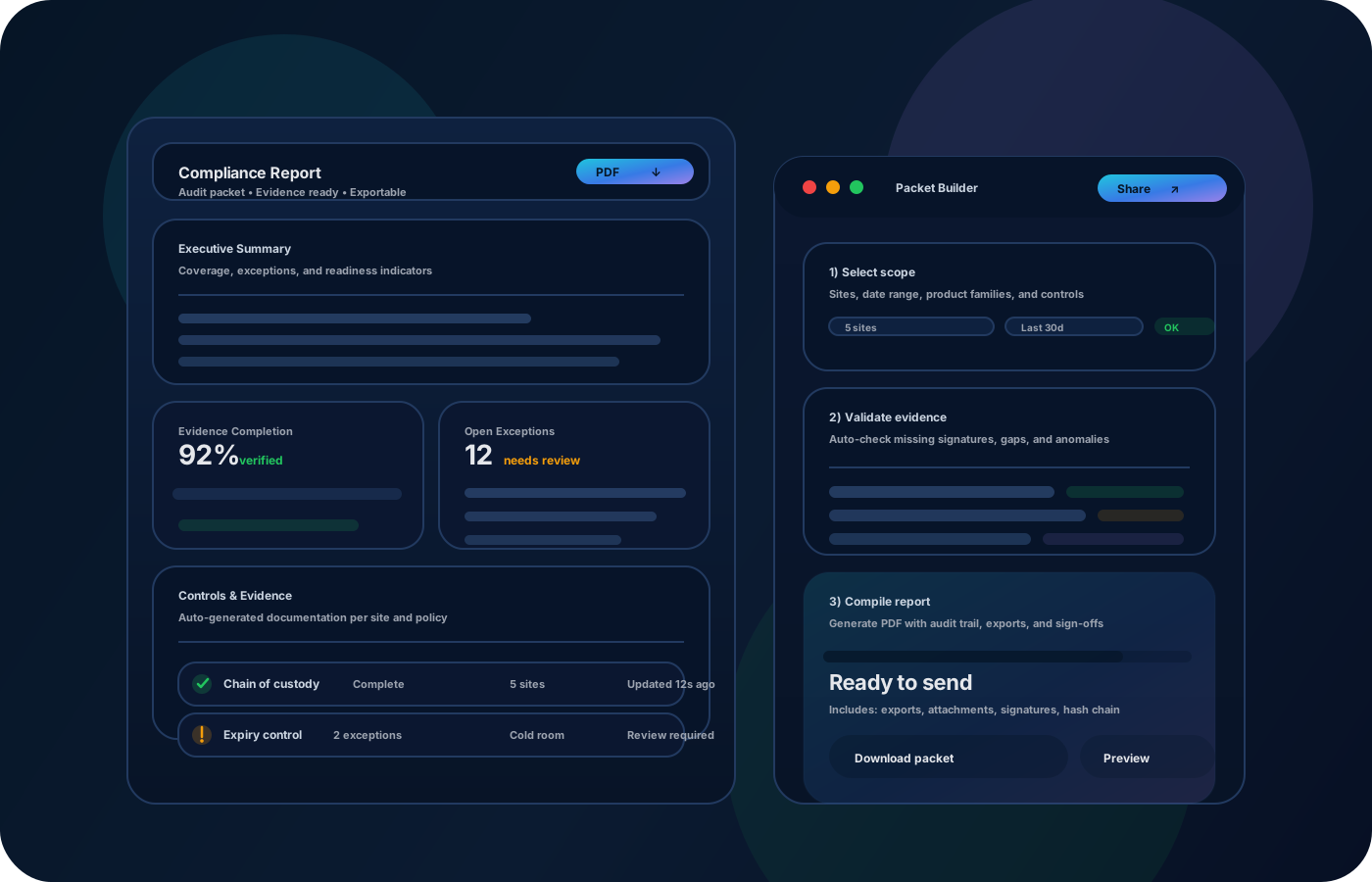
IO standardizes tracking, controls, and evidence—so teams can operate confidently across sites and stakeholders.
• Parts by bin/bay and backroom locations • Transfers between bays and storage • Tool assignments and custody history • Adjustments with reasons and approvals • Exportable variance and usage summaries
Set a clear location map so stock levels are meaningful.
Record receiving and storage locations so availability starts accurate.
Track parts and tools moving to bays so usage and accountability are visible.
Run cycle counts and document adjustments so reconciliation is fast and repeatable.
Tell us your compliance and operational requirements. We’ll recommend the right rollout.
Control adjustments and preserve movement history so teams can explain variance and prevent repeat loss patterns.
The biggest wins are usually accuracy, speed, and defensible accountability.
Yes—model bays and storage as locations so transfers remain traceable.
Yes—better location accuracy reduces searching and prevents stockouts.
Yes—custody and movement history improves accountability and reduces loss.
Yes—exports help with reconciliation, planning, and reviews.
Start with the most-used parts and primary storage/bay locations.