
Inventory drift across locations
When teams receive and move items differently, accuracy diverges fast. Standardize locations and transfers so each move has a destination and a trail.
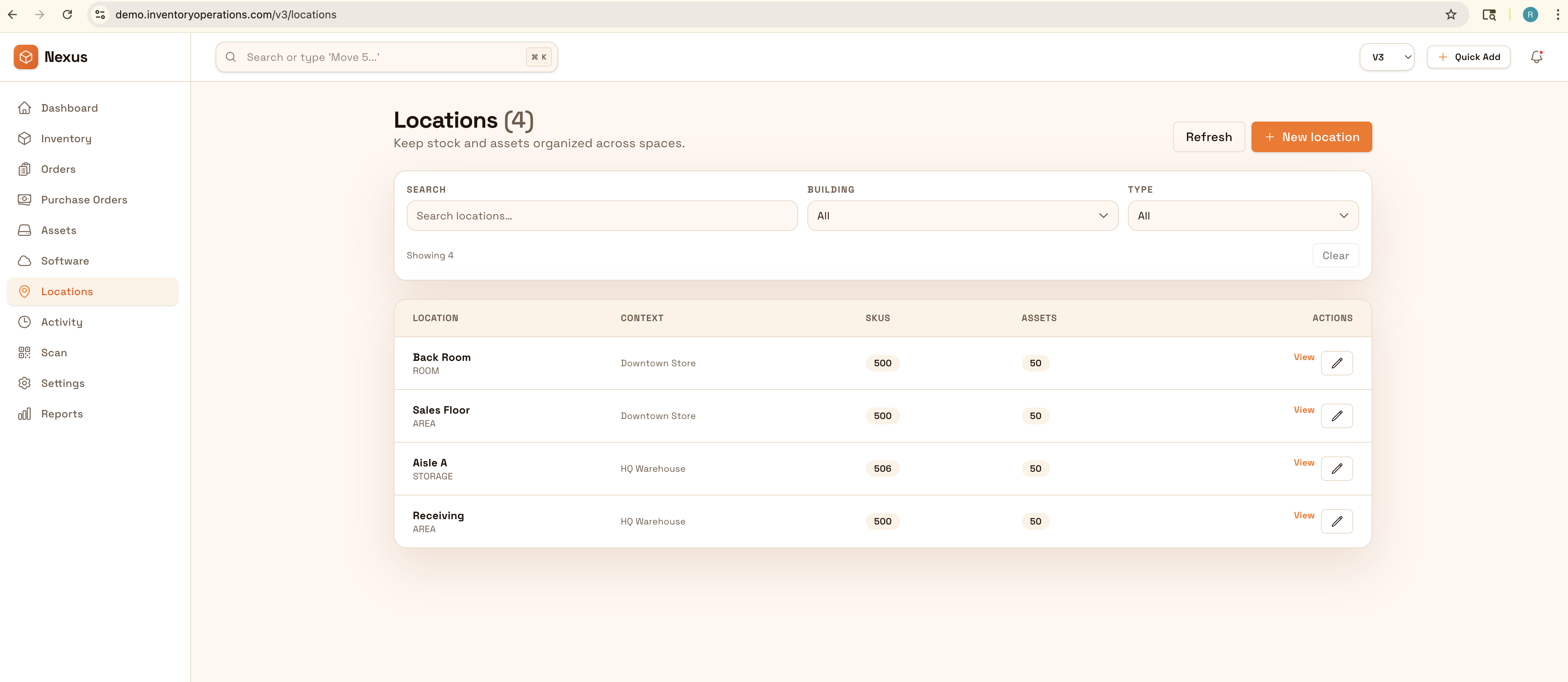
Track items across locations, sites, and teams with movement history you can trust. Standardize receiving, transfers, counts, and adjustments so accuracy stays high and reporting is always export-ready.
Make inventory the system of record: consistent receiving, traceable movement history, repeatable counts, and controlled adjustments—so the numbers stay trusted across sites.


Inventory management breaks down when receiving, locations, and adjustments are handled differently by each team—especially across sites. Strong inventory operations standardize how items are received, moved between bins, counted, and reconciled, so availability stays accurate and purchasing decisions are made on trusted numbers.
Most teams start here. IO helps you reduce drift, keep accuracy high, and maintain a trail you can trust.
When teams receive and move items differently, accuracy diverges fast. Standardize locations and transfers so each move has a destination and a trail.
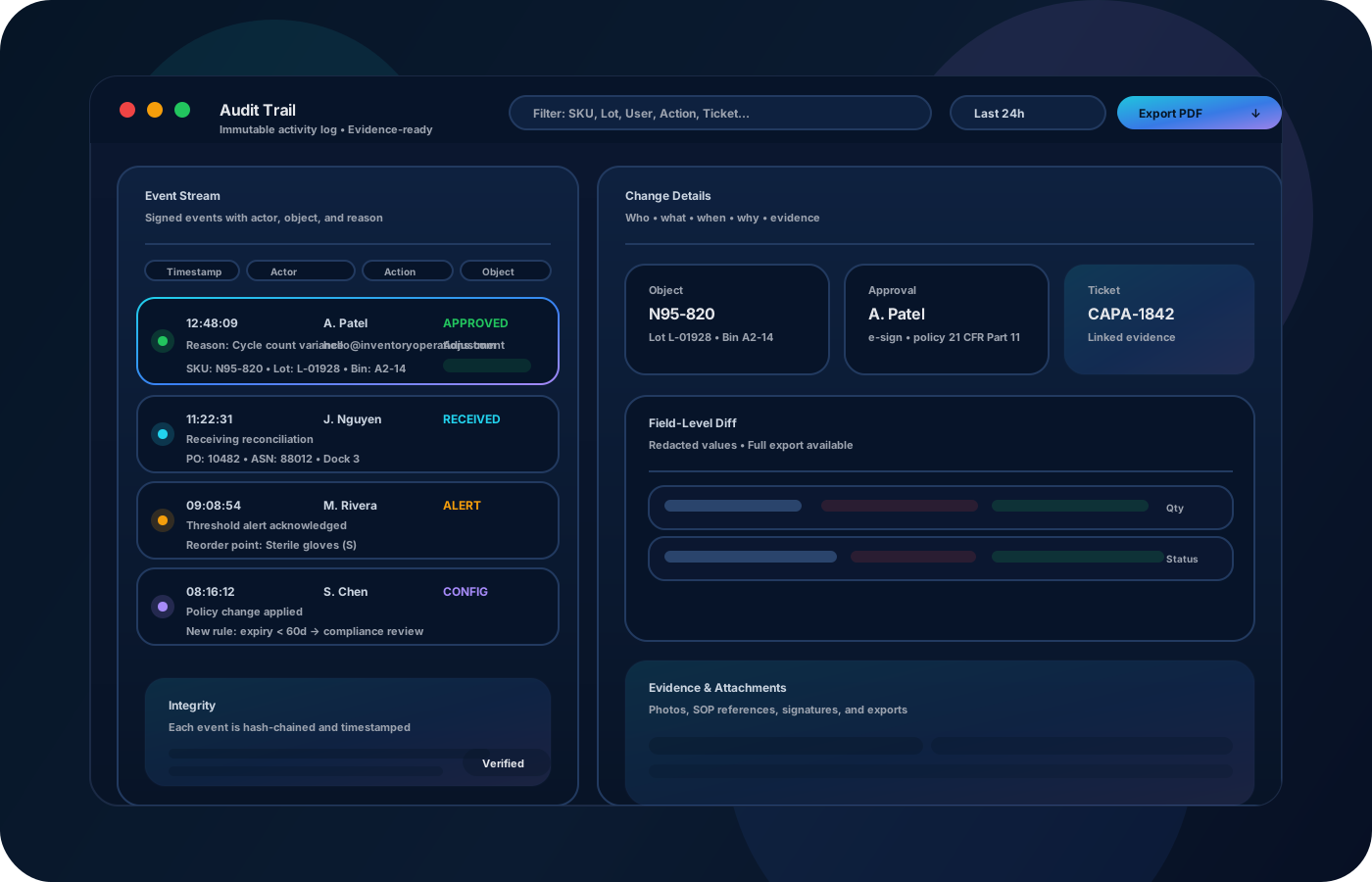
If adjustments are “just fixes,” you lose the why. Capture reason codes and approvals so reconciliations are explainable and repeatable.
Big annual counts create disruption and still miss the root cause. Cycle counting keeps accuracy high with less downtime.
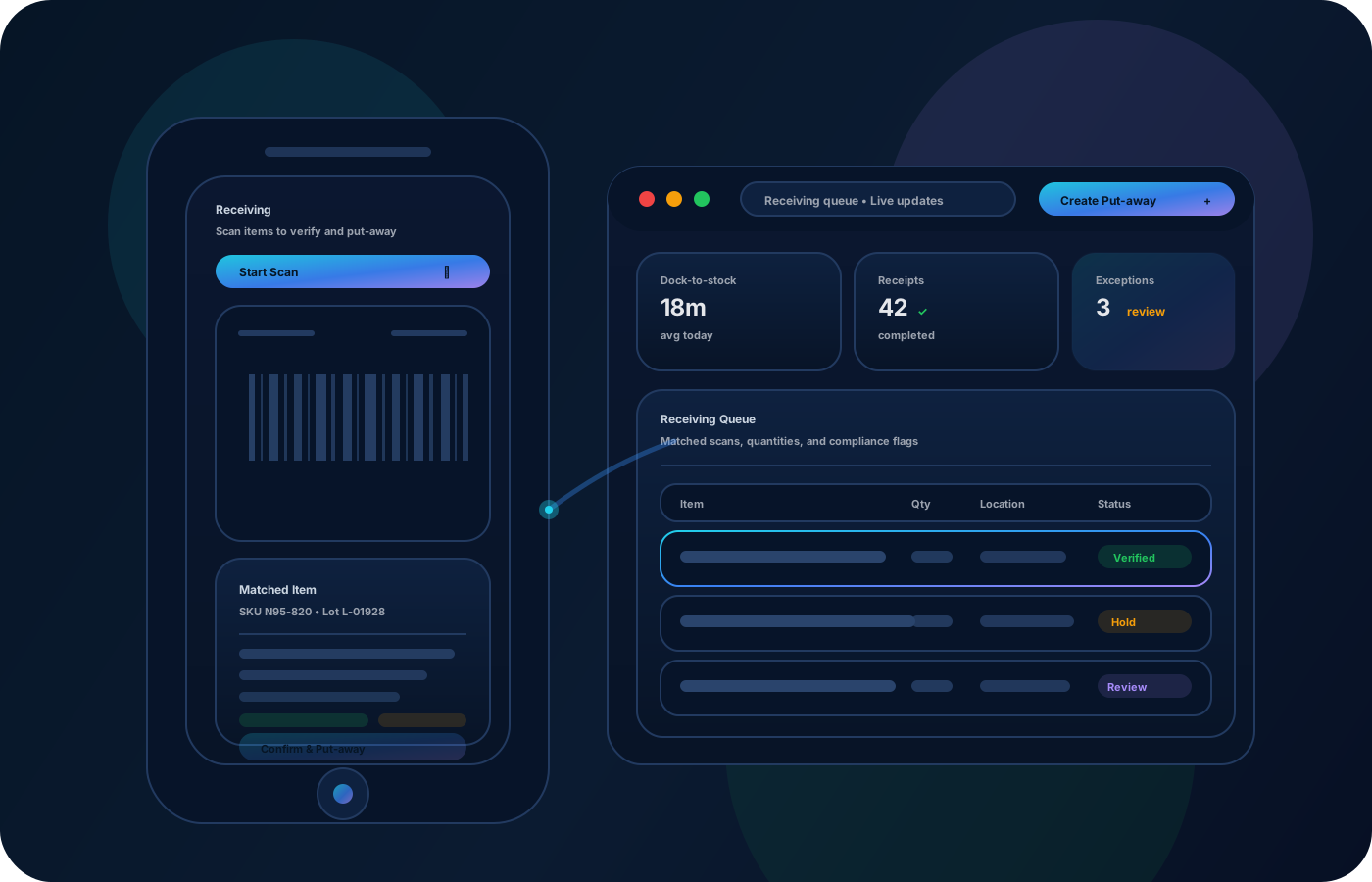
IO keeps locations, movement history, and controls connected—so teams can move faster without losing traceability.
• SKUs and items by site, zone, bin, and owner • Receiving details (PO reference, quantities, exceptions) • Transfers and moves with source/destination and reason • Adjustments with approvals and variance notes • Cycle counts with reconciliation outcomes and exports
Capture what arrived, where it was put, and what exceptions happened—then the rest of the lifecycle stays clean.
Record transfers as source → destination events so every location stays accurate and searchable.
Count high-velocity and high-value areas more often, reconcile quickly, and keep variance from compounding.
Document adjustments and export reports so teams can review, approve, and improve the process—not just the numbers.
Share how you run this process today. We’ll recommend the right setup and rollout.
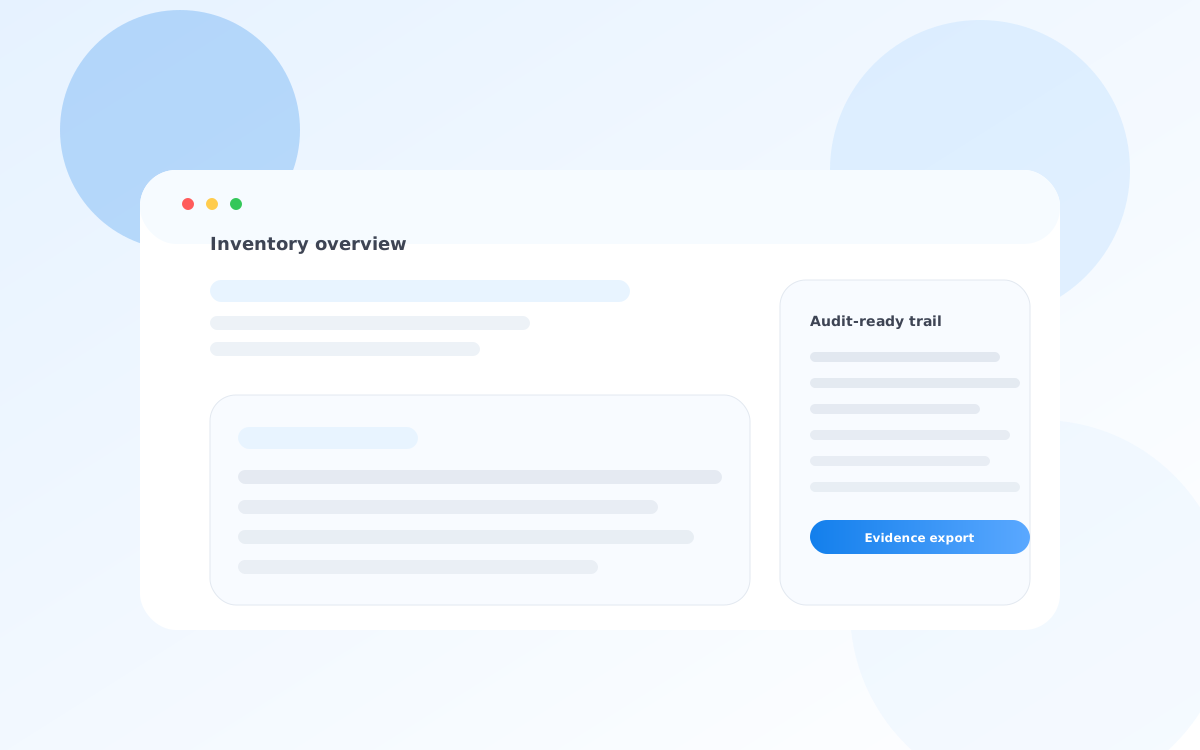
Use roles and approvals for sensitive actions like adjustments and write-offs. Preserve who/what/when/why for every movement so audits and variance reviews have defensible evidence.
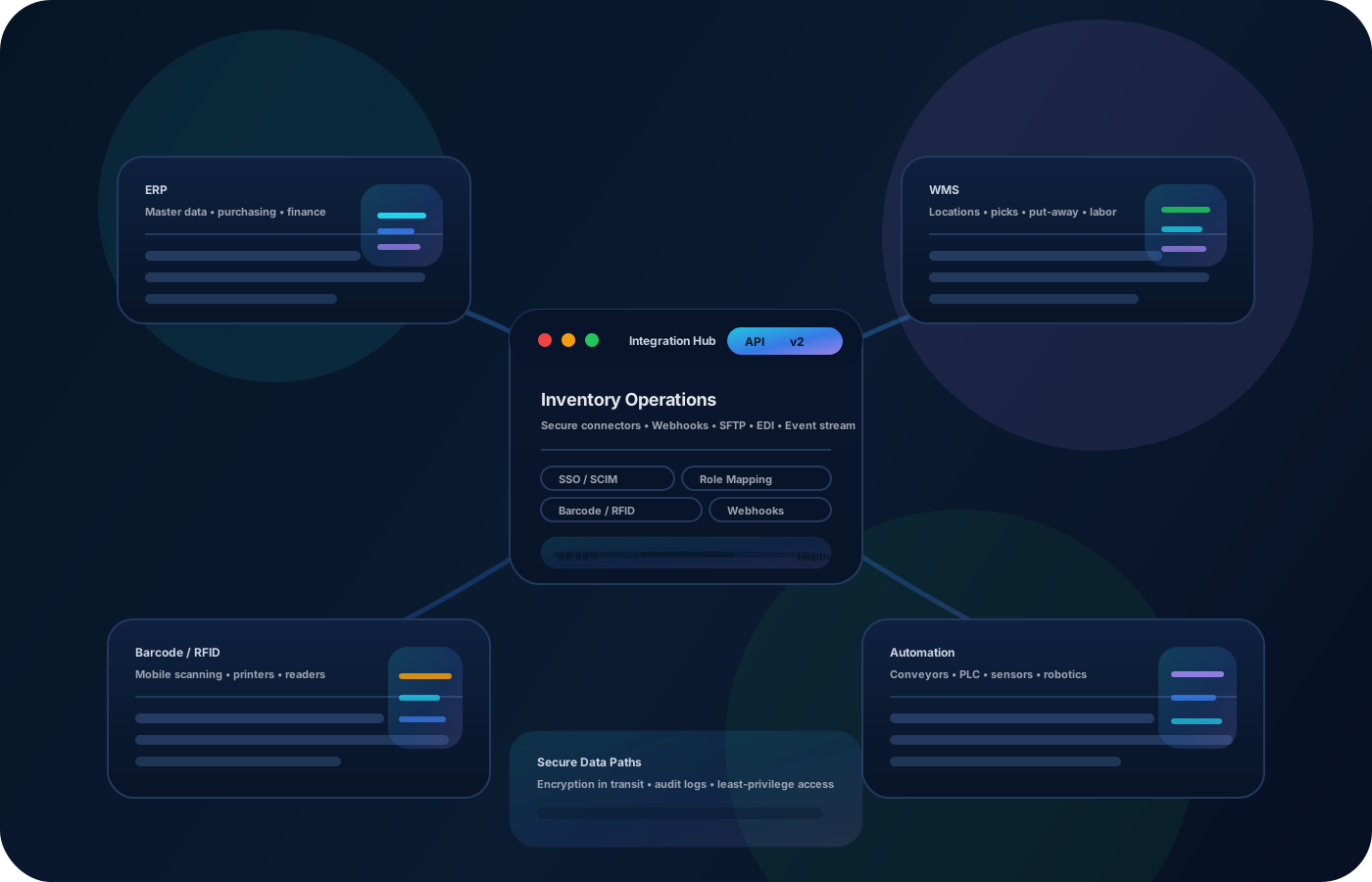
Export clean movement and count reports for stakeholders, or integrate with upstream/downstream systems (ERP/WMS) to keep availability, purchasing, and finance aligned.
Yes—cycle counting is designed to be frequent and lightweight so accuracy improves without shutting down the floor.
Use role-based access, required reason codes, and approvals on sensitive workflows so every change is explainable.
Yes—model sites and sub-locations, then standardize receiving and transfers so reporting stays consistent.
Yes—export lists by location, owner, or site for reconciliation, review, and reporting.
Start with locations + receiving, then add transfers and cycle counts. Once the core is consistent, add approvals and reporting.