
Phantom stock and wrong bin levels
If the system says parts exist but bins are empty, fulfillment and repairs stall. Accurate location structure and repeatable counts fix the root cause.
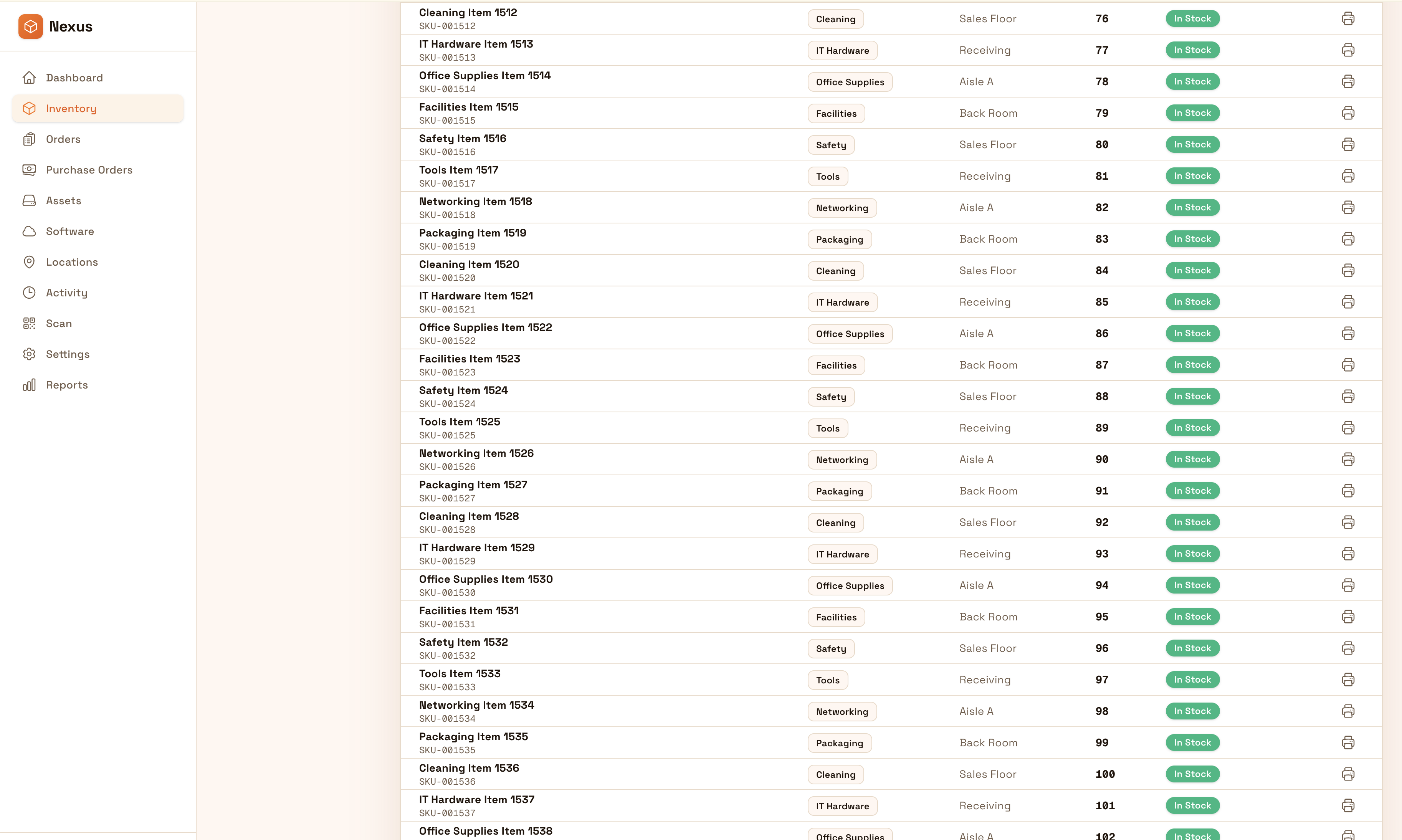
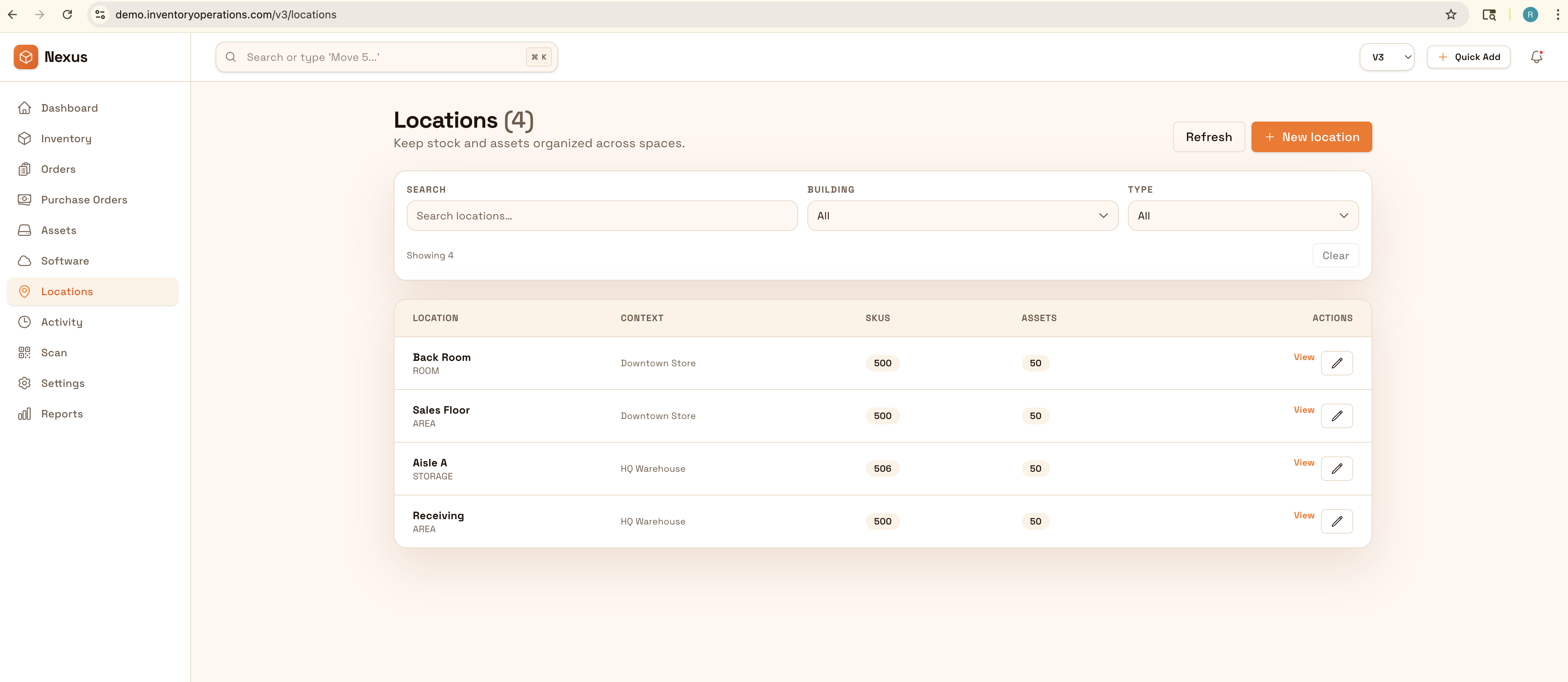
Track parts by bin, bay, vehicle, or job site so teams can keep operations running. Capture usage, transfers, and adjustments with traceable history to reduce downtime caused by “missing” parts.
Keep parts availability reliable: track bins, transfers, usage, and adjustments with traceable history so teams reduce downtime and stop hunting for “phantom stock.”


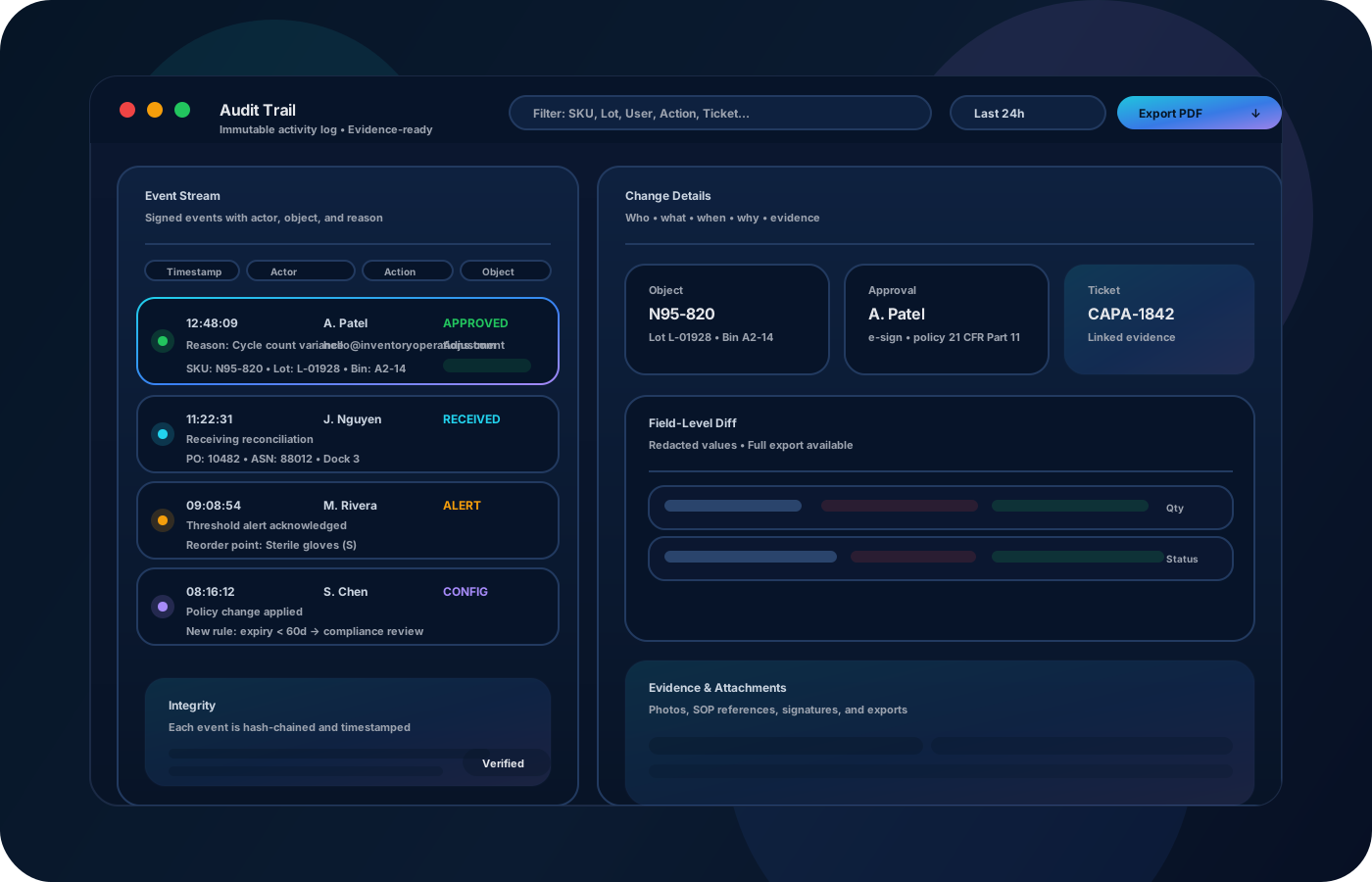
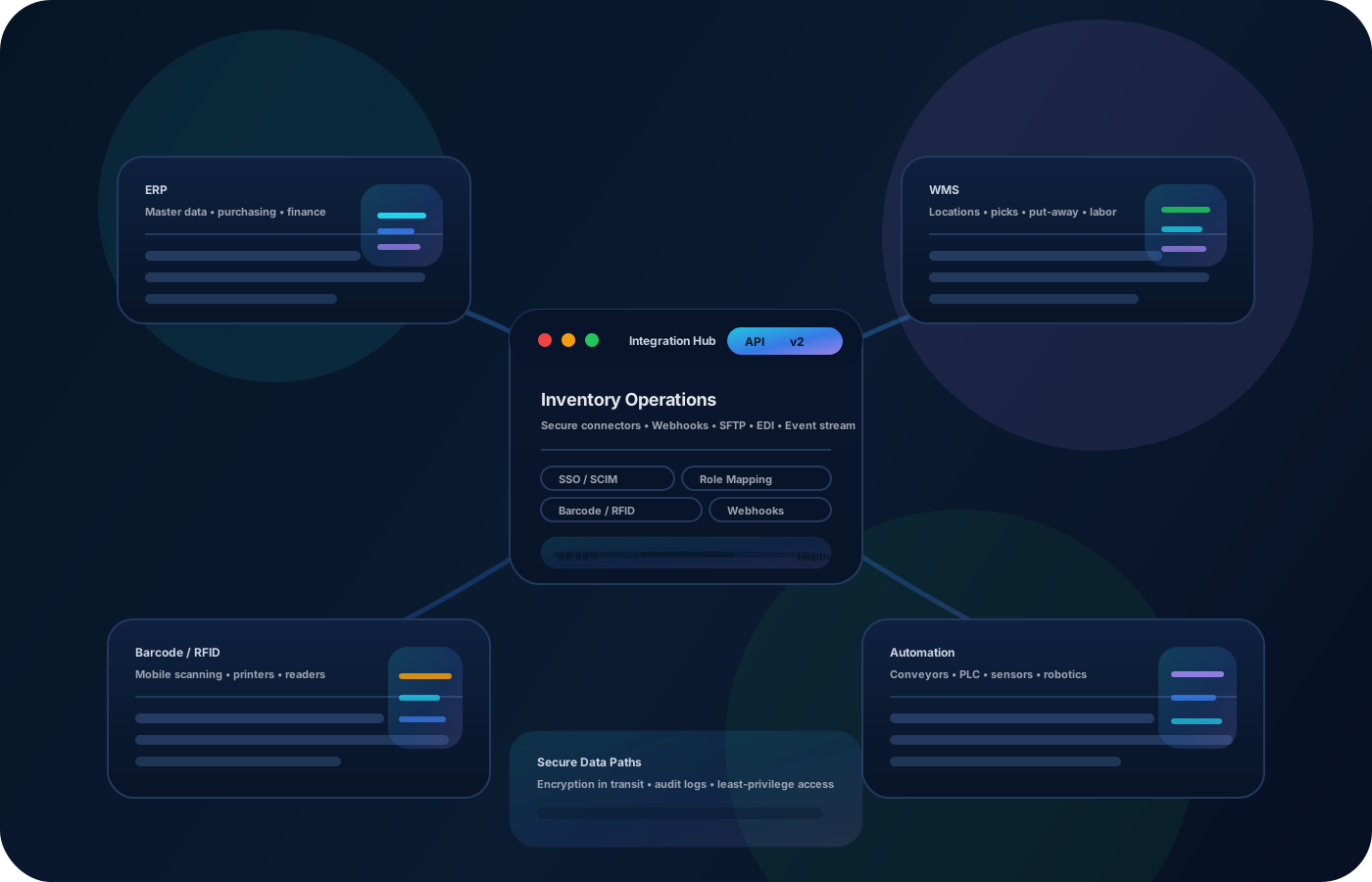
Parts availability drives uptime. Inventory operations keep parts accurate by location, reduce “phantom stock,” and make transfers and adjustments traceable—so techs spend less time hunting and more time keeping operations running, even when multiple teams share the same inventory.
Most teams start here. IO helps you reduce drift, keep accuracy high, and maintain a trail you can trust.
If the system says parts exist but bins are empty, fulfillment and repairs stall. Accurate location structure and repeatable counts fix the root cause.
Parts move between bays, trucks, and sites. Record transfers so stock stays accurate and accountability is clear.
When adjustments happen without context, reconciliation becomes guesswork. Require reasons and approvals for sensitive changes.
IO keeps locations, movement history, and controls connected—so teams can move faster without losing traceability.
• Parts by bin/bay/vehicle/job site • Transfers between locations and teams • Usage events and replenishment signals • Adjustments with reasons and approvals • Cycle counts and reconciliation exports
Define bins and bays so the “where” stays consistent across teams.
Capture what arrived and where it was stored so availability stays trustworthy.
Record parts moving to bays, trucks, and sites with clear destination history.
Run targeted cycle counts and document adjustments so variance is explainable and improvable.
Share how you run this process today. We’ll recommend the right setup and rollout.
Use permissions for who can adjust counts or move critical parts. Preserve the movement trail so you can explain shortages, shrink, and replenishment decisions.
Export bin-level availability and variance summaries for purchasing and planning, or integrate with ERP/MRO systems to keep ordering and maintenance aligned.
Yes—model each bay, vehicle, and site as a location so availability follows the parts.
Use consistent transfers, cycle counts, and controlled adjustments so the system reflects reality.
Yes—record issues/usage events and transfers to make consumption visible for planning.
Not required, but scanning accelerates receiving, transfers, and counts while reducing errors.
Start with your highest-impact parts and most-used locations, then expand the location map over time.