
Items spread across projects and locations
Fixtures and samples move between storage and sites. Organize by project and location so you always know what’s allocated and where it is.
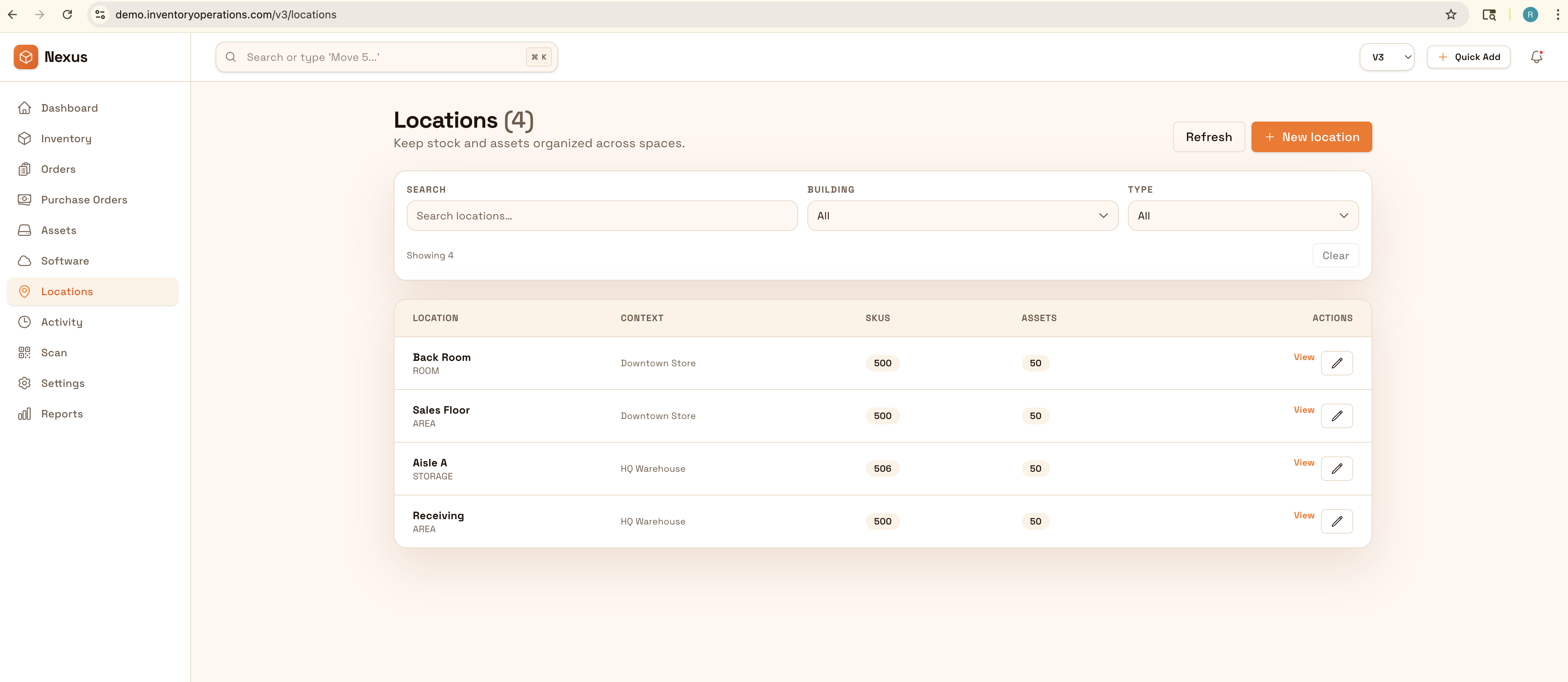
Organize samples, fixtures, and project inventory by client, site, and location to keep installs smooth. Track what’s allocated to each project, what’s in transit, and what’s missing—without last-minute surprises.
Keep projects organized from studio to warehouse to client site: track fixtures, samples, and project inventory by client and location so installs run smoothly.


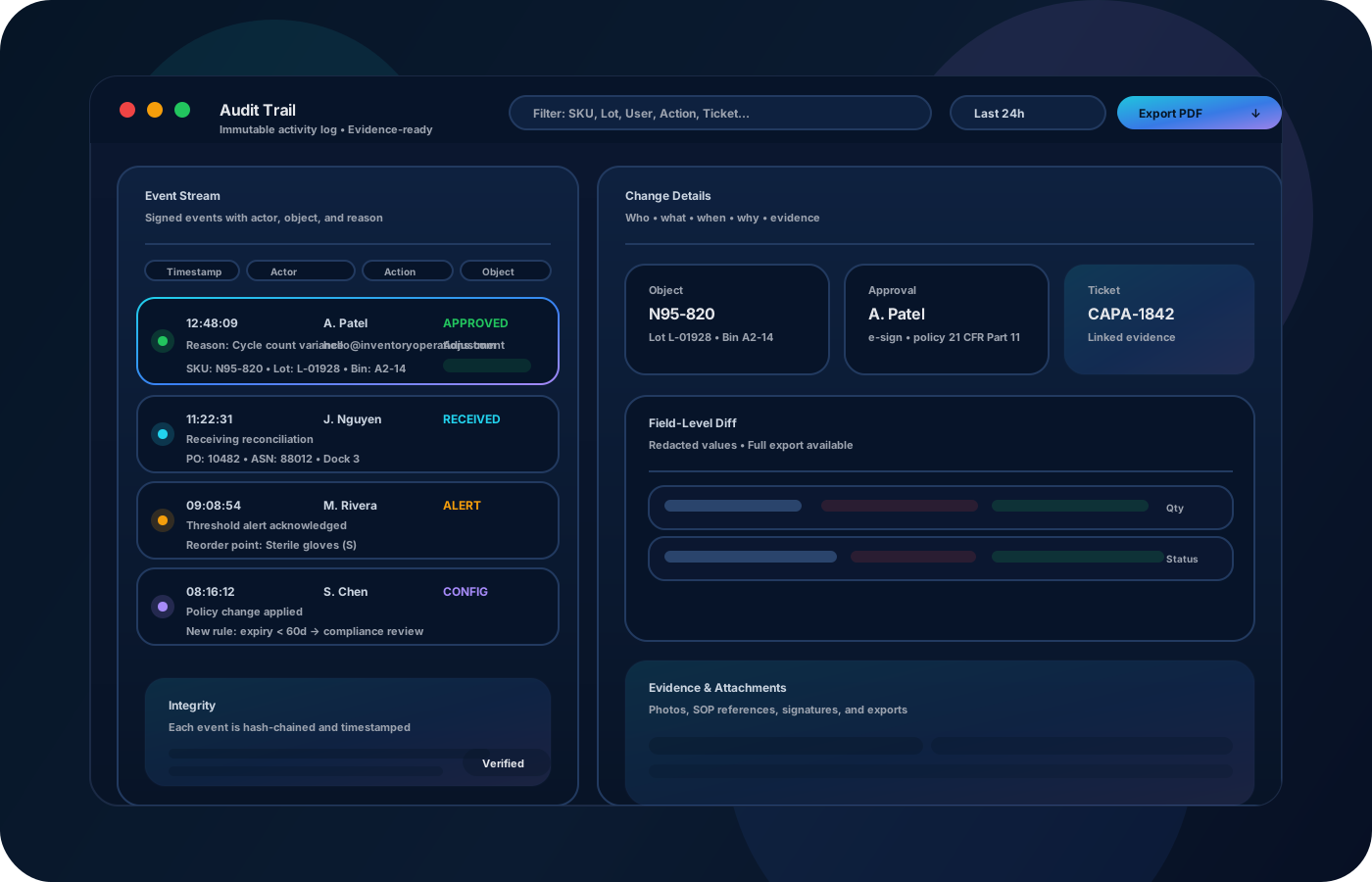
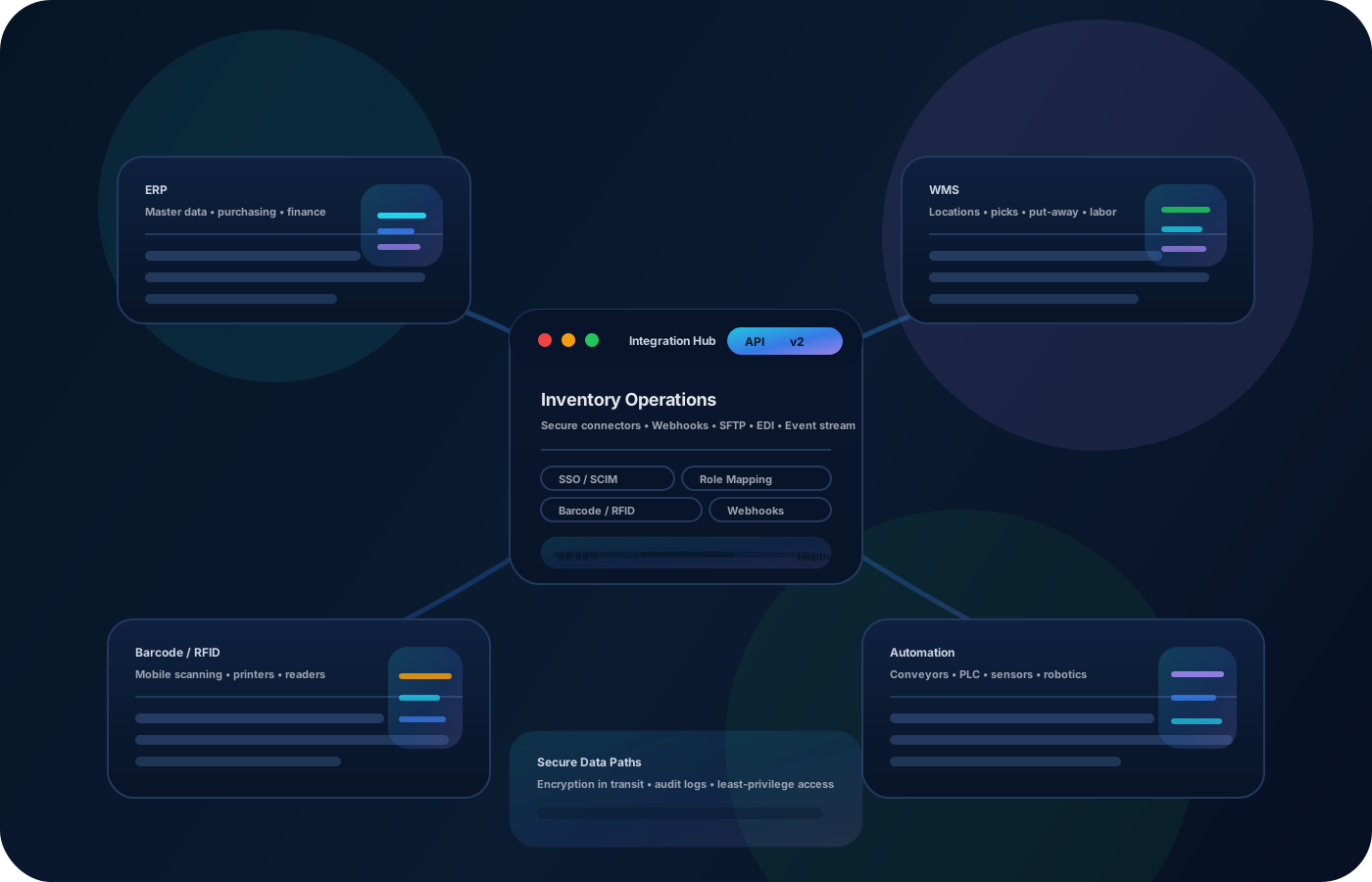
Interior design projects involve unique items, fixtures, and samples that move between studio, warehouse, and client site. Inventory operations keep everything organized by project and location—so installs go smoothly and nothing gets lost in transit.
Most teams start here. IO helps you reduce drift, keep accuracy high, and maintain a trail you can trust.
Fixtures and samples move between storage and sites. Organize by project and location so you always know what’s allocated and where it is.
Missing items show up at the worst time. Transfers and checklists reduce surprises and keep teams prepared.
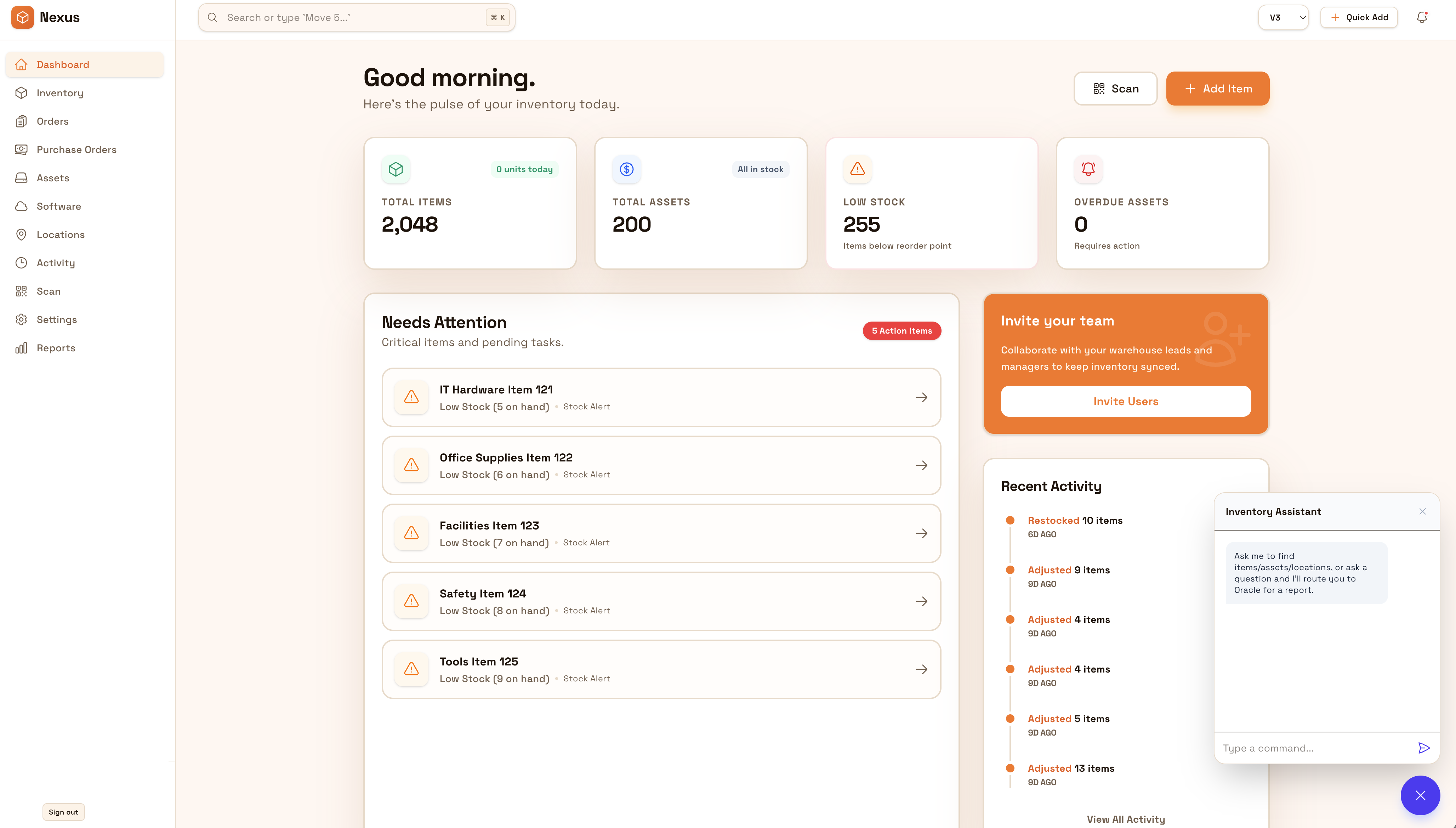
Without clean records, closeout takes longer and repeat projects start from scratch. Exportable lists improve repeatability.
IO standardizes tracking, controls, and evidence—so teams can operate confidently across sites and stakeholders.
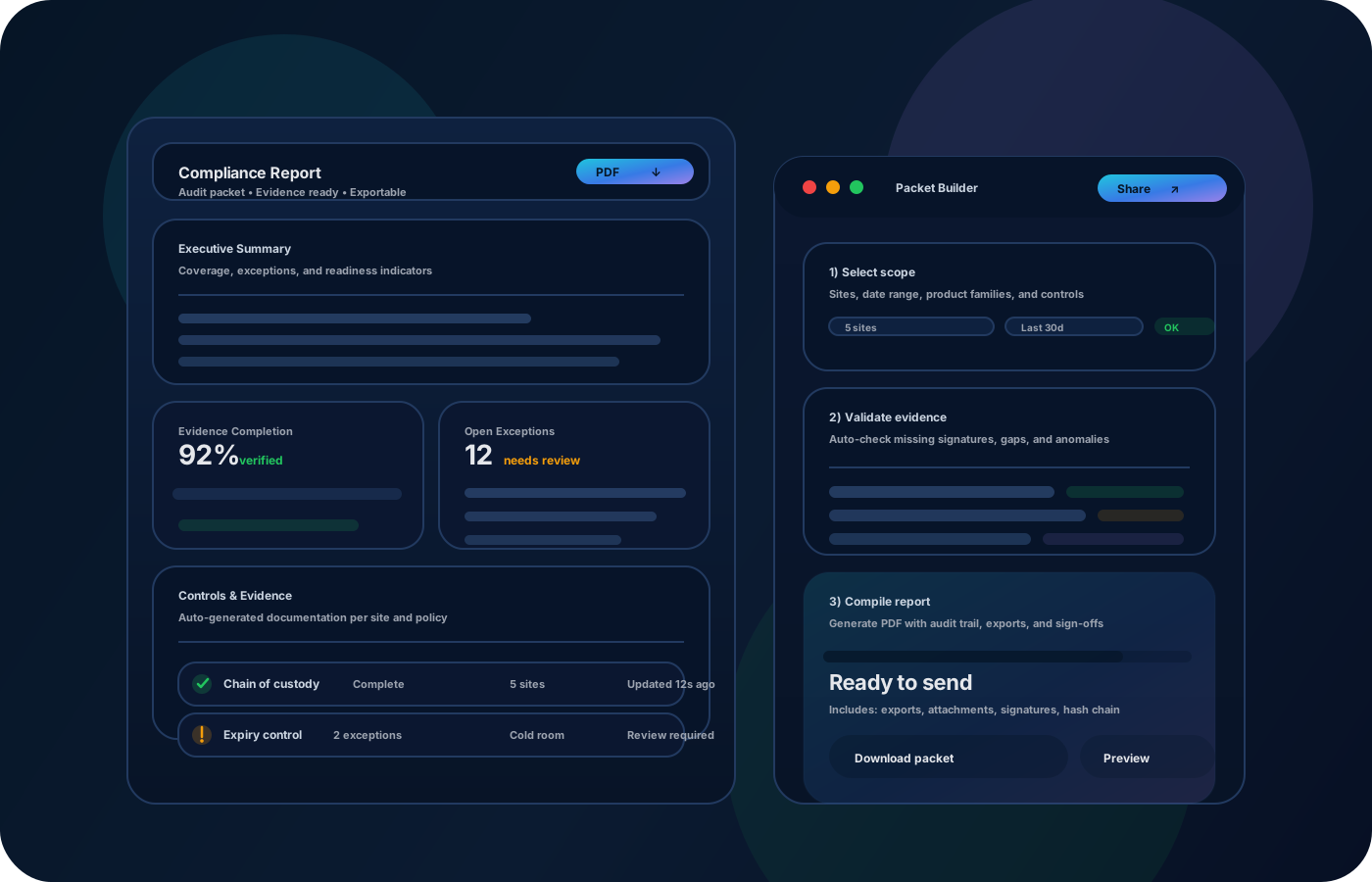
• Project inventory by client and site • Samples, fixtures, and unique items with notes • Transfers (studio ↔ warehouse ↔ client site) • Install kits and checklists • Exportable closeout lists and archives
Tag and group inventory by project so allocation is clear.
Record transfers to client sites so install-day inventory is accurate.
Confirm kits are complete before install to reduce surprises.
Export final lists for client documentation and future reference.
Tell us your compliance and operational requirements. We’ll recommend the right rollout.
Use roles for who can adjust counts or mark items missing. Keep movement history so project closeout is explainable.
The biggest wins are usually accuracy, speed, and defensible accountability.
Yes—organize inventory by project so allocation and movement are clear.
Yes—track kits and verify completeness before install.
Yes—photos and notes help capture details for one-off fixtures and samples.
Yes—exports provide clean documentation for clients and internal archives.
Start with active projects and the highest-value fixtures and samples.